7 En
Functional overview
English
INTRODUCTION
1
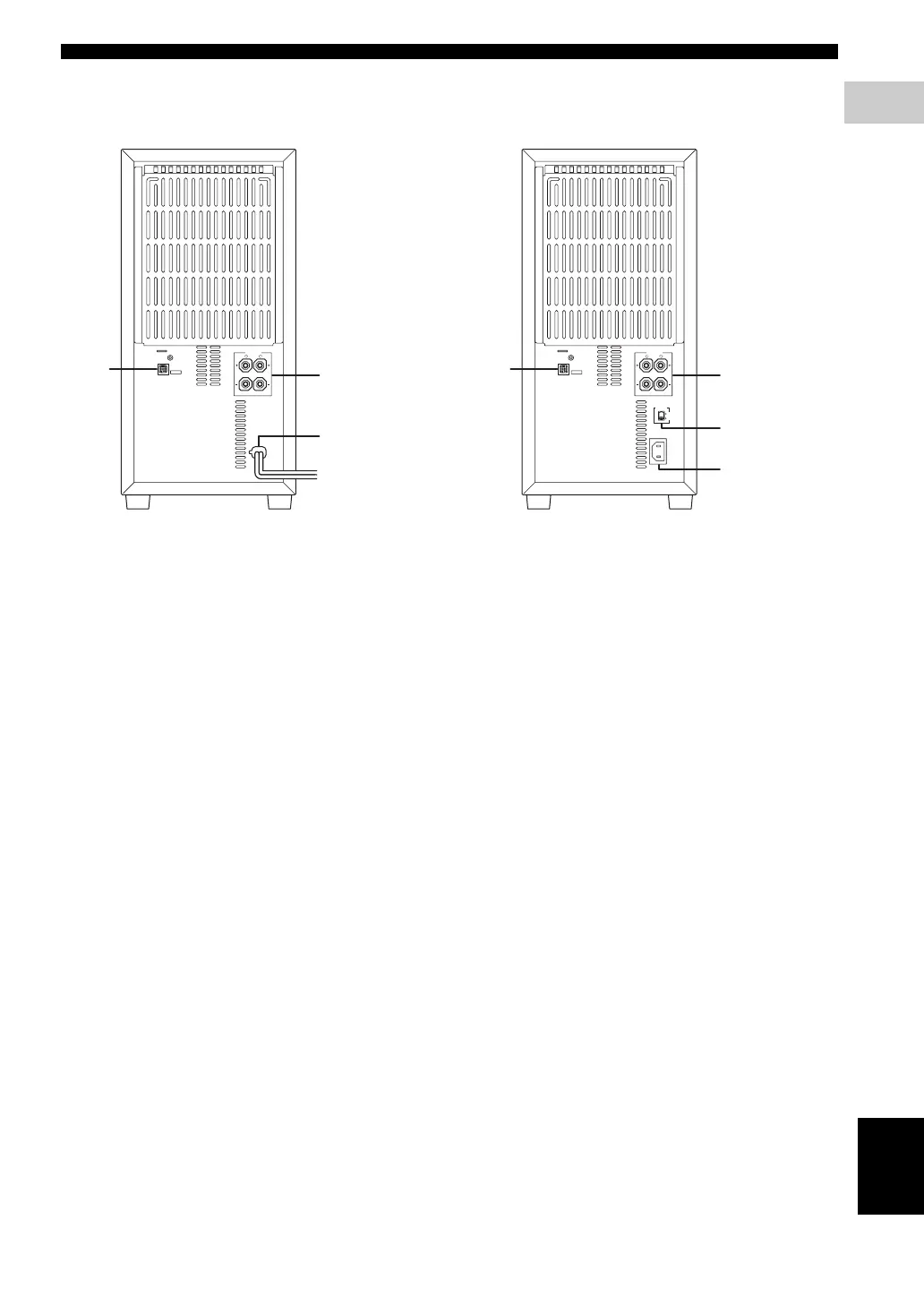
■ Rear panel (NX-SW1000)
1 SYSTEM CONNECTOR terminal
Connect to the DVD receiver.
2 SPEAKER terminals
Connect to the speakers.
3 AC power cord
Connect to a standard AC outlet.
1 SYSTEM CONNECTOR terminal
Connect to the DVD receiver.
2 SPEAKER terminals
Connect to the speakers.
3 VOLTAGE SELECTOR
Select the voltage according to your region.
4 AC inlet
Connect the supplied power cable.
SYSTEM
CONNECTOR
6
Ω
MIN. /SPEAKER
SPEAKERS
MAINS
L
R
1
3
2
SYSTEM
CONNECTOR
6
Ω
MIN. /SPEAKER
SPEAKERS
AC IN
VOLTAGE
SELECTOR
L
R
110V-120V
220V-240V
1
3
4
2
(except Europe and Russia models)(Europe and Russia models)











 To Next Page