– 19 –
APPLICATION RANGE
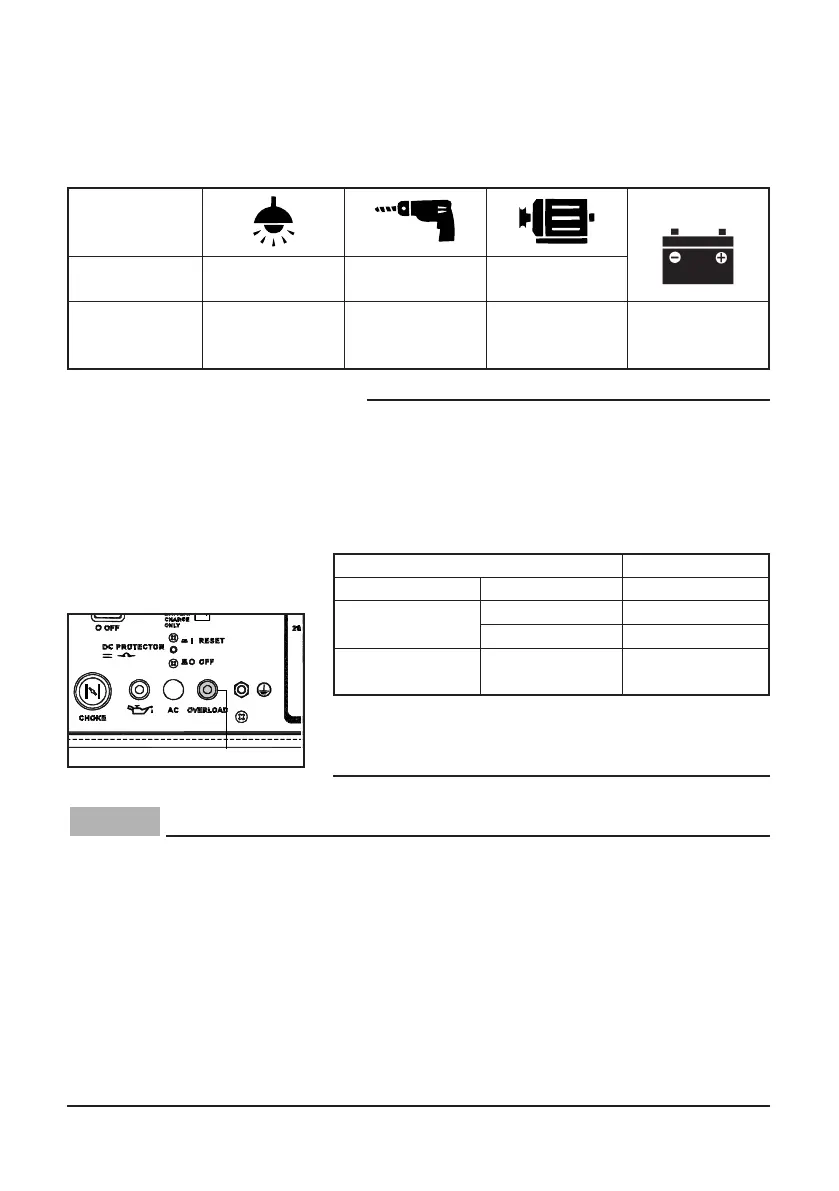
When using the generator, make sure the total load is within rated output of a generator.
Otherwise, generator damage may occur.
9 Do not overload. The total load of all electrical appliances must not exceed the
supply range of the generator. Overloading will damage the generator.
9 When supplying precision equipment, electronic controllers, PCs, electronic
computers, microcomputer-based equipment or battery chargers, keep the
generator a sufficient distance away to prevent electrical interference from the
engine. Also ensure that electrical noise from the engine does not interfere
with any other electrical devices located near the generator.
9 If the generator is to supply medical equipment, advice should first be obtained
from the manufacturer, a medical professional or hospital.
9 Some electrical appliances or general-purpose electric motors have high start-
ing currents, and cannot therefore be used, even if they lie within the supply
ranges given in the above table. Consult the equipment manufacturer for fur-
ther advice.
TIP
9 “–” means below.
9 Application wattage indicates when each device is
used by itself.
9 The simultaneous usage of AC and DC power is
possible but total wattage should not exceed the
rated output.
EX:
9 The overload indicator light comes on when total
wattage exceeds the application range. (See page
21 for more details.)
1 Overload indicator light
DC
AC
Power factor 1 0.8–0.95
0.4–0.75
(Efficiency 0.85)
–2,800 W –2,240 W –950 W
Rated voltage
12 V
Rated current
12 A
Generator rated output 2,800 VA
Frequency Power factor
1.0 –2,650 W
AC
0.8 –2,090 W
144 W
DC —
(12 V/12 A)
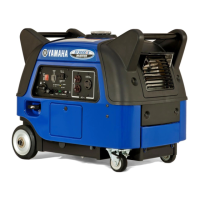
EF3000iS
EF3000iSE
EF3000iSEB
7CH-9-15-a 11.12.6 10:23 AM Page 19


 To Next Page