EasyManua.ls Logo

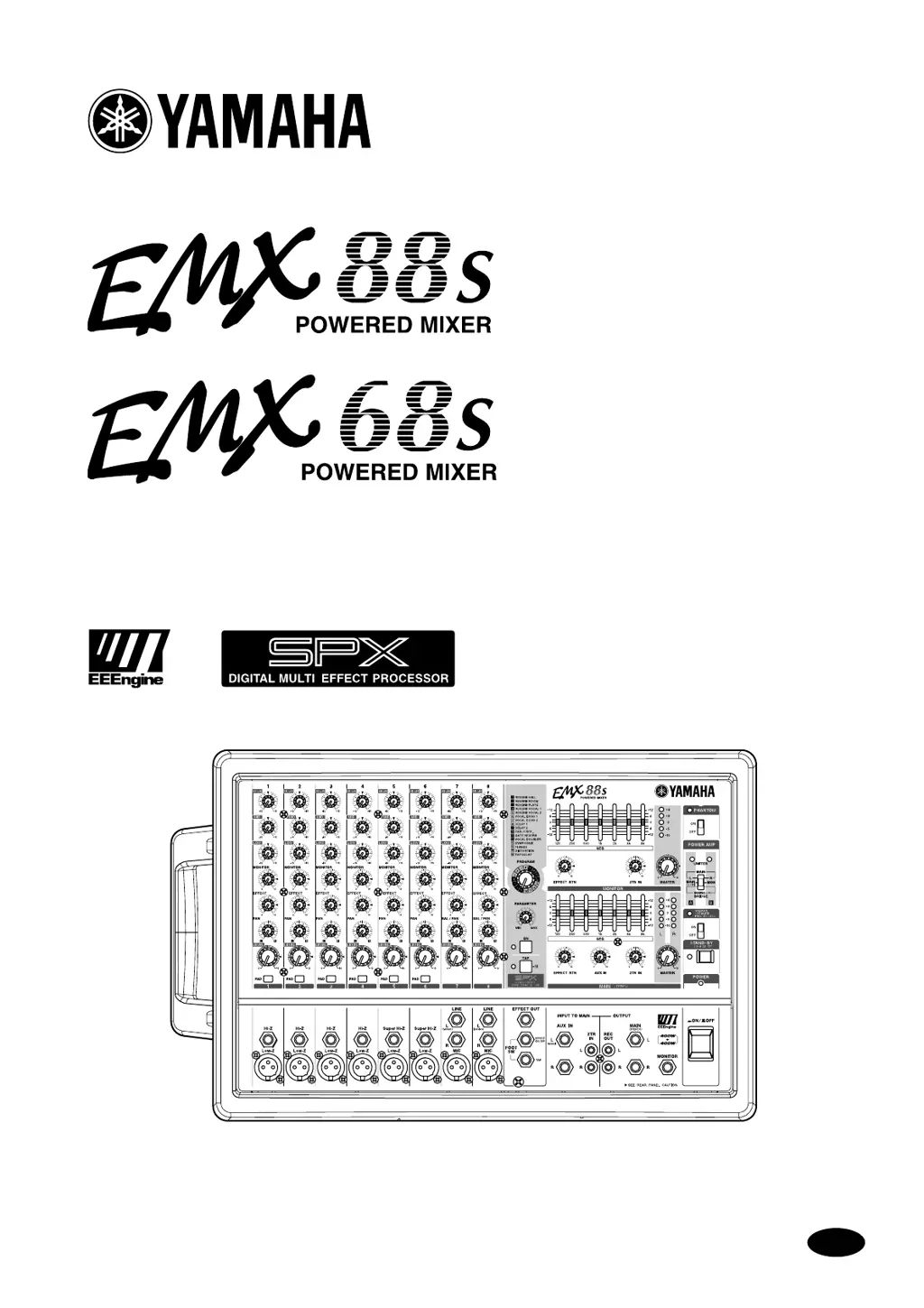
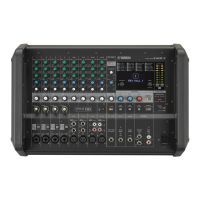
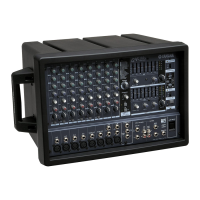
Yamaha EMX68s - User Manual

Yamaha EMX68s
34 pages
Print Icon
To Next Page IconTo Next Page
Loading...
Owner’s Manual
E
Keep This Manual For Future Reference.

Questions and Answers

  • B
    bdennisJul 30, 2025
    Why is no sound coming from the speakers of my Yamaha EMX68s?
    • G
      Gina ParrishJul 30, 2025
      There are several reasons why sound might not be outputting from the speakers. One potential cause is that the amplifier's protection circuit has been activated due to excessive load. This could be due to: * Excessive level settings in the channel control or main section. * Insufficient ventilation around the device. * Insufficient load impedance of the connected speakers. Allow the device to cool down, and it should resume normal operation automatically. To prevent this from recurring: * Lower the level settings to the nominal level, using the peak level indicators of the main section as a reference. * Ensure adequate ventilation. * Verify the load impedance and correct the connections if necessary.

Summary

Block and Level Diagram

FCC Information and Safety Symbols

FCC Compliance and Interference

Details FCC regulations, compliance, and potential interference measures for the product.

Graphical Safety Symbols Guide

Explains the meaning of graphical symbols used on the unit and in the manual for safety.

Precautions and Safety Guidelines

Installation and Operation Warnings

Covers installation and operation safety warnings, including risks of fire and electric shock.

Cautions for Installation, Operation & Maintenance

Details cautions for installation, operation, and maintenance, including ventilation and electrical safety.

Operational Guidelines and Tips

Provides advice on proper usage, cell phone influence, and volume level settings.

Introduction to the EMX88 S;EMX68 S

Product Features Overview

Details the key features of the EMX88S/EMX68S powered mixer, including input channels and power amps.

EMX88 S;EMX68 S Quick Guide

Initial Setup and Connections

Covers connecting speakers, setting amp mode, microphones, players, guitars, and instruments.

Operation and Power Down Procedures

Details sound output adjustment, applying effects, and the safe power-off procedure.

Control Panel Overview

Channel Section Controls

Explains equalizer, monitor, effect, pan, level, and PAD controls for each input channel.

Digital Effect & Main Section Controls

Covers digital effect controls, graphic EQ, effect return, and AUX IN for the main output.

Monitor, Phantom & Power Amp Controls

Details monitor section, phantom power, and power amp modes for speaker output.

Main Power Switch and Indicators

Details the main power on/off switch and indicator light for the EMX88S/EMX68S unit.

Input;Output Panel Details

Channel Input Jacks

Explains channel input jacks (Hi-Z, Low-Z, MIC/LINE, Super Hi-Z) and their specifications.

External Device Input Jacks

Details AUX IN, 2TR IN, and EFFECT OUT jacks for connecting external processors and players.

Output Signal Jacks

Describes REC OUT, MONITOR OUT, and MAIN OUT jacks for outputting mixed signals.

Rear Panel Connections and Installation

Speaker Output Jacks and Modes

Details the SPEAKERS jacks (A, B, BRIDGE) for connecting speakers and amplifier modes.

AC Power and Ventilation

Location of AC power inlet and guidance on proper ventilation for installation.

Speaker and Device Connections

Main Speaker Connections

Explains 2-channel and 2-channel parallel speaker connections, including impedance requirements.

Bridge and Monitor Speaker Connections

Details bridge connection, connecting powered monitor speakers, and cautions.

Example Connection Configurations

Typical Setup Examples

Illustrates typical setups for microphones, instruments, players, and external effects.

Example Setups and Usage Scenarios

Conference PA System Setup

Demonstrates setting up the mixer as a PA system for conferences, including monitor speaker use.

Band PA System Setup

Illustrates using the mixer for a band PA system, including external effects integration.

Using External Effects Processors

Guidance on connecting and integrating external effects units with the mixer.

Optional Rack Mount Installation

Rack Mount Kit Installation Procedure

Step-by-step instructions for installing the optional RK-88 rack mount kit.

Troubleshooting and Q&A

Sound Output and Common Problems

Addresses issues with no sound output from speakers, including possible causes and actions.

Frequently Asked Questions

Answers common questions about built-in effects, monitoring, and input jack usage.

Technical Specifications

General Specifications

Lists general specifications including output power, frequency response, THD, and hum/noise levels.

Input Specifications

Details input impedance, sensitivity, nominal level, and connector types for various inputs.

Output Specifications

Lists output levels, impedance, and connector types for all output jacks.

Dimensions and Weight

Provides physical dimensions and weight specifications for the EMX88S/EMX68S mixer.

Yamaha EMX68s Specifications

General IconGeneral
BrandYamaha
ModelEMX68s
CategoryMusic Mixer
LanguageEnglish

Related product manuals