EasyManua.ls Logo

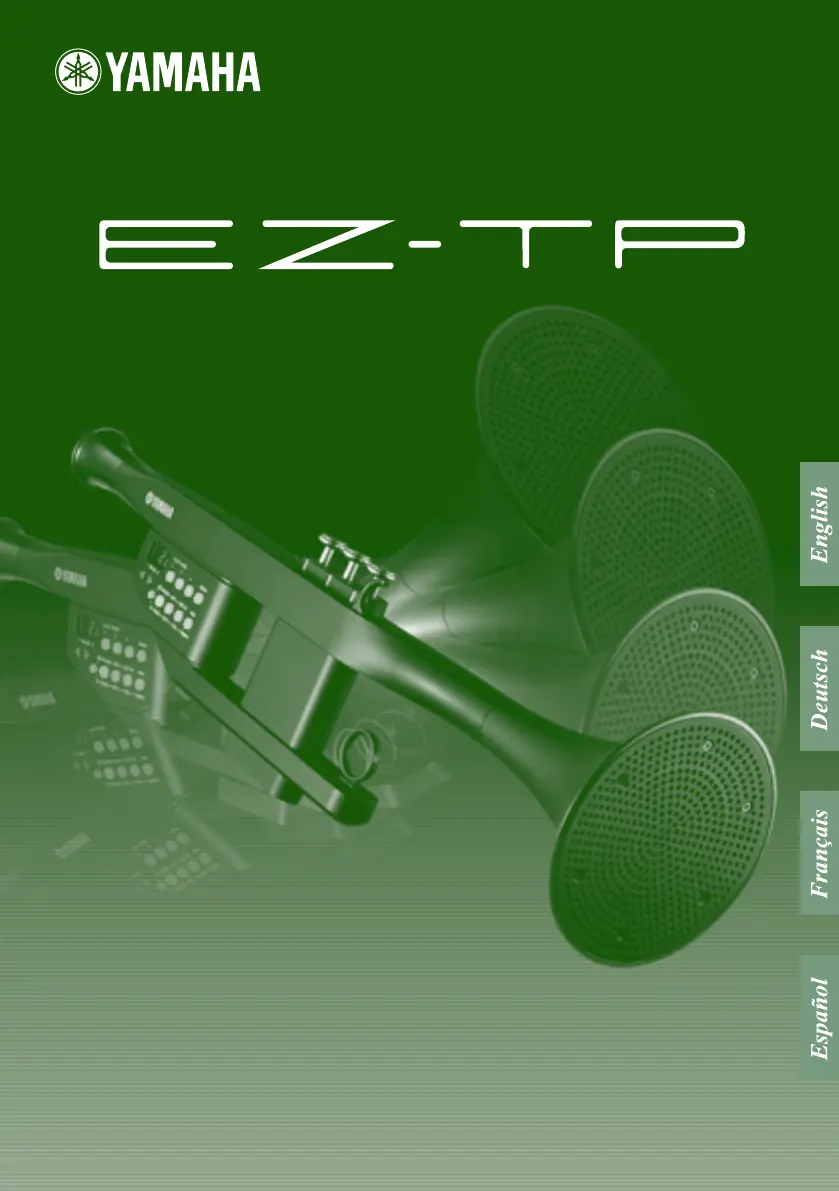
Yamaha EZ-TP - User Manual

Yamaha EZ-TP
44 pages
Print Icon
To Next Page IconTo Next Page
Loading...
Owner’s Manual
Bedienungsanleitung
Mode d’emploi
Manual de instrucciones
Owner’s Manual
Bedienungsanleitung
Mode d’emploi
Manual de instrucciones

Other manuals for Yamaha EZ-TP

Questions and Answers

  • L
    lisacoleJul 25, 2025
    How to troubleshoot no sound on Yamaha EZ-TP Musical Instrument?
    • J
      Jacob HowardJul 26, 2025
      If you're experiencing no sound with your Yamaha Musical Instrument, several factors could be the cause. First, check if a pair of headphones or a cable is plugged into the PHONES/OUTPUT jack. Also, ensure the overall volume is at an appropriate level. Another thing to verify is whether the Local Control parameter is set to “off” or “EZC”; it should be turned “on”. Finally, check if the batteries are depleted.
  • A
    Allison LandryJul 30, 2025
    What to do if Yamaha Musical Instrument has distorted sound?
    • J
      John PowersJul 30, 2025
      If the sound from your Yamaha Musical Instrument is distorted, especially when playing downloaded songs, the overall volume might be too high. Try lowering the volume a little to see if that resolves the distortion.
  • S
    Shelly HamiltonAug 3, 2025
    Why Yamaha Musical Instrument EZ-TP doesn’t respond properly to notes I’m singing?
    • H
      hopkinsmonicaAug 3, 2025
      If your Yamaha Musical Instrument's EZ-TP isn’t responding properly to your singing, consider these points: * Ensure the mouthpiece is correctly in contact with your lips, preventing any gaps or leakage. * Experiment with different vowels or percussive sounds like “ta,” as the EZ-TP responds differently to each. * Try adjusting the MIC VOL control.
  • W
    wpalmerAug 8, 2025
    How to eliminate noise or hum produced by Yamaha EZ-TP?
    • R
      Rachel BellAug 8, 2025
      If you're experiencing noise or hum with your Yamaha Musical Instrument, a nearby cell phone might be the cause. Try turning off any cell phones in close proximity or moving them further away from the instrument.
  • J
    Jared Bailey PhDAug 11, 2025
    What to do if Yamaha EZ-TP Musical Instrument produces sound even when I’m not singing into the mouthpiece?
    • K
      Katie SanchezAug 11, 2025
      If your Yamaha Musical Instrument produces sound even when you're not singing into the mouthpiece, it might be reacting to other sounds or noise. Try decreasing the microphone volume control a bit.
  • J
    Joshua EatonAug 16, 2025
    How to fix Yamaha EZ-TP when the desired pitch is not produced?
    • K
      Katherine HuntAug 16, 2025
      If your Yamaha Musical Instrument isn't producing the desired pitch, make sure you've adjusted the instrument’s voice octave setting to match your voice.
  • K
    Kenneth PowellAug 20, 2025
    What to do if data cannot be loaded from a computer to Yamaha Musical Instrument?
    • C
      christopheraustinAug 20, 2025
      If you're unable to load data from a computer to your Yamaha Musical Instrument using the Song Filer application, ensure the AC adapter is properly connected to the instrument during the data loading process.

Summary

Precautions

Warnings

Follow basic precautions to avoid serious injury or death from electrical shock, fire, or hazards.

Cautions

Follow basic precautions to avoid physical injury or damage to the instrument or property.

Setting Up

Power Requirements

Details on using the AC power adaptor and batteries for instrument power.

Controls & Features

Instrument Controls Overview

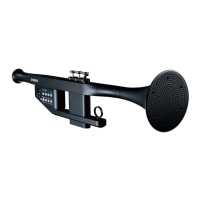
Description of the EZ-TP's physical buttons, display, mouthpiece, valves, and hooks.

Playing the EZ-TP

Play by Singing

Instructions on how to turn on the power, sing notes, and adjust volume for playing.

Fingering Chart

Provides valve combinations for producing specific notes on the EZ-TP.

Setting Voice Matching

Adjusts the EZ-TP's pitch sensitivity to match male or female vocal ranges.

Microphone Volume Adjustment

Explains how to adjust the MIC VOL control for optimum microphone sensitivity.

Selecting Different Sounds

Details how to choose from 22 available instrument sounds.

Changing Instrument Pitch

Allows adjustment of the EZ-TP's base pitch (key) to B♭, C, E♭, F, Fr1, or Fr2.

Playing Songs

Starting Song Playback

Instructions on how to start and stop the playback of internal or loaded songs.

Selecting and Listening to Songs

Guides on choosing and playing specific songs from the EZ-TP's internal list.

Play With Song Accompaniment

Play Mode 1: Singing Melody

Enables playing the song melody by singing into the mouthpiece with guide lamps.

Play Mode 2: Valve Fingering

Allows playing the song melody by pressing valves indicated by guide lamps.

Play Mode 3: Sing and Valve Fingering

Combines singing and valve fingering to play the song melody.

Retained Data & Initialization

Connecting to MIDI Devices

Cleaning the EZ-TP

Troubleshooting

Yamaha EZ-TP Specifications

General IconGeneral
TypeElectronic Trumpet
FingeringStandard trumpet fingering
Sound EngineAWM (Advanced Wave Memory)
EffectsReverb
KeyBb
ConnectivityMIDI OUT
Headphone JackYes
Power SourceBattery or AC adapter
Power Supply6 x AA batteries

Related product manuals