5
STANDBY/ON
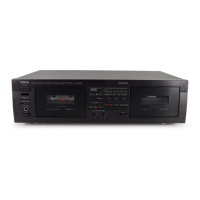
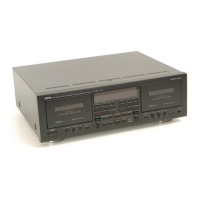
NATURAL SOUND STEREO CASETTE DECK KX-E300
REC LEVEL
MIN MAX
DOLBY
NR
MODE
COUNTER
RESET
DIRECTION
REC/
PAUSE
DOLBY B-C NR
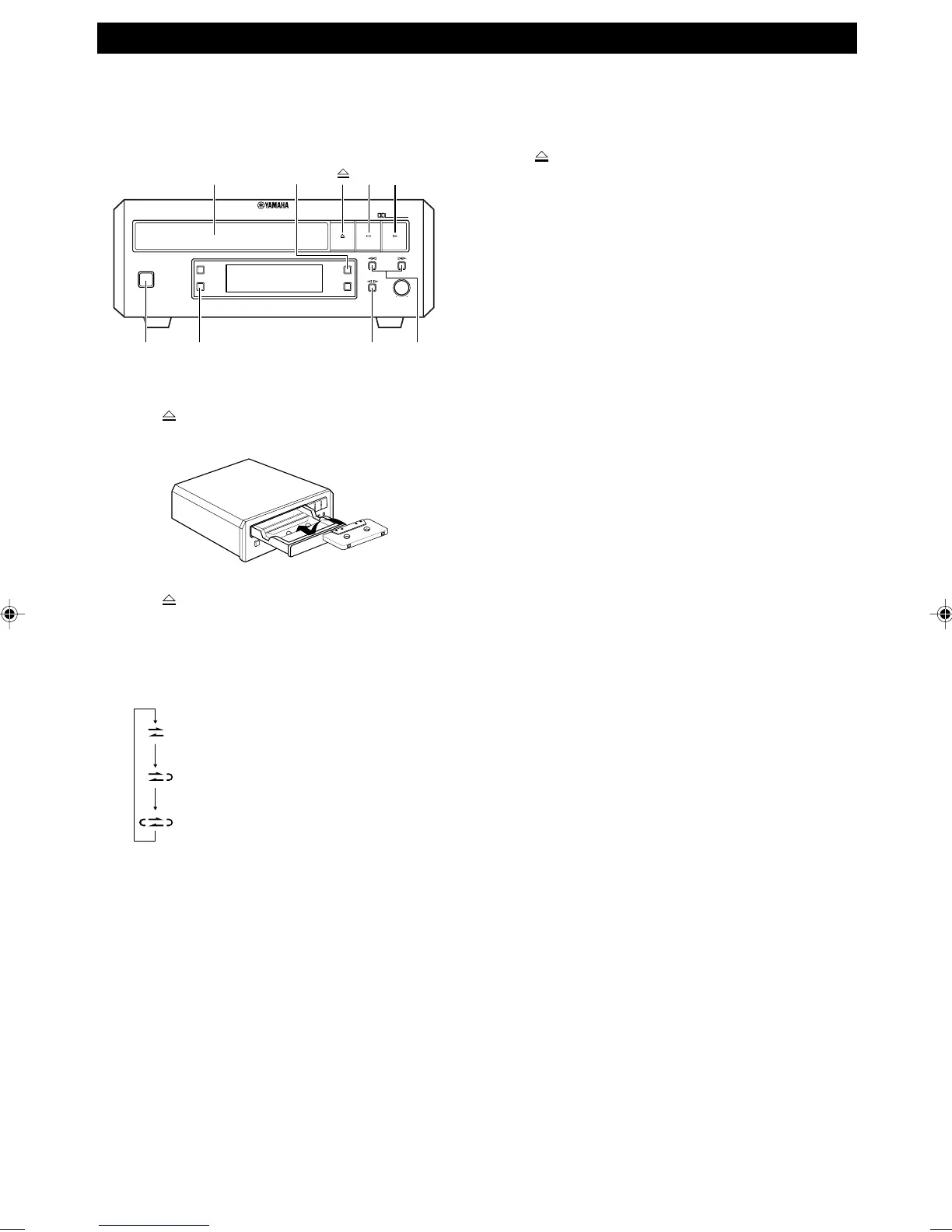
1 Press to open the tape tray and place a recorded
tape on the tray.
2 Press to close the tape tray.
3 Press MODE to select the reverse mode.
• Each time you press MODE, the reverse mode
changes and the corresponding mode indicator
lights up as follows:
: One side of the tape is played back.
: Both sides of the tape are played back.
: Both sides of the tape are played back up
to 8 times continuously.
4 Press DIRECTION @ # to change the direction of
the tape.
• If you place the tape on the tray with side A
upward, # indicates playing side A and @
indicates playing side B.
5 Select the noise reduction type using DOLBY NR.
• Select the same noise reduction type as the one
used on the recording.
• Each time you press DOLBY NR, the noise
reduction type changes in the following order:
DOLBY B NR = DOLBY C NR = DOLBY NR
OFF.
6 Press # to start play.
• The PLAY indicator lights up during playback.
To stop play
Press &.
To eject a tape
Press to open the tape tray and remove the tape from
the tray.
To adjust the volume level
Use the volume control of the receiver.
To fast-forward or rewind the tape
Press ⁄ or ! to fast-forward or rewind the tape
during stop mode.
To search for the beginning of a
selection
Press ⁄ or ! to search for the beginning of the next
or current selection during play mode.
While searching, the SEARCH indicator and ! or ⁄
indicator light up in the display.
Notes
• The blank interval between selections must be at least 4
seconds long.
• The search function may not operate properly with tapes
recorded at a low recording level, tracks which begin/finish
with a fade or which have excessive noise.
• When you play the beginning part or end part of the tape, the
search function may not work correctly.
PLAYBACK
Tape tray
&#
! / ⁄DIRECTIONMODESTANDBY/
ON
DOLBY NR
Preparation
• Press STANDBY/ON to turn this unit on.
• Select “TAPE” as the input source of the connected
receiver.
0104KXE300(UB).5-6.E 02.5.21, 2:29 PM5


 To Next Page