18
■ Giving the patch a name (Name Edit Mode)
You can use up to 12 characters when making a name for a User Patch.
* Names of Preset Patches (P01-P99) can not be changed.
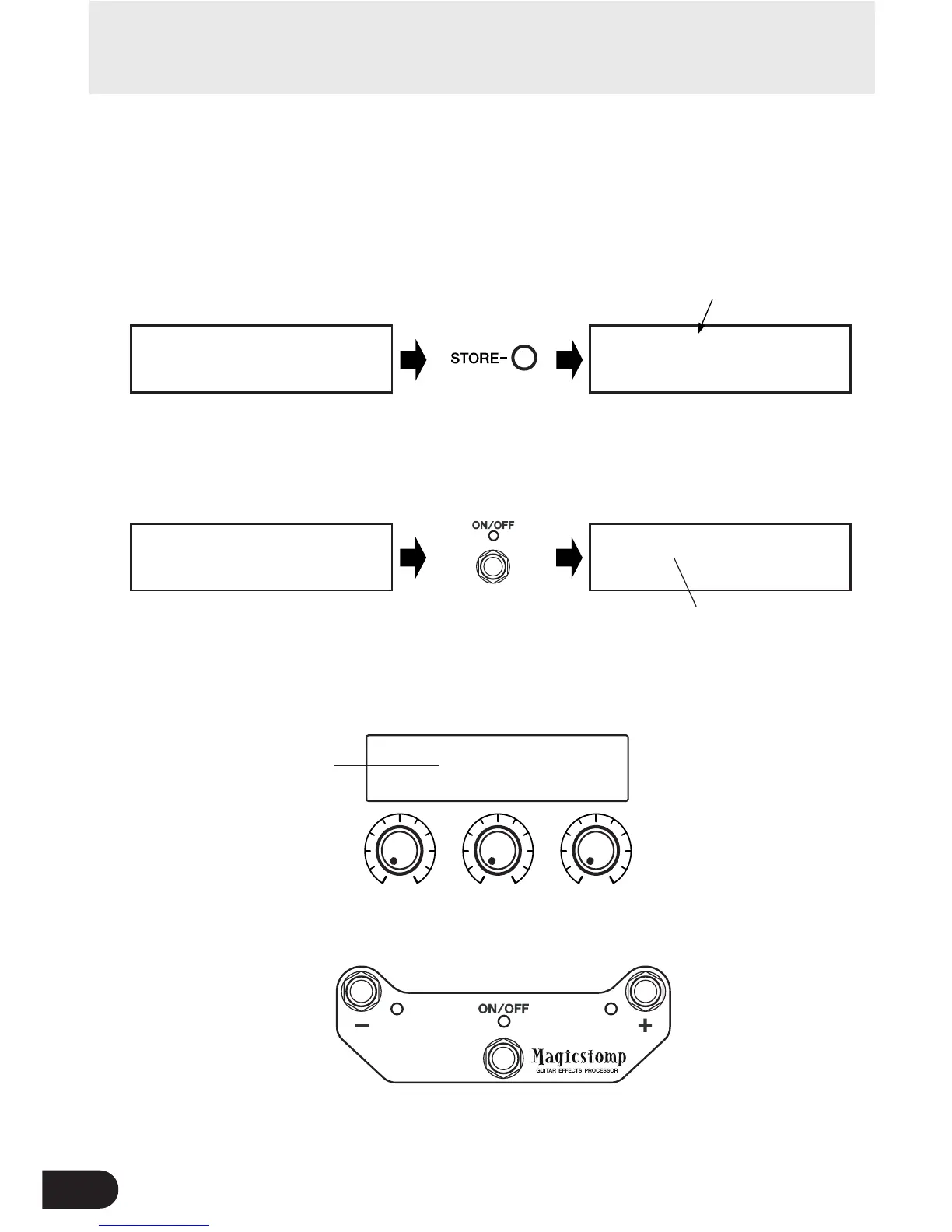
q Press the [STORE] button.
“PRESS[STORE]1sec” appears in the lower half of the display.
w Press and hold the ON/OFF switch until “NAME EDIT MODE” appears on the
display.
The cursor appears below the first character of the patch name.
_
U01¤DIST10000000
NAME EDIT MODE
U01:DIST10000000
PRESS[STORE]1sec
Press and hold
U01¤DIST10000000
ó‡DRIVfiMSTRáTONE
U01:DIST10000000
PRESS[STORE]1sec
Current patch number
Cursor
e Move the cursor to change characters.
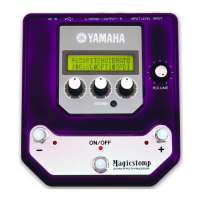
Use the – and + switches to move the cursor to the character you want to change, then use the
three knobs to select the character.
Giving the patch a name
_
U01¤TIST10000000
NAME EDIT MODE
Cursor
A to Z
(space)
a to z
(space)
0 to 9 : ! " #
$ % & ' ( ) *
+ ,- . / (space)
The characters that can
be set with each knob →
• Moves the cursor to the left
(←)
• Press simultaneously with
the [STORE] button to
delete the character
selected with the cursor.
* Holding down the switch (and
button) repeats the same opera-
tion continuously.
• Moves the cursor to the
right (→)
• Press simultaneously
with the [STORE] button
to insert a space where
the cursor is.
* Holding down the switch (and
button) repeats the same op-
eration continuously.



 To Next Page