EasyManua.ls Logo

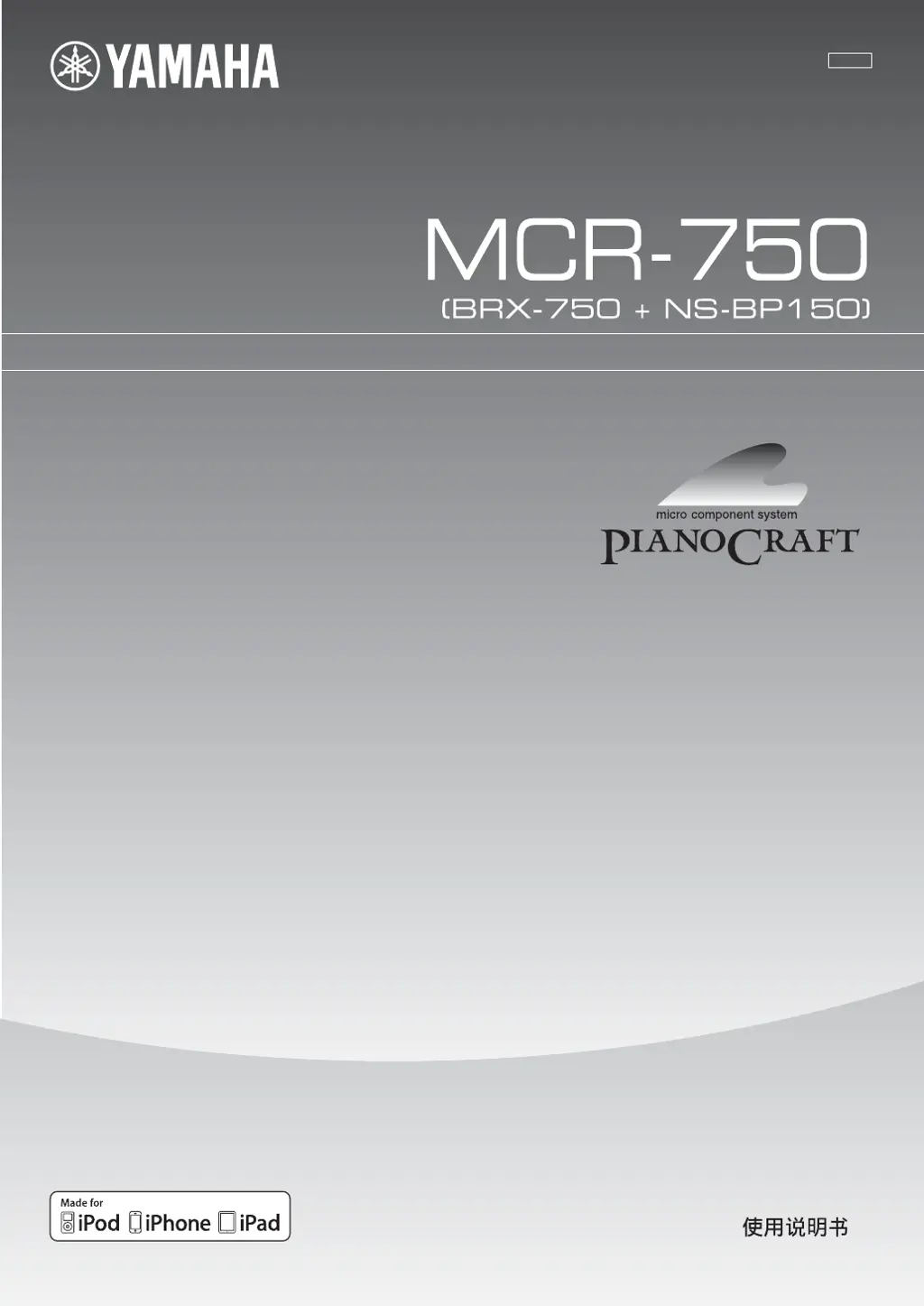
Yamaha MCR-750 - User Manual

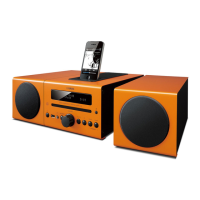
Yamaha MCR-750
169 pages
Print Icon
To Next Page IconTo Next Page
Loading...
Printed in China MCR-750_TLP-1
OWNER’S MANUAL
MANUAL DE INSTRUCCIONES
TLP
Micro Component System
MCR-750
© 2011 Yamaha Corporation

Table of Contents

Questions and Answers

  • D
    Dennis ThomasAug 13, 2025
    What to do if my Yamaha MCR-750 Stereo System fails to turn on?
    • S
      Stephanie GreenAug 13, 2025
      If your Yamaha Stereo System fails to turn on, unplug the power cable from the AC outlet for 5 to 10 seconds, plug it back in, and then turn the unit on again.
  • M
    Mario WelchAug 17, 2025
    What to do if there is no sound from my Yamaha Stereo System?
    • K
      Kristopher RhodesAug 17, 2025
      If there is no sound, select an appropriate input source using the INPUT button on the front panel or the Input select buttons on the remote control.
  • R
    Robert WilliamsAug 20, 2025
    Why does the clock setting on my Yamaha Stereo System keep getting cleared?
    • B
      Brittany RobertsonAug 20, 2025
      The clock setting on your Yamaha Stereo System may be cleared because the power cable has been disconnected. Connect the power cable and set the clock again.
  • A
    Aaron WatersAug 25, 2025
    What to do if my Yamaha MCR-750 cannot connect to the Internet?
    • A
      amynobleAug 25, 2025
      If your Yamaha Stereo System cannot connect to the Internet, ensure that the Network cable is properly connected.
  • M
    Michael WatsonAug 28, 2025
    Why is there distortion on my Yamaha Stereo System even with a good FM antenna?
    • M
      Makayla PerezAug 28, 2025
      Distortion may occur because the signal is too weak. Try using a high-quality directional FM antenna.
  • J
    Jasmine NelsonSep 1, 2025
    What to do if my Yamaha MCR-750 has been exposed to electric shock?
    • W
      wmillerSep 1, 2025
      If your Yamaha Stereo System has been exposed to a strong external electric shock, set the unit to standby mode, disconnect the power cable, plug it back in after 30 seconds, and then use it normally.
  • M
    Mary OlsonSep 4, 2025
    Why is the playback information not displayed on the front panel of my Yamaha MCR-750?
    • L
      Lauren WilsonSep 4, 2025
      The iPod you set is not compatible with the playback information display. Only iPod classic, iPod nano (2nd, 3rd, 4th, 5th and 6th generation), iPod touch (1st, 2nd, 3rd, and 4th generation), iPhone, iPhone 3G/3GS, iPhone 4, and iPad are supported.
  • M
    Michelle DavisSep 8, 2025
    What to do if my Yamaha MCR-750 Stereo System cannot play the file on the home network server?
    • S
      Scott RoweSep 8, 2025
      If you cannot play the file on the home network server, make sure the file is playable with your Yamaha Stereo System, as the file may not be supported by the unit.

Yamaha MCR-750 Specifications

General IconGeneral
BrandYamaha
ModelMCR-750
CategoryStereo System
LanguageEnglish

Related product manuals