EasyManua.ls Logo

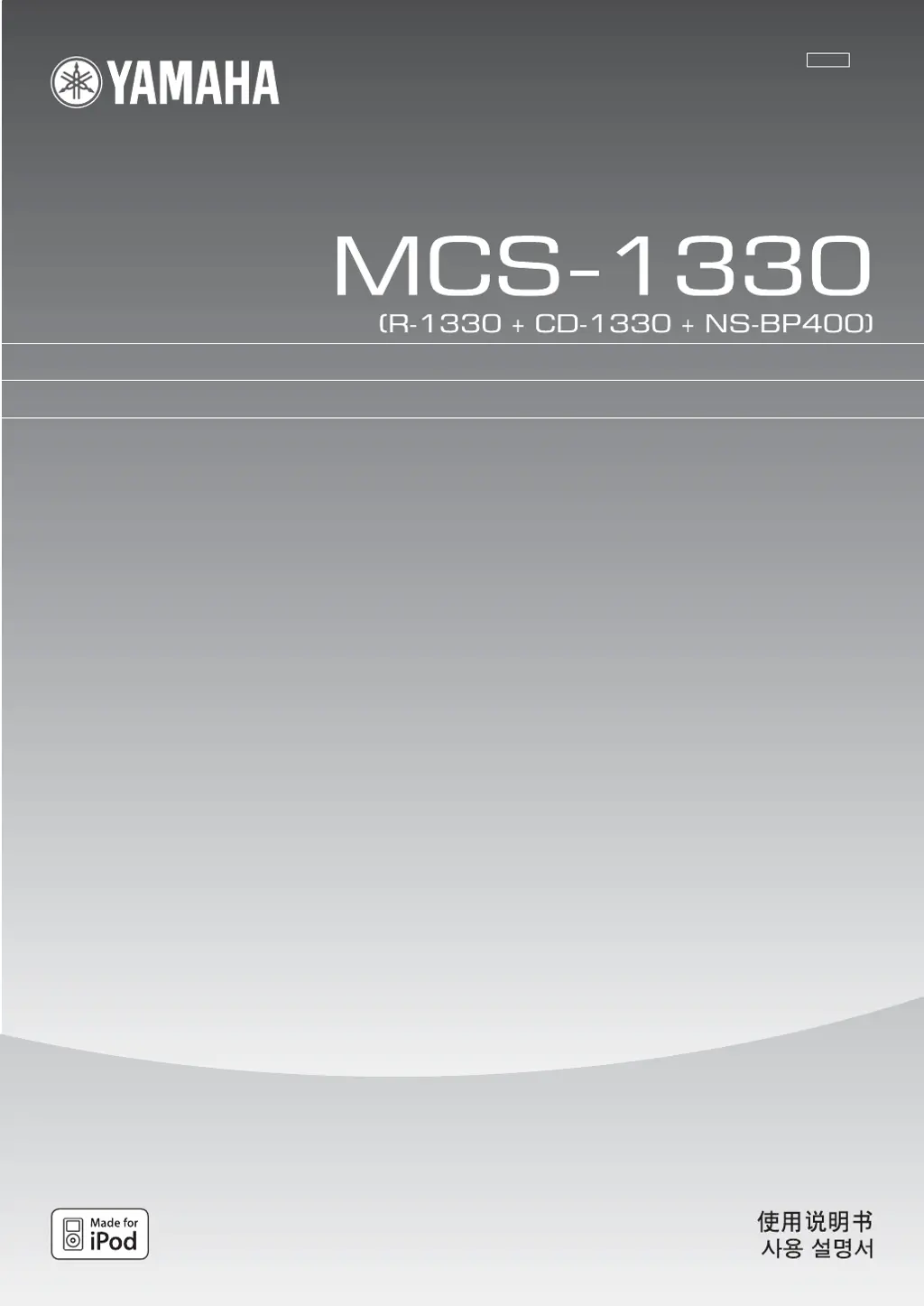
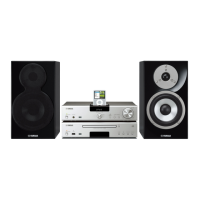
Yamaha MCS-1330 - User Manual

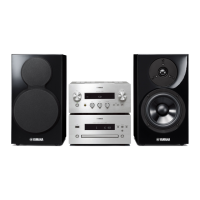
Yamaha MCS-1330
30 pages
Print Icon
To Next Page IconTo Next Page
Loading...
OWNER'S MANUAL
MODE D'EMPLOI
MANUAL DE INSTRUCCIONES
UATLK
RECEIVER/CD PLAYER
AMPLI-TUNER/LECTEUR CD

Other manuals for Yamaha MCS-1330

Questions and Answers

  • C
    Christina KhanAug 6, 2025
    Why Yamaha CD Player receiver fails to turn on or enters standby mode?
    • C
      Christopher MayoAug 6, 2025
      If your Yamaha CD Player receiver fails to turn on or enters standby mode shortly after being powered on, there might be several reasons: * The power cable might not be properly connected. Ensure the power cable is firmly connected. * The speaker wire might be short-circuited, activating the protection circuitry. Check all speaker wire connections to ensure they are secure and not touching anything other than their respective connections. * The internal temperature may be too high, activating the protection circuitry. Wait about one hour for the receiver to cool down before turning it back on. * The receiver might have been exposed to a strong external electric shock.
  • M
    Michael PhamAug 10, 2025
    Why is there no sound coming from my Yamaha CD Player?
    • K
      Katherine GonzalezAug 10, 2025
      If you're experiencing no sound from your Yamaha CD Player, consider the following: * Check the input or output cable connections and connect the cables properly. If the problem persists, the cables may be defective. * Ensure an appropriate input source is selected using the INPUT selector on the front panel or the input selection keys on the remote control. * Make sure the volume isn't turned down. Increase the volume. * Verify the sound isn't muted. Press MUTE or VOL +/- to resume audio output, then adjust the volume. * Confirm the source signals can be reproduced by the receiver. Play a source whose signals can be reproduced by the receiver.
  • T
    Timothy WilkinsonAug 15, 2025
    What does 'CHK SP WIRE' mean on my Yamaha MCS-1330 and how to fix it?
    • W
      william00Aug 15, 2025
      If your Yamaha CD Player displays 'CHK SP WIRE', it indicates that the speaker cables are short-circuited. To resolve this, ensure that all speaker cables are correctly connected.
  • S
    scottphillipsAug 19, 2025
    Why is my Yamaha MCS-1330 remote control not working?
    • E
      Elijah SanchezAug 19, 2025
      If the remote control for your Yamaha CD Player isn't working correctly, it could be due to several reasons: * Obstacles may be present between the remote control and the system's sensor. Remove any obstacles. * The remote control might be used outside of its operational range. Consult the 'Using the remote control' section for information on the remote control operation range. * The batteries might be depleted. Replace them with new ones.
  • E
    espinozadavidAug 23, 2025
    What to do if the sound is distorted on Yamaha MCS-1330?
    • M
      Margaret WhiteheadAug 25, 2025
      If the sound from your Yamaha CD Player is distorted: * The volume level might be too high. Adjust the volume level. * A component other than a turntable might be connected to the PHONO jacks. Connect to the CD or AUX jacks instead.
  • P
    Patricia HutchinsonAug 28, 2025
    Why sound is heard from the speaker on one side only on Yamaha CD Player?
    • F
      fieldsmichaelAug 28, 2025
      If you are only hearing sound from one speaker with your Yamaha CD Player, check the following: * Ensure the cables are connected properly. If the issue continues, the cables might be defective. * The receiver might be too close to digital or high-frequency equipment. Move the receiver further away from such equipment. * The sleep timer might have turned off the receiver. Turn on the receiver and play the source again.
  • K
    Katrina PaulSep 1, 2025
    Why is FM stereo reception noisy on my Yamaha MCS-1330 CD Player?
    • J
      Joshua BaileySep 1, 2025
      If FM stereo reception is noisy on your Yamaha CD Player, check the antenna connections. Adjust the antenna position to eliminate multi-path interference if distortion is present, even with a good FM antenna.

Summary

Important Safety Instructions

Operating Safety and Precautions

Laser Safety Information

Warns about potential eye injury from laser exposure and specifies Class 1 product.

System Connections Guide

Connecting External Components

Details connecting the receiver, CD player, and speakers using supplied cables.

System Operations

Basic System Operations

Covers turning the system on/off and basic power functions.

Disc and USB Playback

Playback Control Functions

Covers starting, stopping, pausing, skipping, and rewinding/fast-forwarding playback.

Tuner Operations

Radio Tuning Methods

Describes automatic tuning for strong signals and manual tuning for weak signals.

Preset Station Management

Covers automatic and manual preset tuning and selecting stored stations.

iPod Control Operations

Operating iPod with Remote

Explains how to operate the iPod using the system's remote control.

Troubleshooting Guide

Receiver Troubleshooting

Addresses common issues with the receiver not turning on or having no sound.

Tuner Troubleshooting

Provides solutions for noisy FM reception and distortion issues.

iPod Troubleshooting

Lists status messages for iPod connection errors and unsupported devices.

CD Player Troubleshooting

Covers issues like the CD player not turning on or incorrect connections.

Disc, USB, Remote Troubleshooting

Solutions for disc, USB playback, and remote control malfunctions.

Yamaha MCS-1330 Specifications

General IconGeneral
BrandYamaha
ModelMCS-1330
CategoryCD Player
LanguageEnglish

Related product manuals