Mobile Music Sequencer Owner’s Manual 18
Mixing & Adjusting Effects
Mixing
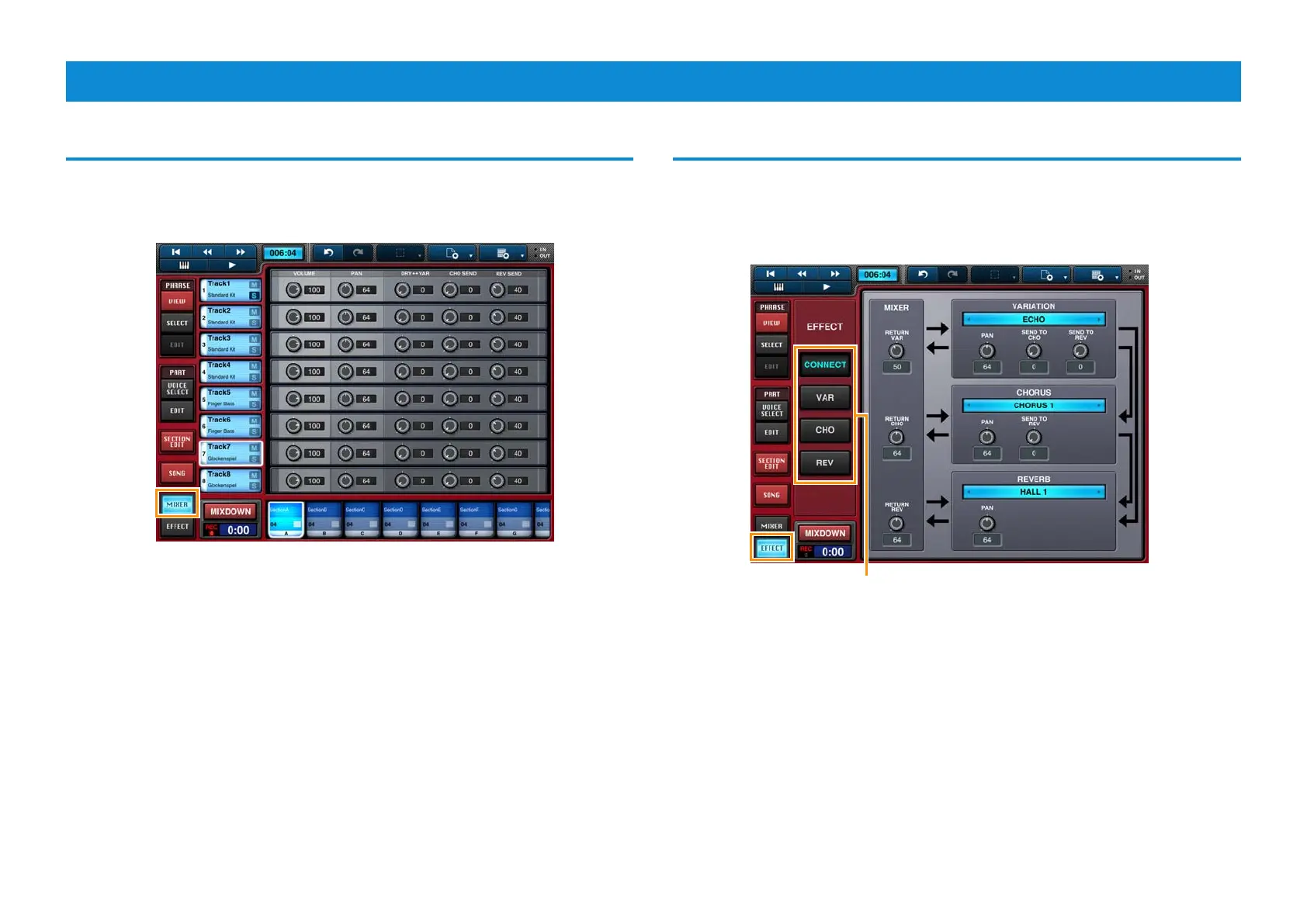
Tap [MIXER] to open the Mixer screen.
Mixer screen
Adjusting effects
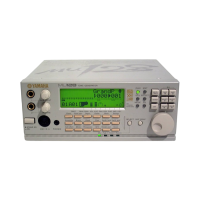
Tap [EFFECT] to open the Effects screen. Here, you can configure a variation
effect, the reverb, and the chorus.
Effects screen
Tap these buttons to display the Effect Connection Layout,
the Variation Effect Editor, the Chorus Editor, or the Reverb
Editor.



 To Next Page