Instrument and control functions
5-23
1
2
3
4
5
6
7
8
9
10
11
12
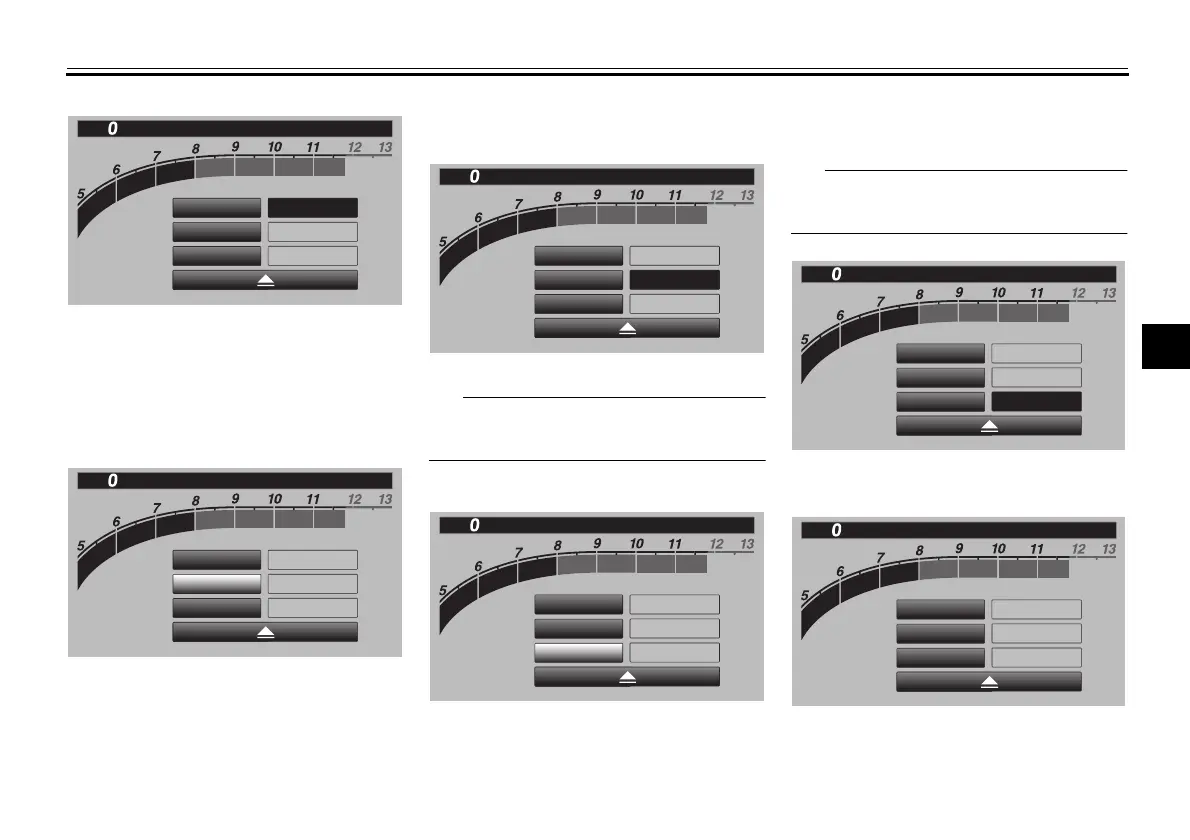
3. Select ON to turn the tachometer
color display mode on (or select
OFF to turn this function off).
4. Select “Tach IND 1st” to set the
green zone starting r/min.
5. Set the starting r/min by rotating
and then short pushing the wheel
switch. All r/min above this value
up to the “Tach IND 2nd” setting
value (or the red zone), will be dis-
played in green.
Green bar start setting range:
5000–11800 r/min.
6. Select “Tach IND 2nd”.
7. Set the orange color starting r/min
by rotating and then short pushing
the wheel switch. All r/min above
this figure until the red zone, will be
displayed in orange.
Orange bar start setting range:
8000–11800 r/min.
8. Select the triangle symbol to exit.
“Peak Rev IND Setting”
This module allows you to turn the rev-
×
1000 r/min
12
:
00
km/h
Shift Indicator
Tach IND Setting
IND Mode
ON
5000
r/min
8000
r/min
Tach IND 1st
Tach IND 2nd
×
1000 r/min
12
:
00
km/h
Shift Indicator
Tach IND Setting
IND Mode
ON
5000
r/min
8000
r/min
Tach IND 1st
Tach IND 2nd
×
1000 r/min
12
:
00
km/h
Shift Indicator
Tach IND Setting
IND Mode
ON
5000
r/min
8000
r/min
Tach IND 1st
Tach IND 2nd
×
1000 r/min
12
:
00
km/h
Shift Indicator
Tach IND Setting
IND Mode
ON
5000
r/min
8000
r/min
Tach IND 1st
Tach IND 2nd
×
1000 r/min
12
:
00
km/h
Shift Indicator
Tach IND Setting
IND Mode
ON
5000
r/min
8000
r/min
Tach IND 1st
Tach IND 2nd
×
1000 r/min
12
:
00
km/h
Shift Indicator
Tach IND Setting
IND Mode
ON
5000
r/min
8000
r/min
Tach IND 1st
Tach IND 2nd
BW8-9-20_1.book 23 ページ 2016年12月13日 火曜日 午前11時18分



 To Next Page