This module a
llows you to change the
measurement units. Each of the three
items contain a sub-menu where the
desired unit is selected.
If “mile” i
s selected as a speed unit,
“MPG” will be automatically set as the
fuel economy unit and the menu item
will be grayed out.
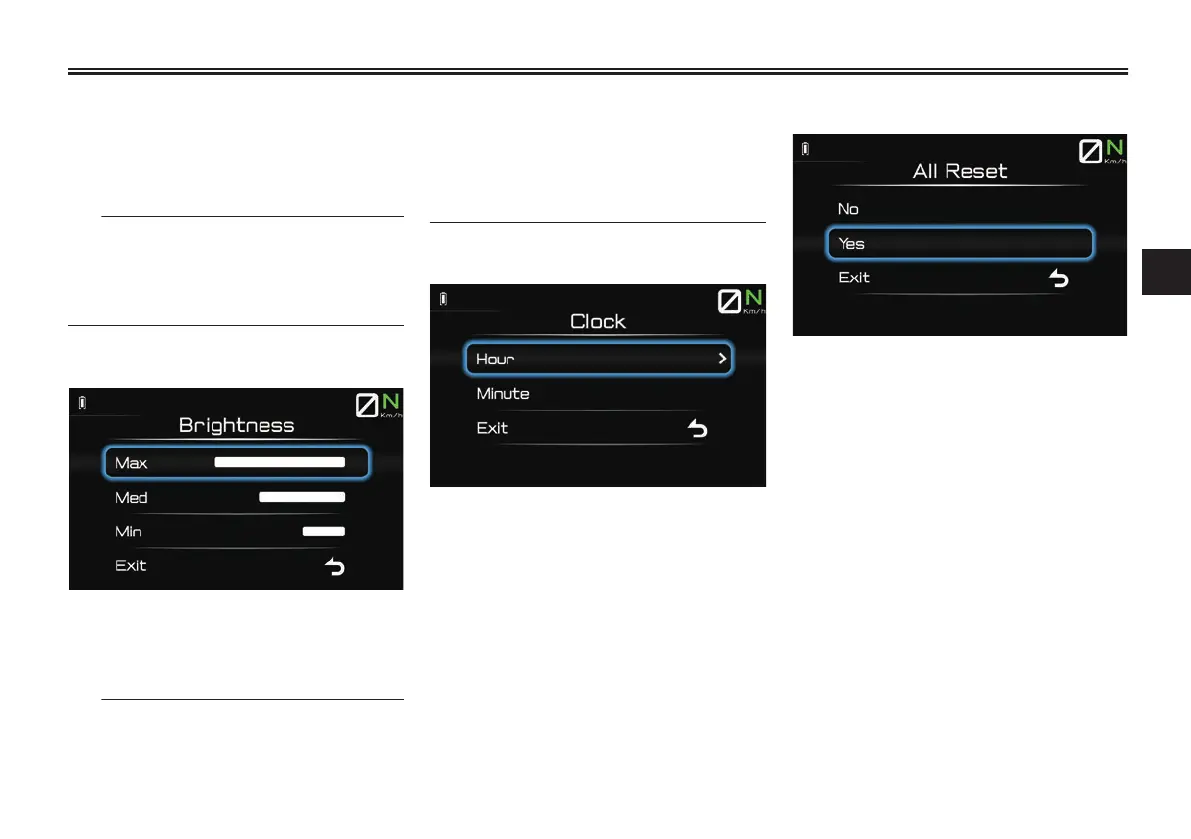
“Brightness”
This module a
llows you to adjust the
screen brightness between 3 different
levels.
The TFT d
isplay is equipped with an
ambient light sensor which is used to
adjust the screen brightness automati-
cally. Using this module to manually set
th
e brightness cancels automatic
mode. Turning the main switch “OFF”/
“ON” will reset screen brightness to au-
tomatic mode.
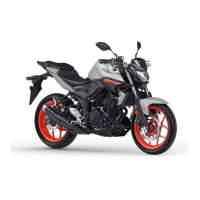
“Clock”
This module a
llows you to set the 12-
hour clock. The hours and minutes are
set individually.
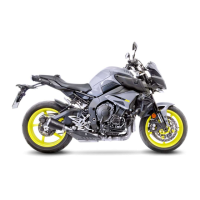
“All Reset”
This module allows you to reset all of
the following at once: tripmeters (not
including maintenance tripmeters), and
all measurement units.
Instrument and control functions
4-15
4


 To Next Page