Playing Songs
PSR-E243/YPT-240 Owner’s Manual
22
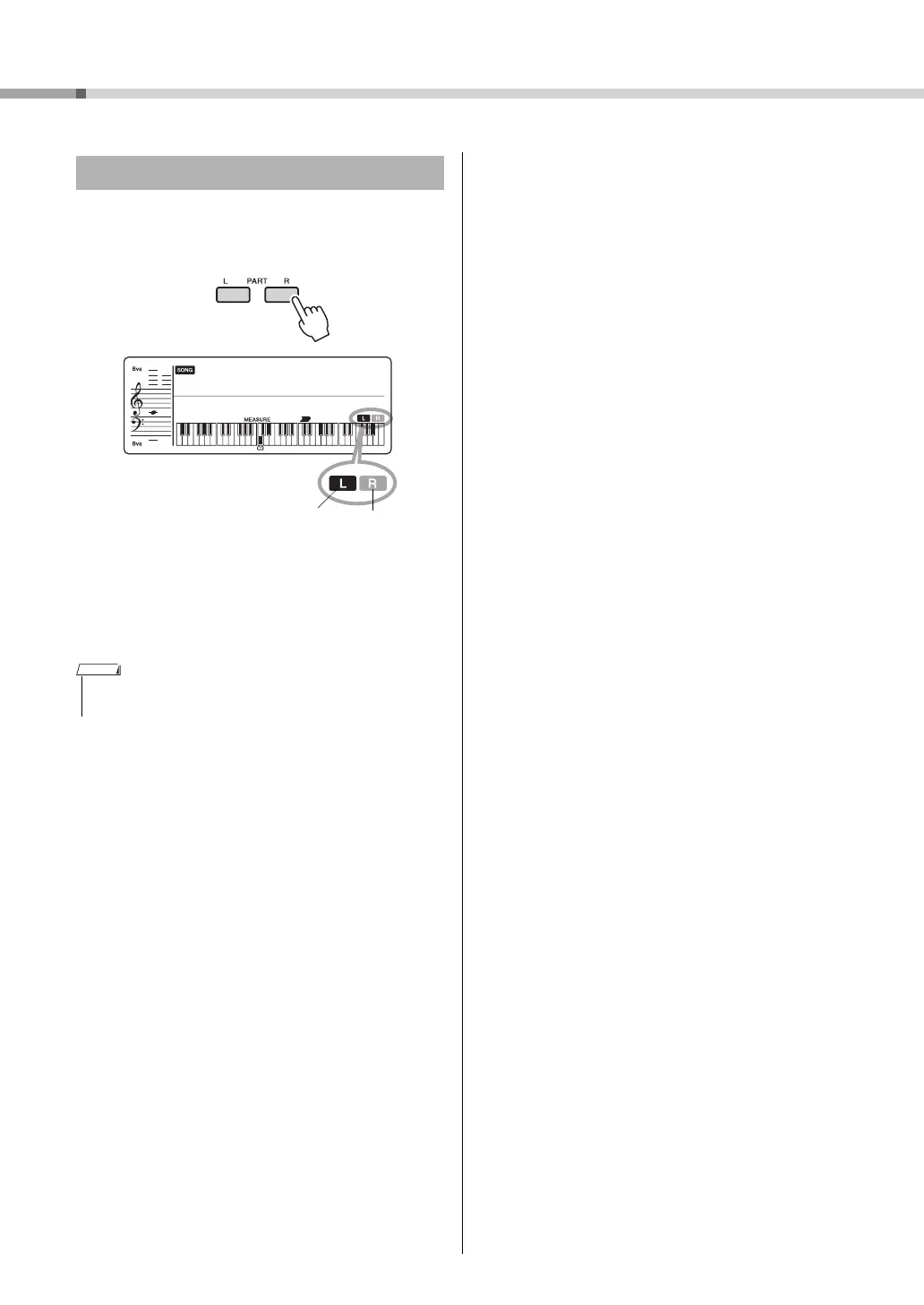
As indicated above the panel buttons (shown below), a
Song consists of two Parts, which can be turned on or off
individually by pressing the corresponding button, L or R.
By turning the left- and right-hand parts on or off dur-
ing playback, you can listen to the Part (that is turned
on), or practice the other part (that is turned off) on the
keyboard.
Turning Each Part On/Off
• Selecting another Song will cancel the on/off status of the
Parts.
Lit: Track con-
tains data
Unlit: Track is
muted or con-
tains no data
NOTE















 To Next Page