14
1 Select the source you want to record.
2 Play the source.
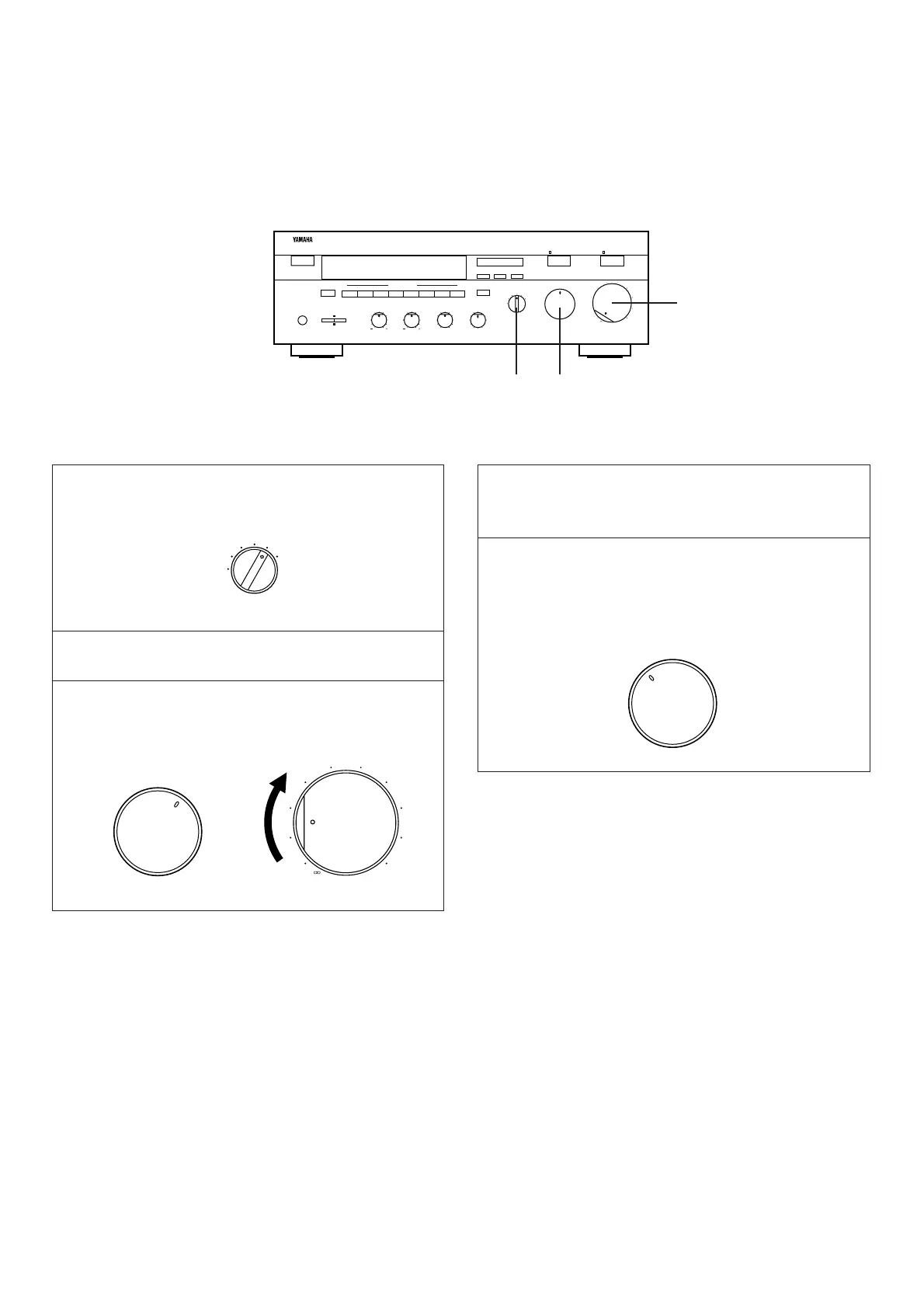
3 Confirm the source by selecting it with the INPUT
selector and turning up the VOLUME control.
4 Begin recording on the tape deck (or MD recorder etc.)
or VCR connected to this unit.
5 To monitor the sound (and/or picture) to be recorded,
select the tape deck (or VCR) being used for recording
with the INPUT selector.
Notes
●
If you want to enjoy another source while recording, select it
with the INPUT selector.
●
VOLUME, BASS, TREBLE, BALANCE, LOUDNESS
controls, CD DIRECT AMP switch and PURE DIRECT
switch settings have no effect on the material being
recorded.
TO RECORD A SOURCE TO TAPE (OR MD)
1
3
3, 5


 To Next Page