SETUP
Configuring input sources (Input menu)
En 73
Input menu
■
Changing an input source name or
icon
Rename/Icon Select
Input source: HDMI1-5, AV1-6, AUDIO1-2, V-AUX, DOCK
(iPod), DOCK (Bluetooth), MULTI CH
Changes the input source name (up to nine characters)
and icon displayed on the front panel display or TV
screen.
1
Use kCursor B / C repeatedly to select
“Rename/Icon Select” and press kENTER.
2
Use kCursor D / E to choose an icon and
press kCursor C.
3
Press kENTER, and then press
kCursor B / C / D / E to edit the new input
name.
4
Press kENTER and press kCursor C to
select “OK” and press kENTER.
Confirm the new input name.
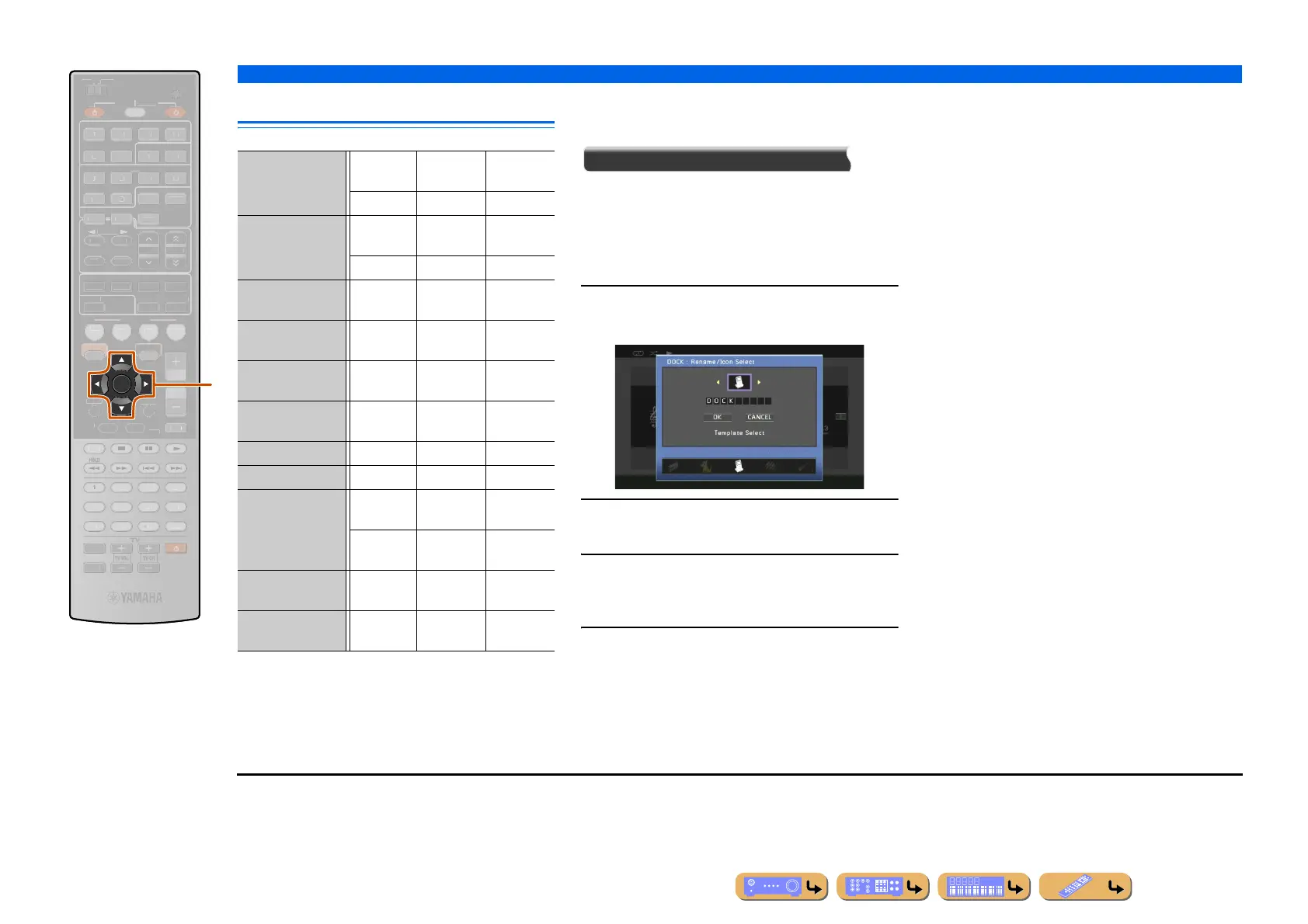
kCursor B / C / D / E
kENTER
ENTER
SCENE
L
ME
ENHANCE
UR. DE
DE
STRAIGHTSLEEP
URE DIRECT
OVI
USI
RADI
M
T
E
OP-U
EN
DI
PLAY
UR
E
AIN
Z
NE 2
CODE SE
NP
T
PTION
N
REE
NF
EM
RY
RESET
DMI
UDI
-
DOCK
RE
EIVE
A
IRI
NER
TUN./C
ATE
R
k
HDMI1-5 Rename/
Icon Select
Audio In Decoder
Mode
Enhancer
AV 1 - 2 Rename/
Icon Select
Audio In Decoder
Mode
Enhancer
AV 3 - 4 Rename/
Icon Select
Decoder
Mode
Enhancer
AV 5 - 6 Rename/
Icon Select
Enhancer
AUDIO1-2 Rename/
Icon Select
Enhancer
V-AUX Rename/
Icon Select
Decoder
Mode
Enhancer
TUNER Enhancer
SIRIUS Enhancer
DOCK (iPod) Rename/
Icon Select
Enhancer Standby
Charge
iPod
Interlock J1
DOCK (Bluetooth) Rename/
Icon Select
Enhancer
MULTI CH Rename/
Icon Select
Video Out
J
1 : Not available when playing back iPod/iPhone with wired
connection.




 To Next Page