SETUP
En 76
The SCENE function (☞p. 41) can be edited from the SCENE menu displayed on the TV screen.
Editing a scene
Various settings, such as the name of a scene or the icon
displayed for a scene, can be changed from the SCENE
menu.
1
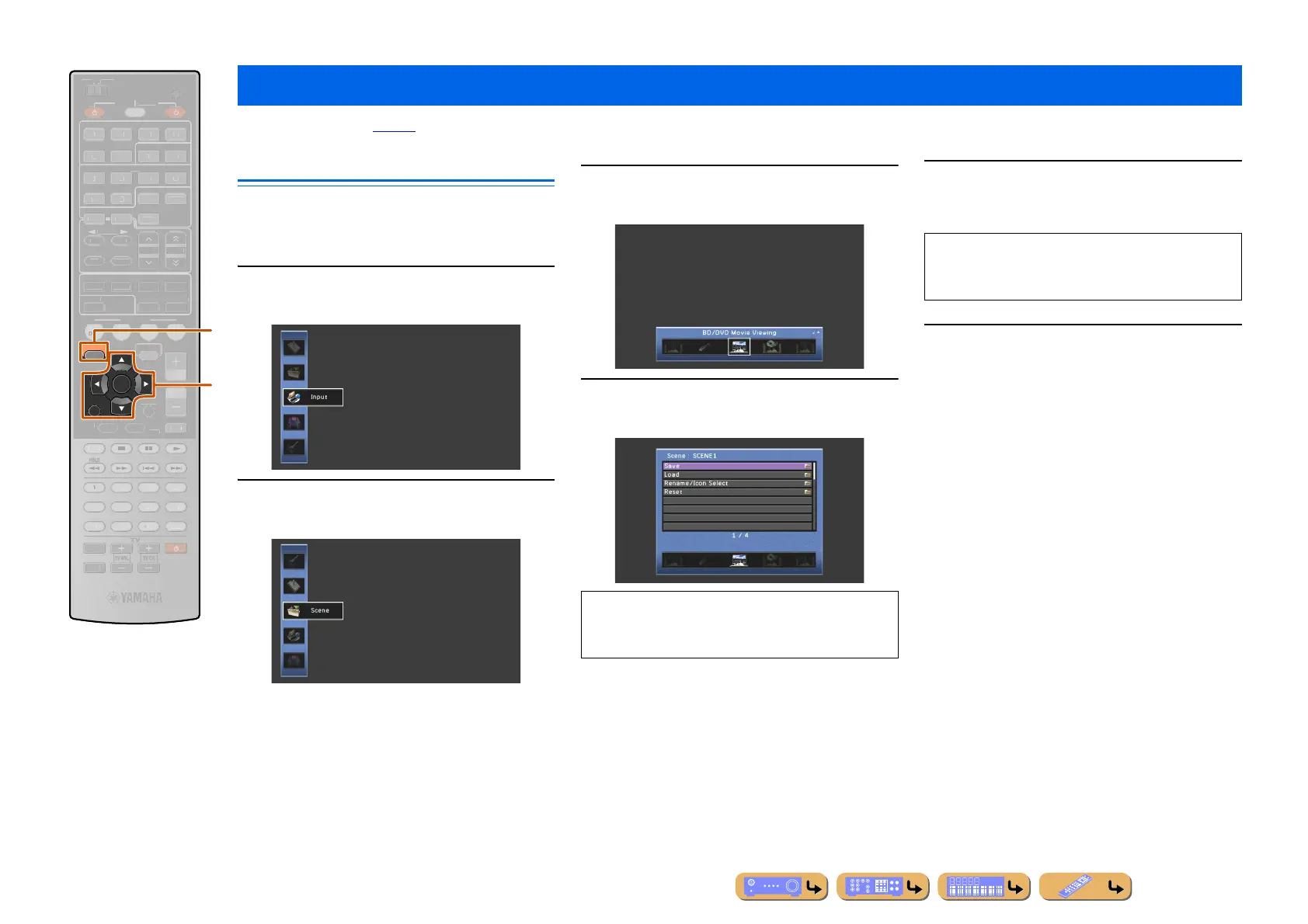
Press jON SCREEN.
2
Use kCursor B / C to select “Scene” and
press kENTER.
3
Use kCursor D / E to select a scene to be
edited and press kCursor B.
4
Use kCursor B / C to select an item and
press kENTER.
5
Use kCursor B / C / D / E to adjust the
setting.
6
Press jON SCREEN to close the menu.
Editing the SCENE function (SCENE menu)
jON SCREEN
kCursor B / C / D / E
kENTER
kRETURN
RETURN
ENTER
ON SCREEN
SCENE
L
ME
ENHANCE
UR. DE
DE
STRAIGHTSLEEP
URE DIRECT
OVI
USI
RADI
M
T
E
OP-U
EN
DI
PLAY
UR
E
AIN
Z
NE 2
RE
EIVE
CODE SE
NP
T
PTION
NF
EM
RY
RESET
DMI
UDI
-
DOCK
A
IRI
NER
TUN./C
ATE
R
k
j
When the Utility is available in the selected item, use
kCursor B / C to select the desired item and press
kENTER.
Pressing kRETURN displays the previous menu
screen. Repeat steps 4 and 5 to adjust multiple
settings.




 To Next Page