EasyManua.ls Logo

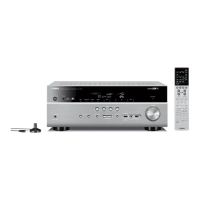
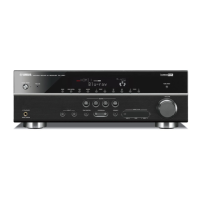
Yamaha RX-V667 - User Manual

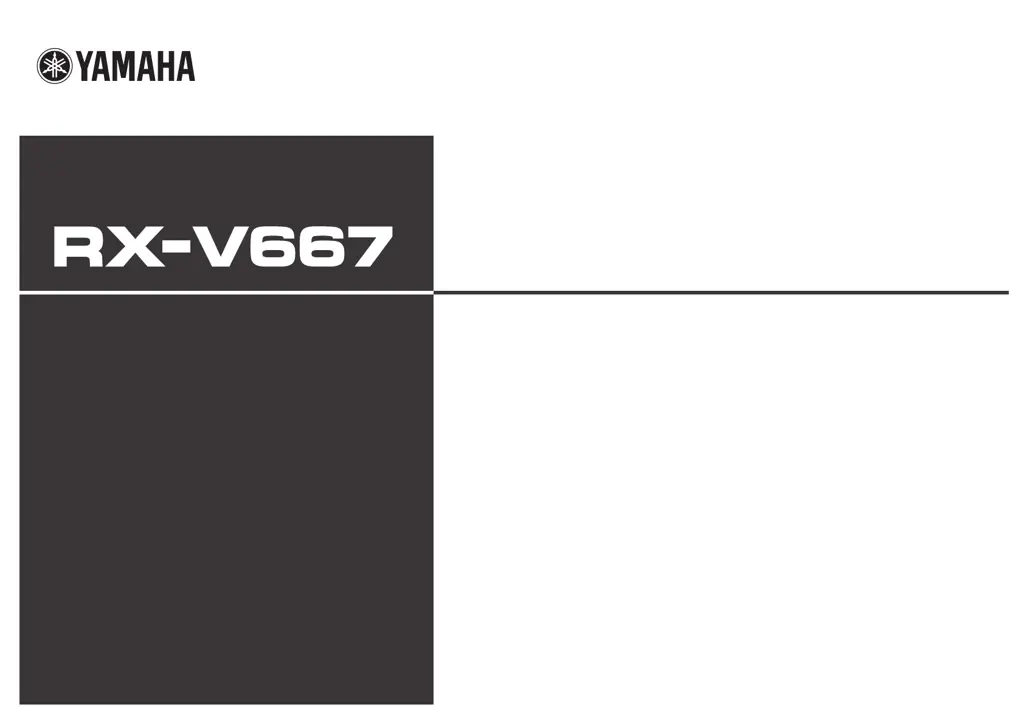
Yamaha RX-V667
144 pages
Print Icon
To Next Page IconTo Next Page
Loading...
Owner’s Manual
AV Receiver English for U.S.A.

Table of Contents

Other manuals for Yamaha RX-V667

Questions and Answers

  • M
    Marcus MorenoJul 27, 2025
    Why is my Yamaha Receiver remote control not working?
    • C
      Carol ButlerJul 27, 2025
      Your Yamaha Receiver remote might not be working due to several reasons: you may be too far away or at the wrong angle (the remote works up to 6 m / 20 ft and within 30 degrees of the front panel), direct sunlight or certain lighting might be interfering with the sensor (try adjusting the lighting or moving the unit), the batteries might be weak (replace them), or the remote control ID might not match the receiver's ID (ensure they match).
  • A
    alex68Aug 5, 2025
    What to do if my Yamaha Receiver remote control is not functioning properly?
    • J
      jennifercurtisAug 5, 2025
      If your Yamaha Receiver remote isn't functioning properly, consider these potential causes and solutions: ensure you're within 6 m / 20 ft and 30 degrees of the front panel. Adjust lighting to avoid direct sunlight on the receiver's sensor, or relocate the unit. Replace the remote's batteries. Also, verify that the remote control ID matches the receiver's.
  • C
    Carlos ValenciaAug 15, 2025
    How to fix a Yamaha Receiver remote control that isn't working?
    • B
      Barry KingAug 15, 2025
      To fix a Yamaha Receiver remote that isn't working, try these steps: Make sure you are within the operational range (6 m / 20 ft and 30 degrees from the front panel). Adjust the lighting to prevent interference with the remote sensor, or move the unit. Replace the batteries in the remote. Check that the remote control ID matches the receiver's ID.

Summary

Introduction to the RX-V667 AV Receiver

Features and Capabilities Overview

Details the key features and capabilities of the RX-V667 AV Receiver, including amplifier, HDMI inputs, and SCENE function.

Operating the Unit via On-Screen Display (OSD)

Explains how to use the TV screen display for visual guidance and simplified operations of the receiver's menus.

Part Names and Functions - Front Panel

Identifies and describes the controls and indicators on the front panel of the AV receiver.

Part Names and Functions - Rear Panel

Identifies and describes the input/output jacks and terminals located on the rear panel of the AV receiver.

Connections and Speaker Setup

Connecting Speakers and Subwoofer

Provides instructions for connecting front, center, surround, and subwoofer speakers to the unit's terminals.

Connecting External Components

Details how to connect various external audio/video sources using different cable types and jacks.

Connecting the FM;AM Antennas

Explains how to connect the supplied indoor FM antenna and AM loop antenna for optimal radio reception.

Setting Up Speaker Parameters Automatically (YPAO)

Guides users through the YPAO process to automatically measure and configure speaker acoustics for optimal sound.

Playback Modes and Source Management

Basic Playback Procedure

Outlines the fundamental steps for playing audio or radio sources, including input selection and volume adjustment.

Sound Programs and Field Effects

Explains how to select and enjoy various sound programs and DSP effects for different audio sources.

Playing Back Tunes from iPod;iPhone

Guides users on connecting and controlling iPod/iPhone playback via universal dock or wireless receiver.

Listening to Satellite Radio

Provides instructions for connecting a SIRIUS tuner and operating the satellite radio service.

System Setup and Configuration

Configuring Input Sources (Input Menu)

Allows customization of input source names, icons, and associated settings like audio input and decoder modes.

Setting Sound Program Parameters

Details how to adjust sound field elements and parameters for various sound programs like CINEMA DSP.

Setting Various Functions (Setup Menu)

Covers a wide range of system settings including speaker management, audio/video output, HDMI, and multi-zone functions.

Using the HDMI Control Function

Explains how to enable HDMI Control for synchronized operation of connected HDMI devices.

Appendix and Support Information

Troubleshooting Common Issues

Addresses common problems like no power, no sound, and connection errors with step-by-step remedies.

Glossary of Audio and Video Terms

Defines technical terms related to audio signals, video signals, and sound processing technologies.

Technical Specifications

Lists detailed technical specifications for the AV receiver's inputs, outputs, power, and supported formats.

Yamaha RX-V667 Specifications

General IconGeneral
Signal-to-Noise Ratio (SNR)100 dB
Total Harmonic Distortion (THD)0.06 %
Output power980 W
Dimensions (WxDxH)435 x 364 x 151 mm
HDMI ports quantity7
Output power description7x 140 W/ch
Radio Data System (RDS)Yes
S-Video inputs quantity1
Digital audio optical in2
S-Video outputs quantity0
Power consumption (standby)0.2 W
Power consumption (typical)400 W
Weight and Dimensions IconWeight and Dimensions
Weight10500 g

Related product manuals