EasyManua.ls Logo

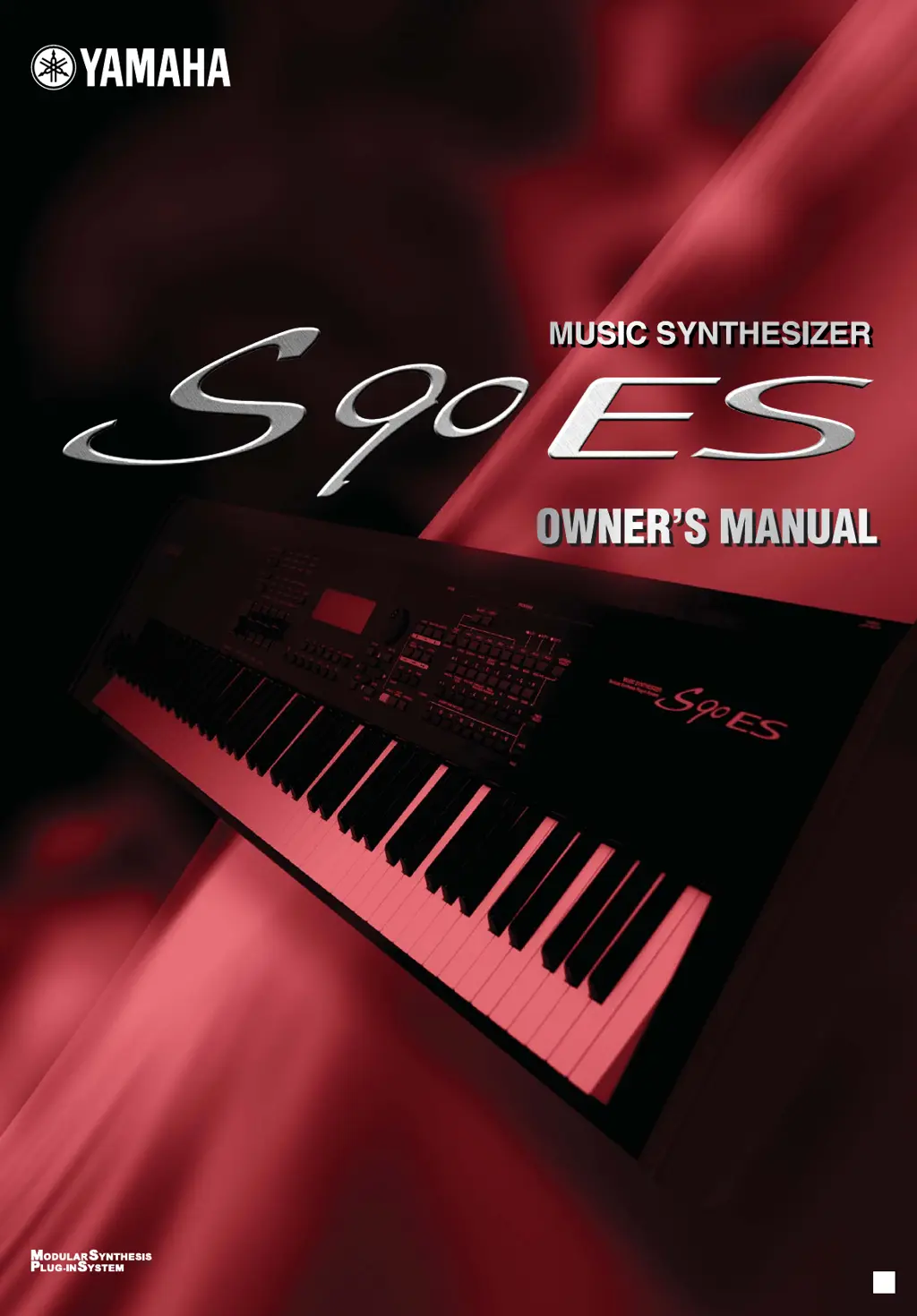
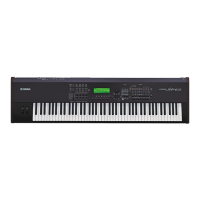
Yamaha S90 ES - User Manual

Yamaha S90 ES
204 pages
Print Icon
To Next Page IconTo Next Page
Loading...
OWNER’S MANUAL
This document is printed on chlorine free (ECF) paper with soy ink.
Yamaha Web Site (English only)
http://www.yamahasynth.com/
Yamaha Manual Library
http://www.yamaha.co.jp/manual/
U.R.G., Pro Audio & Digital Musical Instrument Division, Yamaha Corporation
© 2005 Yamaha Corporation
WE71930 505MWCP25.2-01A0
Printed in Japan
EN

Table of Contents

Other manuals for Yamaha S90 ES

Questions and Answers

  • J
    Julie HortonAug 18, 2025
    What to do if my Yamaha Synthesizer S90 ES sound is distorted?
    • D
      Dylan BurnsAug 18, 2025
      Distorted sound on your Yamaha Synthesizer S90 ES can be caused by several factors. Check if the effect settings are appropriate, as some effect types or settings can cause distortion. Also, verify that the filter settings are correct, since excessively high filter resonance settings can lead to distortion. Finally, ensure that the volume isn't set so high that clipping is occurring.
  • A
    Anthony MarksAug 21, 2025
    Why does Yamaha Synthesizer S90 ES playback continue without stopping?
    • L
      Leslie JohnsonAug 21, 2025
      If playback on your Yamaha Synthesizer S90 ES continues without stopping, and the [ARPEGGIO] button is turned on, press it so that its lamp is turned off.
  • M
    Melanie PhillipsAug 25, 2025
    Why is the arpeggio not starting on my Yamaha Synthesizer S90 ES?
    • A
      Anthony GuzmanAug 25, 2025
      If the arpeggio on your Yamaha Synthesizer S90 ES isn't starting, check if the [ARPEGGIO] button is turned on or off. Also, verify whether you have selected a User Arpeggio type that contains no User data. Finally, ensure that the Arpeggio related parameters, such as Note Limit and Velocity Limit, are set appropriately.
  • L
    Linda SmithAug 27, 2025
    What to do if Yamaha Synthesizer S90 ES sound is choppy and intermittent?
    • P
      Peggy BaileyAug 27, 2025
      Choppy and intermittent sound on your Yamaha Synthesizer S90 ES can occur if you are exceeding the maximum polyphony of the S90 ES. Also, check if the Mono/Poly parameter is set to “mono.” If you want to play chords, change this parameter to “poly”.
  • G
    Gregory MarshallAug 31, 2025
    Why does my Yamaha Synthesizer S90 ES have no effects?
    • K
      Kristin StevensAug 31, 2025
      If no effects are being applied on your Yamaha Synthesizer S90 ES, first check if the [EFFECT BYPASS] button is turned off. Next, ensure the Control sliders (for REVERB and CHORUS) are set to appropriate levels, not zero or minimum. Also, verify that the Elements’ Effect Output parameters haven't been set to “thru” in the effect setting display. Finally, confirm that the effect types haven't been set to “thru” or “off.”
  • R
    roseirwinSep 2, 2025
    Why are the pitches or intervals wrong on my Yamaha Synthesizer S90 ES?
    • J
      Jacob ScottSep 2, 2025
      Incorrect pitches or intervals on your Yamaha Synthesizer S90 ES can stem from several settings. Check if the Master Tune parameter is set at a value other than “0”. Also, verify if the Note Shift parameter is set at a value other than “0”. When the voice produces a wrong pitch, make sure the appropriate tuning system is selected from the Micro Tuning parameter and that the LFO Pitch Modulation Depth isn't set too high. If the Performance/Multi produces a wrong pitch, check that the Note Shift or Detune parameter of each Part is set to “0”.
  • S
    Stephanie GuzmanSep 5, 2025
    How to stop the arpeggio on Yamaha Synthesizer S90 ES?
    • A
      Anthony LoveSep 5, 2025
      If the arpeggio playback on your Yamaha Synthesizer S90 ES doesn't stop when you release the key, set the Arpeggio Hold parameter to “off.”
  • L
    Laurie VasquezSep 8, 2025
    Why is the microphone not working properly on my Yamaha Synthesizer S90 ES?
    • A
      apattersonSep 9, 2025
      If the microphone isn't working correctly with your Yamaha Synthesizer S90 ES, check that the S90 ES is in Voice mode. Also, verify that the Gain Knob on the rear panel is not set to the minimum position.
  • R
    Richard MillerSep 12, 2025
    Why can't I enter the Edit mode on my Yamaha Synthesizer S90 ES?
    • M
      Matthew RodriguezSep 12, 2025
      If you cannot enter the Edit mode on your Yamaha Synthesizer S90 ES, check whether the Category Search function is turned on. Also, verify if the S90 ES is in File mode.
  • D
    Dylan WagnerNov 14, 2025
    Why does my Yamaha Synthesizer S90 ES have no sound?
    • L
      Laura YoungNov 15, 2025
      If your Yamaha S90 ES Synthesizer isn't producing sound, several factors could be the cause. First, ensure all four Control sliders are set to appropriate levels, not zero or minimum. Verify that the Local Control switch hasn't been set to off. Make sure the S90 ES and all connected external equipment are powered on. Check if the Foot Controller is pressed down when connected. Confirm the S90 ES is properly connected to external equipment like an amplifier or speaker via audio cables. Check if the volume or level settings are too low. Also, ensure the element switch, note limit, and velocity limit parameters are appropriately set. When using Performance/Multi mode, confirm a Voice has been assigned to each Part and that the output setting of each Part is correctly configured. Finally, when...

Yamaha S90 ES Specifications

General IconGeneral
TypeSynthesizer
Polyphony128 notes
Wave ROM175MB (when converted to 16-bit linear format)
Sound EngineAWM2 (Advanced Wave Memory 2)
Keyboard88-key Balanced Hammer Effect
Presets512 Normal Voices + 64 Drum Kits
EffectsReverb, Chorus
Sequencer16-track
Display240 x 64 dot LCD
ConnectivityMIDI In/Out/Thru, USB, Foot Controller, Foot Switch
Power SupplyAC Power

Related product manuals