PREPARATION
Preparation
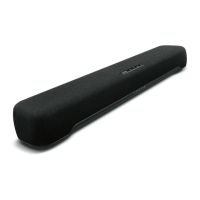
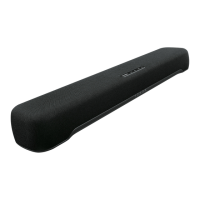
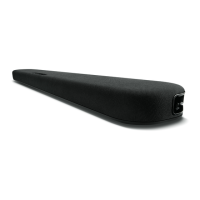
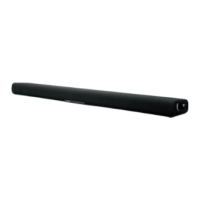
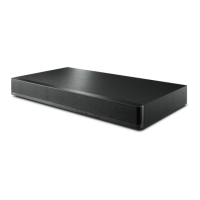
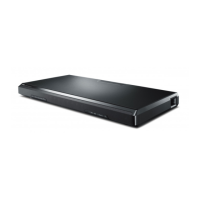
Install the sound bar and connect a TV to it.
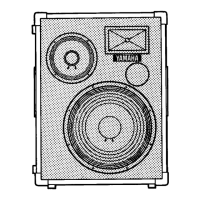
1 Install the sound bar and subwoofer.
“Installing the product”(p.20)
2 Connect a TV to the sound bar.
Connect the TV to the sound bar using a method suitable for the type of jacks on the TV and
the functions to be used.
“Connecting a TV using only the included digital optical audio cable”(p.24)
“Connecting a TV using an HDMI cable (commercially available)”(p.26)
3 Connect an audio device (if required).
“Connecting an audio device”(p.30)
4 Prepare the remote control.
“Preparing the remote control”(p.34)
5 Turn on the sound bar.
When the sound bar is turned on, the subwoofer turns on at the same time.
“Turning on and off the sound bar”(p.35)
16
PREPARATION > Preparation



 To Next Page