Listening to audio from a Bluetooth® device
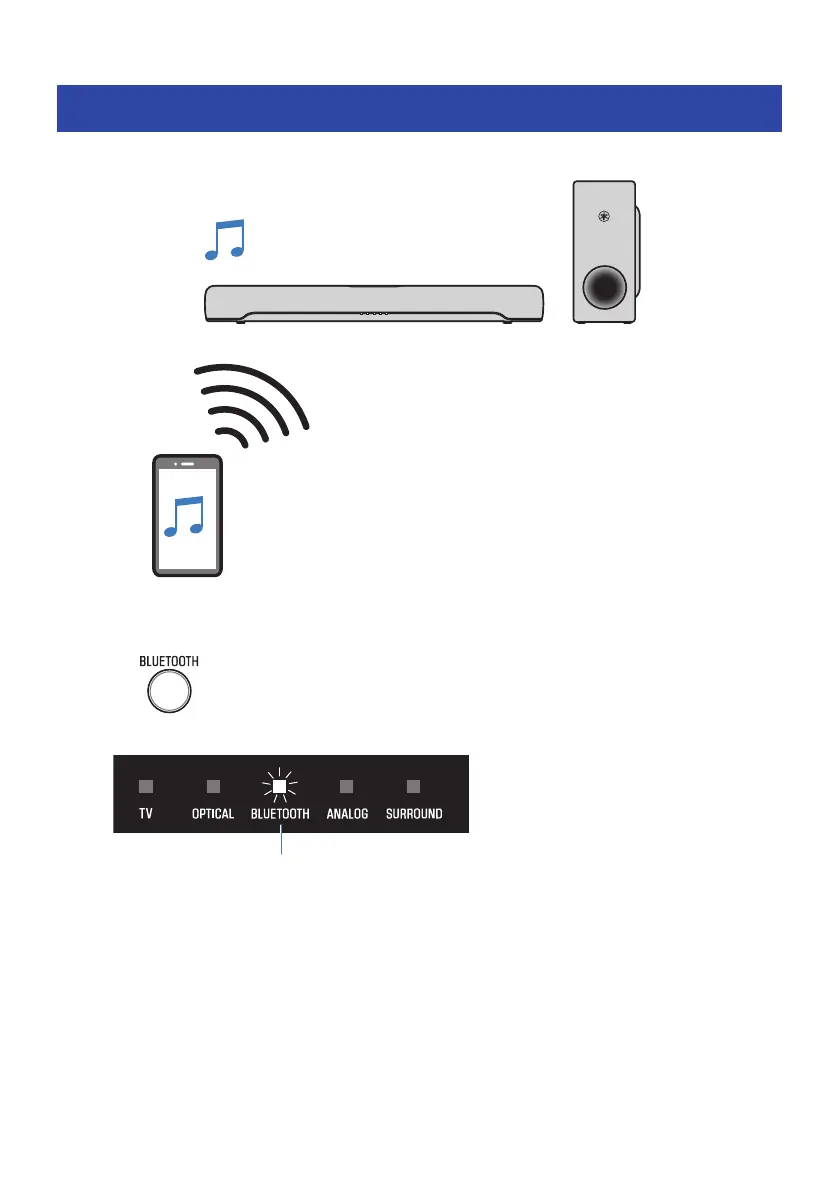
Audio content from a Bluetooth device can be played through the sound bar.
1 Press BLUETOOTH to switch the input source to Bluetooth.
The sound bar enters the connection wait status, and the BLUETOOTH indicator flashes.
2 On the Bluetooth device, enable the Bluetooth function.
45
PLAYBACK > Listening to audio from a Bluetooth® device



 To Next Page