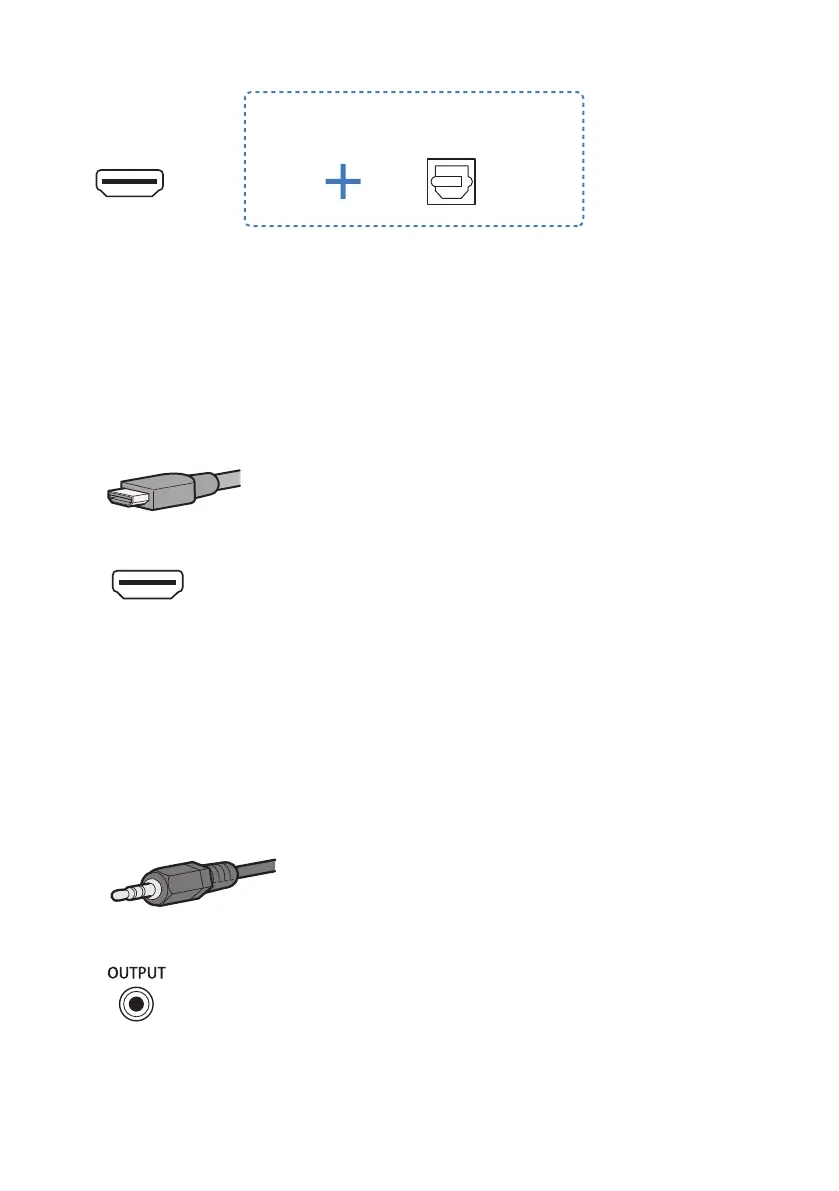
When connecting to an HDMI input jack not
compatible with ARC
Connection procedure
“Connecting a TV using an HDMI cable (commercially available)”(p.26)
n
TV without a digital optical audio output jack, but equipped with an HDMI input jack
compatible with Audio Return Channel (ARC)
Connect a TV using an HDMI cable. Prepare a commercially available HDMI cable compatible with ARC.
Cable: HDMI cable (commercially available)
Jack of TV to connect to: HDMI input jack (compatible with ARC)
Connection procedure
“Connecting a TV using an HDMI cable (commercially available)”(p.26)
n
TV without a digital optical audio output jack and also without an HDMI input jack
compatible with Audio Return Channel (ARC)
If the TV is equipped with an analog audio output jack or headphones jack, use one of these analog jacks to
connect. Prepare a commercially available 3.5 mm stereo mini plug analog audio cable.
Cable: 3.5 mm stereo mini plug cable (commercially available)
Jack of TV to connect to: Analog audio output jack or headphones jack
Connection procedure
“Connecting an audio device”(p.30)
23
PREPARATION > Connecting a TV



 To Next Page