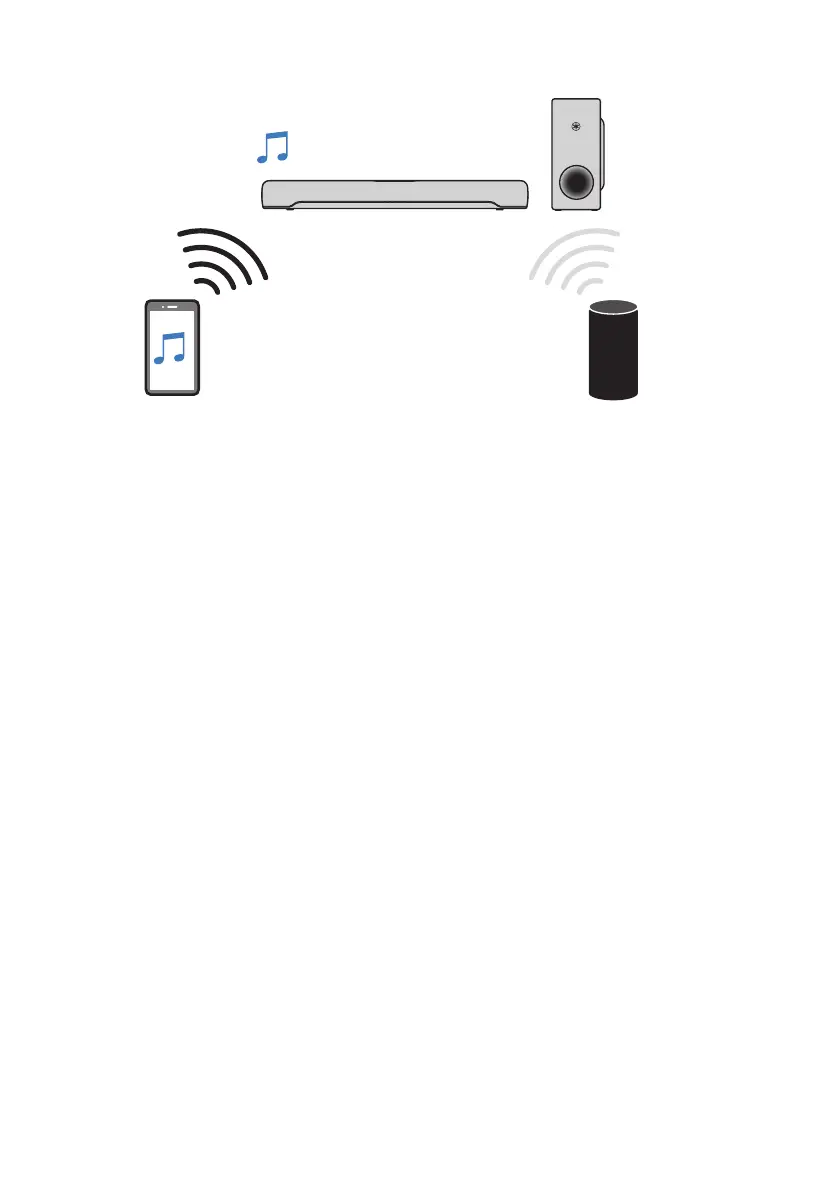
Bluetooth device (performing playback) Bluetooth device (playback stopped)
Perform the following procedures to switch between devices for playback.
1 Stop playback on the Bluetooth device.
2 Start playback on the other Bluetooth device.
Audio from the other Bluetooth device can be heard on the sound bar.
NOTE
When connecting a new Bluetooth device, disconnect the currently connected Bluetooth device and then connect the new
device.
47
PLAYBACK > Listening to audio from a Bluetooth® device



 To Next Page