EasyManua.ls Logo

Yamaha TT-S303 - User Manual

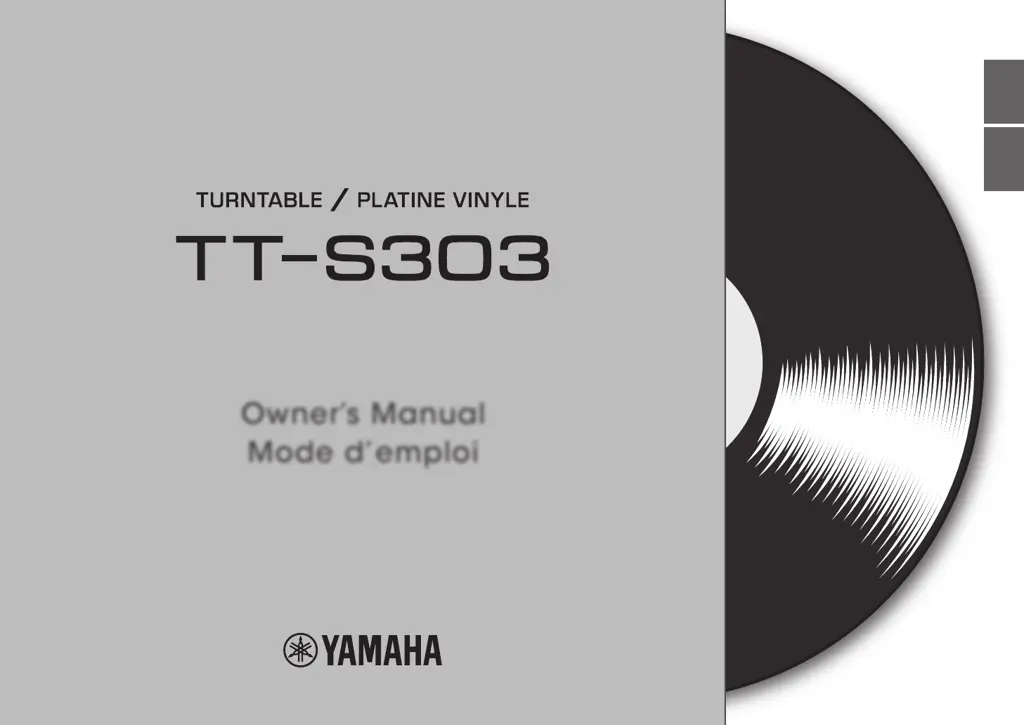
Yamaha TT-S303
52 pages
Print Icon
To Next Page IconTo Next Page
Loading...
Owner’s Manual
Mode d’emploi
EnglishFrançais

Other manuals for Yamaha TT-S303

Questions and Answers

  • J
    Joshua SantanaSep 4, 2025
    What causes a left/right sound imbalance on my Yamaha TT-S303?
    • M
      Molly WoodSep 4, 2025
      An imbalance in the left/right sound on your Yamaha Turntable could be caused by the turntable being tilted. Place the turntable on a level location.
  • T
    Tonya CoxSep 18, 2025
    How to fix the sound balance on my Yamaha TT-S303?
    • A
      austinchelseaSep 18, 2025
      If the left/right balance of the sound is off on your Yamaha Turntable, place the turntable on a level location.
  • D
    Donna RobertsSep 16, 2025
    Why is the volume too low or too high on my Yamaha TT-S303?
    • C
      Christopher HenrySep 16, 2025
      If the volume of your Yamaha Turntable is too weak or too loud, check the following: * Ensure the cartridge setting of the amplifier or phono equalizer is correctly set for the type of cartridge you’re using (MM or MC). * Verify that the PHONO EQ switch is set correctly for the connected device.
  • J
    Julie HodgeSep 14, 2025
    What to do if my Yamaha Turntable is causing feedback?
    • S
      Susan SilvaSep 14, 2025
      To resolve feedback issues with your Yamaha Turntable: * Locate the unit farther away from the speakers. * Adjust the volume of the amplifier.
  • P
    pjonesSep 12, 2025
    Why is the platter not spinning on my Yamaha TT-S303 Turntable?
    • A
      Adrian HillSep 13, 2025
      If the platter on your Yamaha Turntable isn't rotating, here's what you should check: * Ensure the belt is correctly positioned on the platter and pulley. Attach it correctly if it has come off. * Make sure the power is turned on.
  • V
    Vanessa SmithSep 12, 2025
    How to fix a humming sound in my Yamaha TT-S303?
    • G
      Gerald HoltSep 12, 2025
      To address audible hum from your Yamaha Turntable: * Ensure the RCA stereo cable is correctly connected. * Use the lock nut to firmly secure the head shell to the tone arm.
  • A
    Aaron CarterSep 9, 2025
    Why is there no sound coming from my Yamaha TT-S303?
    • T
      tara77Sep 9, 2025
      If you are not getting any sound from your Yamaha Turntable, check the following: 1. Make sure the head shell is correctly attached to the tone arm. 2. Verify that the RCA stereo cable is connected correctly. 3. Ensure that the mute setting of the amplifier is turned off.
  • J
    Jeremy BrownSep 7, 2025
    What to do if my Yamaha Turntable skips or has distorted sound?
    • J
      Julie YoungSep 7, 2025
      If you are experiencing skips, noise, or distorted sound with your Yamaha Turntable, there are several potential causes and solutions: * Ensure the stylus pressure is correctly adjusted by setting the counter weight markings to the stylus pressure specified for the cartridge. * Avoid using scratched or warped records. * Clean the record with a commercially available record cleaner. * Remove static charge using an anti-static brush. * Clean the stylus. * Replace the stylus if it is worn down. * Place the unit on a level location that is not subject to vibration.
  • T
    Thomas NelsonSep 5, 2025
    Why won't my Yamaha Turntable turn on?
    • V
      valerie66Sep 5, 2025
      If your Yamaha Turntable isn't turning on, the AC adapter may have come unplugged from the unit’s DC IN jack or from the AC outlet, or is not firmly plugged in. Firmly plug the AC adapter into the unit’s DC IN jack and into an AC outlet.
  • J
    Jesus JonesAug 20, 2025
    How to adjust the playback speed on my Yamaha Turntable?
    • M
      Michelle MartinezAug 21, 2025
      To correct the playback speed on your Yamaha Turntable, set the 33/45 (speed) setting correctly. Note that this unit does not support playback of SP records (78 rpm).

Summary

Important Safety Instructions

FCC Information and Compliance

Precautions for Safe Operation

Getting Ready

Connections and Adjustments

Connecting the unit, setting stylus pressure, and anti-skating.

Playback

Starting Record Playback

Guide to placing a record, selecting speed, and initiating playback.

Tone Arm Operation

Steps for releasing the tone arm lock and lowering it for playback.

Pausing and Stopping Playback

How to pause, resume, and stop playback, and lock the tone arm.

When Necessary

Replacing the Belt

Detailed instructions for replacing the worn or broken drive belt.

Troubleshooting

Common Operational Issues

Solutions for power, sound, and rotation problems.

Playback and Feedback Issues

Resolving skips, noise, distortion, and feedback.

Specifications

Platter, Tone Arm, and Cartridge Specs

Detailed technical specifications for the platter, tone arm, and cartridge sections.

Audio and General Specifications

Technical details on audio output, power, weight, and dimensions.

Yamaha TT-S303 Specifications

General IconGeneral
TypeBelt-drive audio turntable
Operation-
Motor typeDC motor
Output level140 mV
Product colorBlack
Wow & flutter0.2 %
Output voltage2.5 mV
Stylus pressure3.5 g
Platter materialAluminum
Turntable speeds33 1/3, 45 RPM
Signal-to-Noise Ratio (SNR)67 dB
Overhang19 mm
Arm length223.5 mm
Tonearm typeStatically balanced tonearm
Quantity1
HeadshellYes
Power supply typeDC
Power consumption (standby)0.1 W
Power consumption (typical)1.5 W
Weight and Dimensions IconWeight and Dimensions
Depth368 mm
Width450 mm
Height136 mm
Weight4800 g
Platter diameter300 mm

Related product manuals