Starting the voice assistant
You can use this product to control a voice assistance feature such as Siri or Google Assistant. This feature is
available when you connect this product to a Bluetooth device that supports voice assistance.
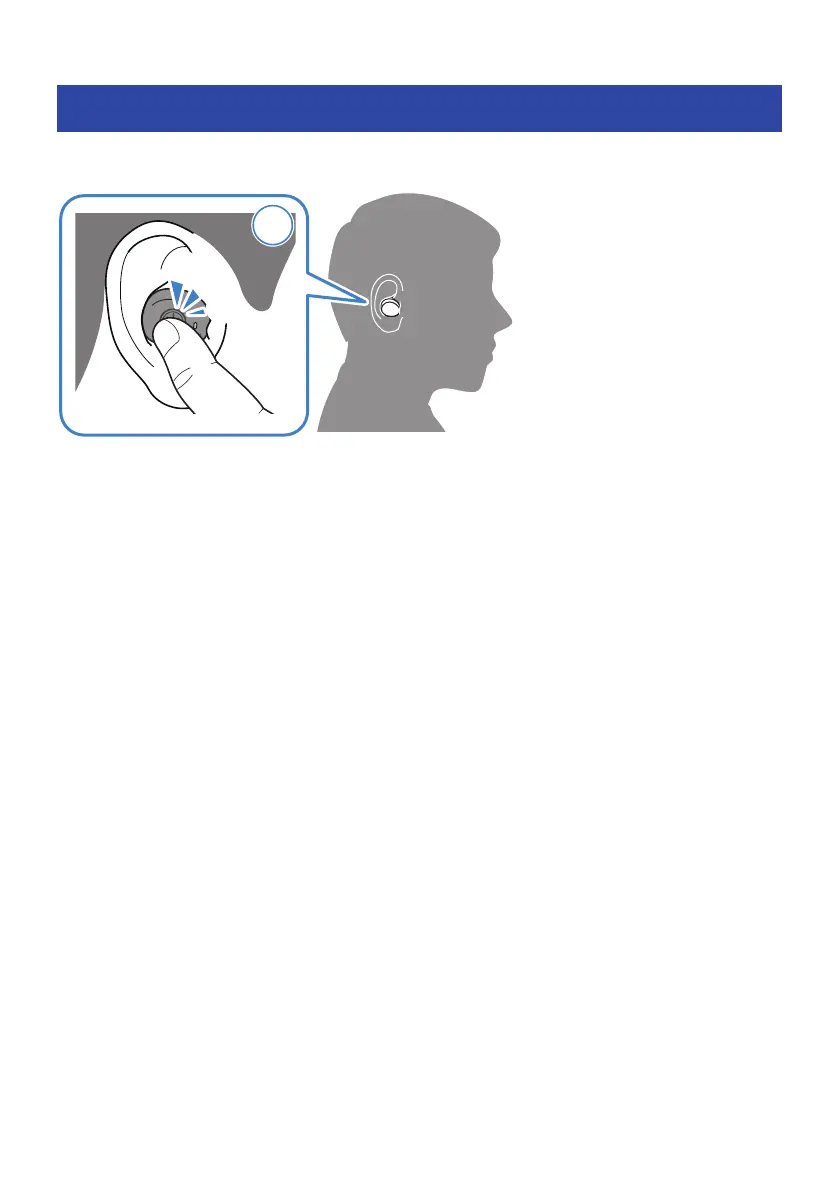
1 Press the function key on the earphone (R) three times in a row.
The voice assistant will start, and you can operate it using your voice.
NOTE
(
The operations for the voice assistant feature will vary depending on your Bluetooth device. See the user’s manual of your
Bluetooth device for details.
(
To finish listening to the voice assistant, operate your Bluetooth device.
26
Operation (Music Playback and Phone Calls) > Starting the voice assistant



 To Next Page