3-11
183574-1CD
183574-1CD
3 Installation
3.4 Installing the System Components
ArcWorld 50/50S/52/52S
3.4.2 Installing the Arc Curtains
The arc curtains may be shipped in an accessories box. Unfold arc
curtains and install one curtain on inside of each cell wall section.
3.4.3 Installing the Auxiliary Equipment
The Controller, welder, and main service disconnect are typically installed
at the factory. However, if installation is required, proceed as follows:
1. Unbolt the auxiliary equipment from the shipping skid.
2. Carefully remove plastic wrapping and cardboard from Controller and
welder.
3. Inspect for any shipping damage.
4. Using a forklift, lift the Controller and remove from shipping skid.
5. Using the system drawings, place the Controller and welder next to the
cell.
6. Once components are correctly installed, anchor each component
securely in place (refer to the Motoman Lagging Supplement for
anchor suggestions).
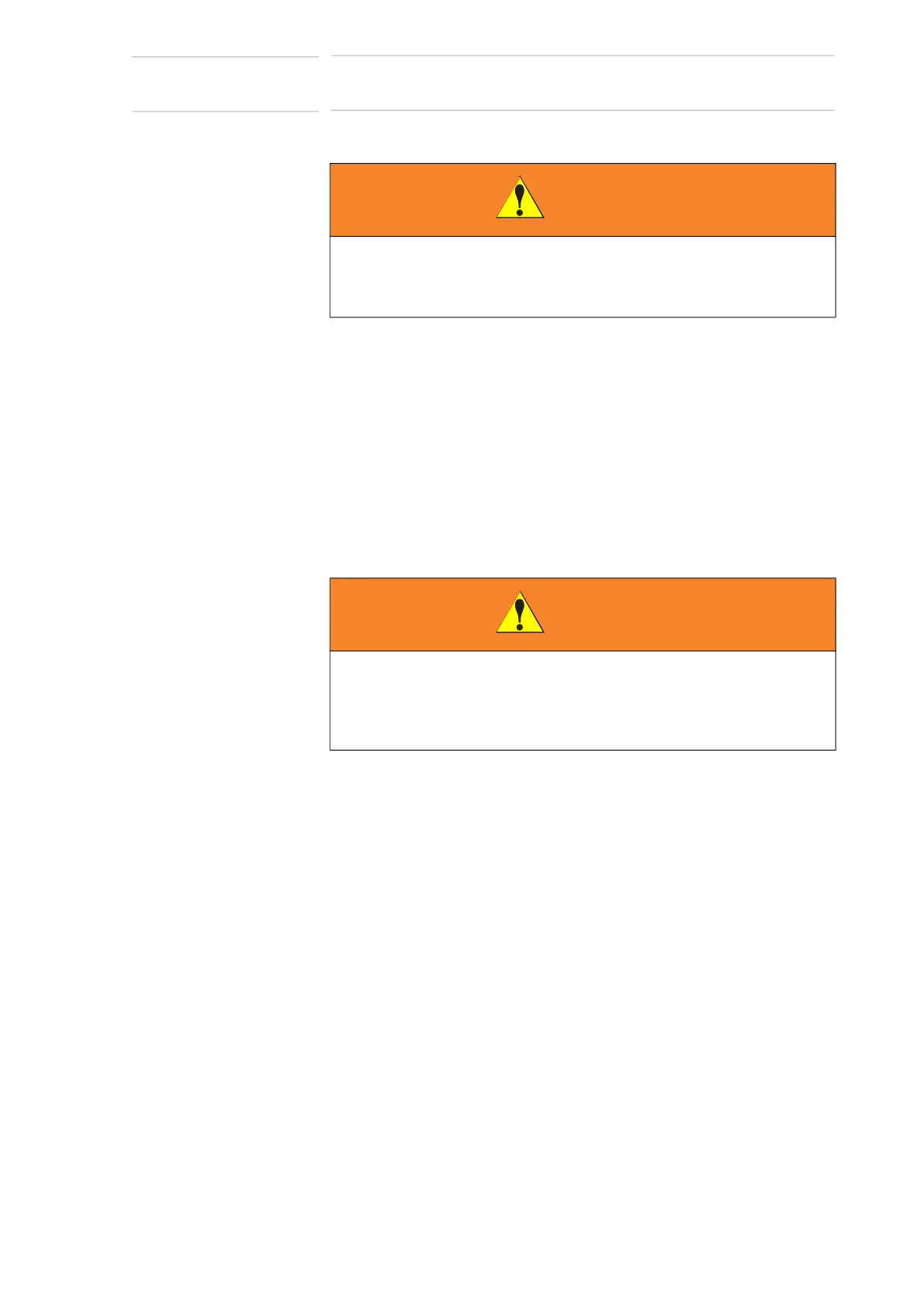
WARNING
• Do not install the arc curtains until the cell walls are secure.
Unsecured cell walls can fall and injure personnel and damage
equipment.
WARNING
• Make sure handling equipment can lift 150 kg (330 lbs),
approximate weight of the Controller.
Injury to personnel and damage to equipment can occur if rating of
handling equipment is not at least 150 kg (330 lbs).



 To Next Page