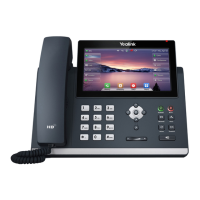
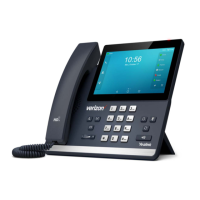
Local Call History
The History list holds up to 100 entries and
includes missed, received and placed calls. Icons
indicate Placed, Received, Missed or Forwarded
calls. Press the left/right arrow keys to switch
among call lists.
1. Press History when phone is idle and arrow
up/ down to scroll through the list.
2. Select an entry from the list, and select:
• Send to call the entry.
• Delete to remove the entry from the list.
• Option > Detail to view the entry information.
• Option > Add to Contacts to add to Contacts.



 To Next Page
 Loading...