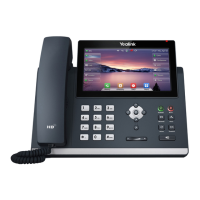
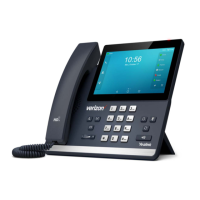
Conference Calls
The phone supports up to three parties (including
yourself) in a conference call.
To initiate a Conference Call with two Contacts:
1. Enter a phone number or use a Directory or call list
to call a Contact. .
2. After the call connects, select Conference.
3. Call the next Contact and select Conference or Send
4. After the call connects, select Conference again.
To join an Active call and a Held call, press Conf
To disconnect the call, press End Call
Manage Conference Call options:
• Select Hold/Resume to place conference on Hold.
• Select Split to end the conference and place the two
participants on Hold in two separate calls.
• Press Mute to mute the conference call. All other
participants can hear each other, but not you.



 To Next Page
 Loading...