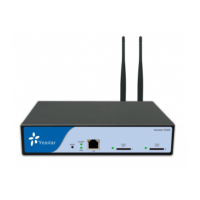
NeoGate TA Series Installation Guide
13/20
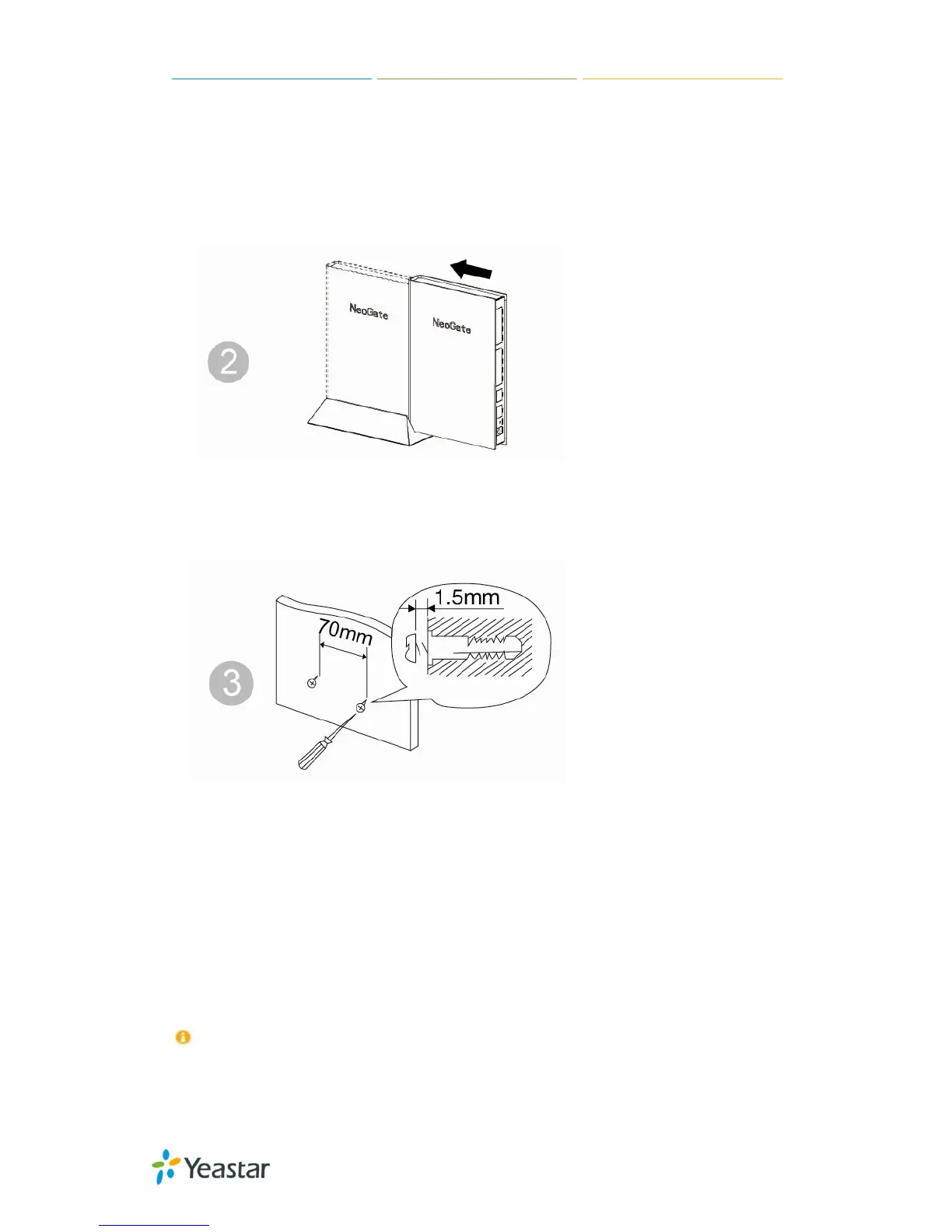
Push the NeoGate device into
the stand.
Fix two screws on the wall and
then you could mount the
stand to the wall.
3.2.2 Connection of Ethernet Ports
NeoGate TA provides one 10/100M adaptive RJ45 Ethernet LAN port.
LAN Port Connection
Connect one end of a network cable to the LAN port of the Gateway, and the other end to any
port of company’s LAN switch/router.
If the LAN port is connected to PC directly (not via a switch), please use cross-over cable.


 To Next Page
 Loading...