NeoGate TA Series Installation Guide
18/20
Figure 4-1 Find the IP address of NeoGate TA with DeviceFound.exe
4.2 Logging in the Web Configuration Panel
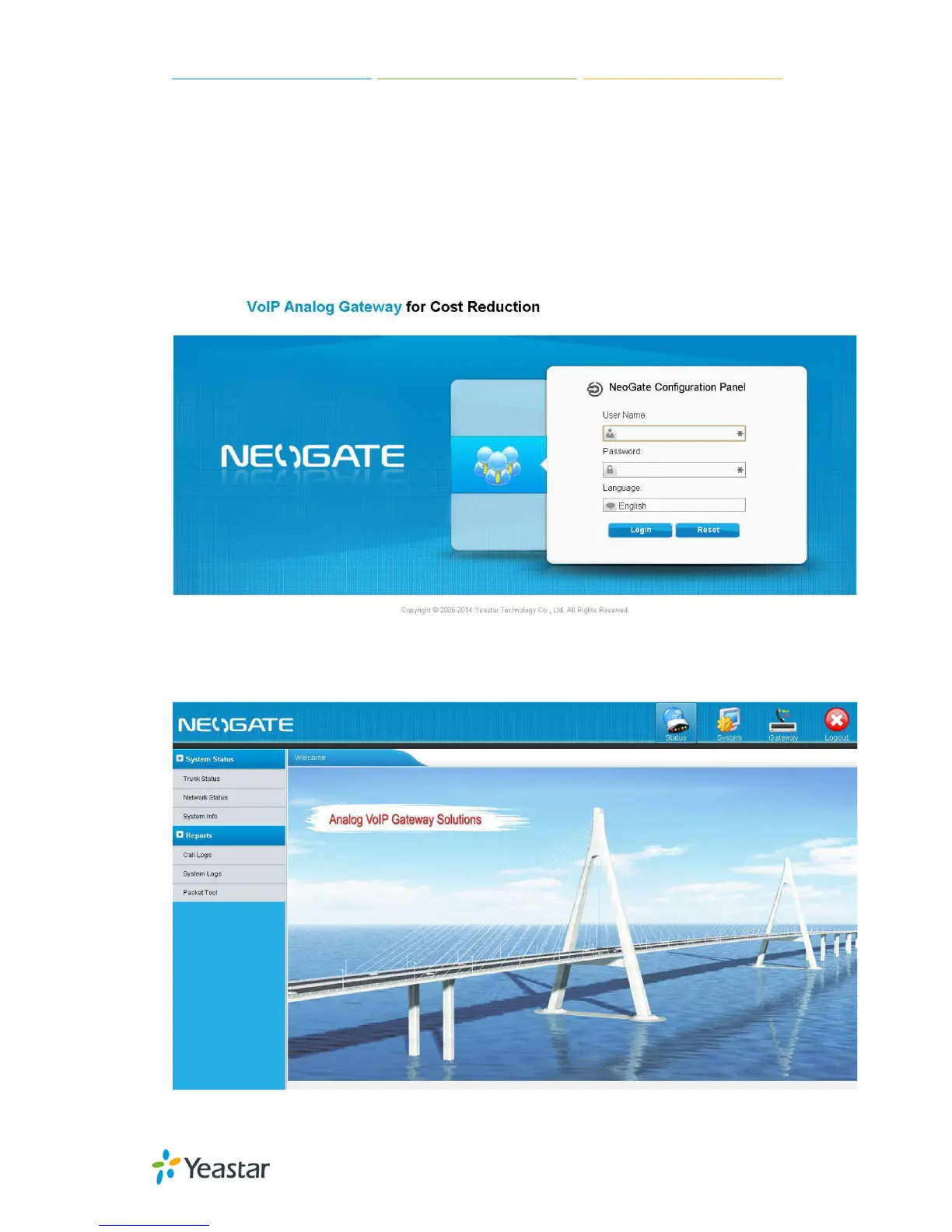
Start the browser on PC. In the address bar, enter the IP address, click “Enter” button and then
you can see NeoGate Web Configuration Panel login page.
Figure 4-2 NeoGate TA Web Configuration Panel Login Page
Enter the Admin User Name and Password to log in.
Figure 4-3 NeoGate Admin Configuration Interface


 To Next Page
 Loading...