NeoGate TG Series User Manual
16/62
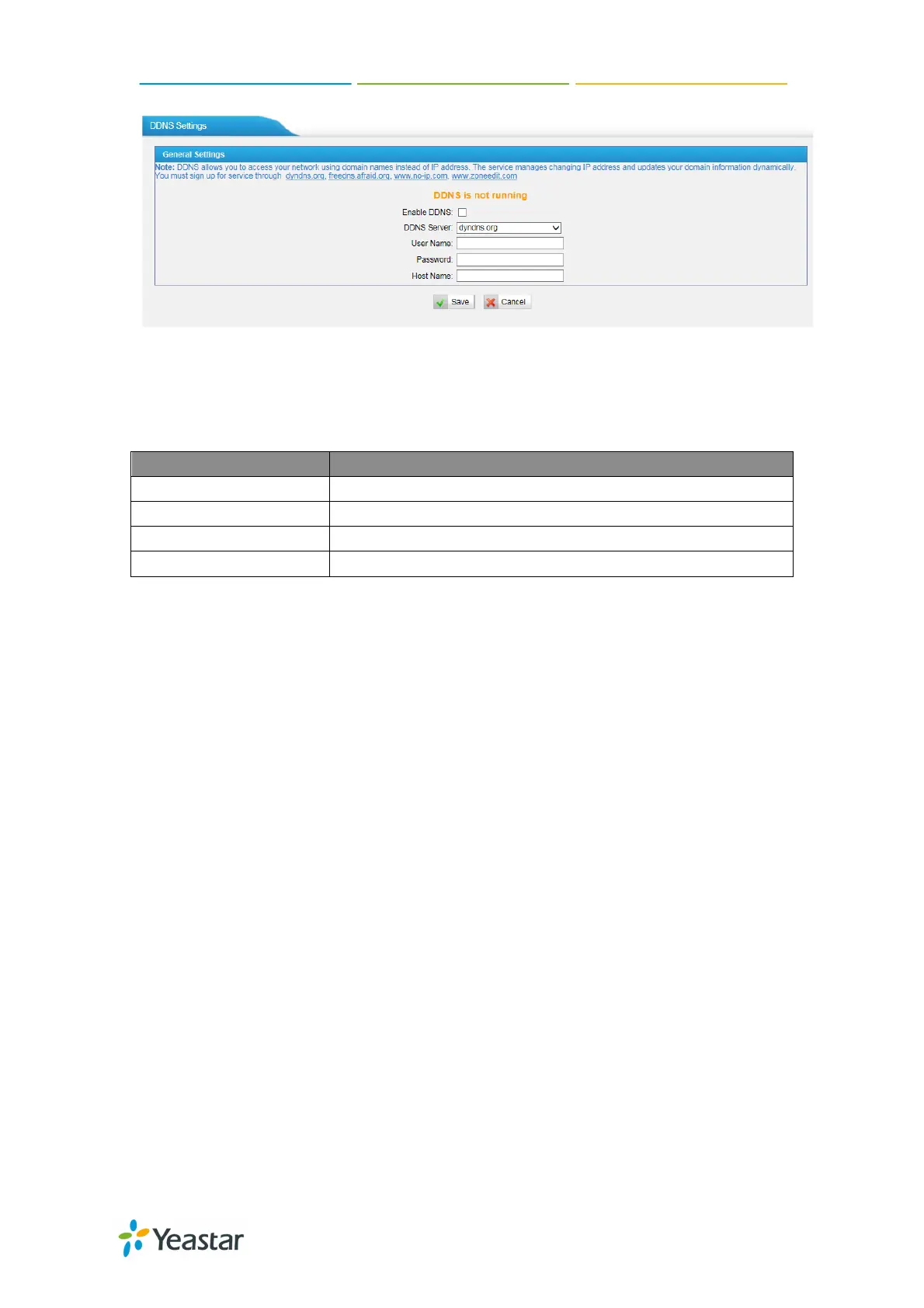
Figure 5-4
Enable DDNS
Select the DDNS server you sign up for service.
User name the DDNS server provides you.
The host name you have got from the DDNS server
Note: DDNS allows you to access your network using domain names instead of
IP address. The service manages changing IP address and updates your domain
information dynamically. You must sign up for service through dyndns.org,
freedns.afraid.org, www.no-ip.com, www.zoneedit.com
5.1.4 Static Route
NeoGate TG will have more than one internet connection in some situations but
it has only one default gateway. You will need to set some Static Route for
NeoGate TG to force it to go out through different gateway when access to
different internet.
The default gateway priority of NeoGate TG from high to low is VPN/VLAN LAN
port.


 To Next Page
 Loading...