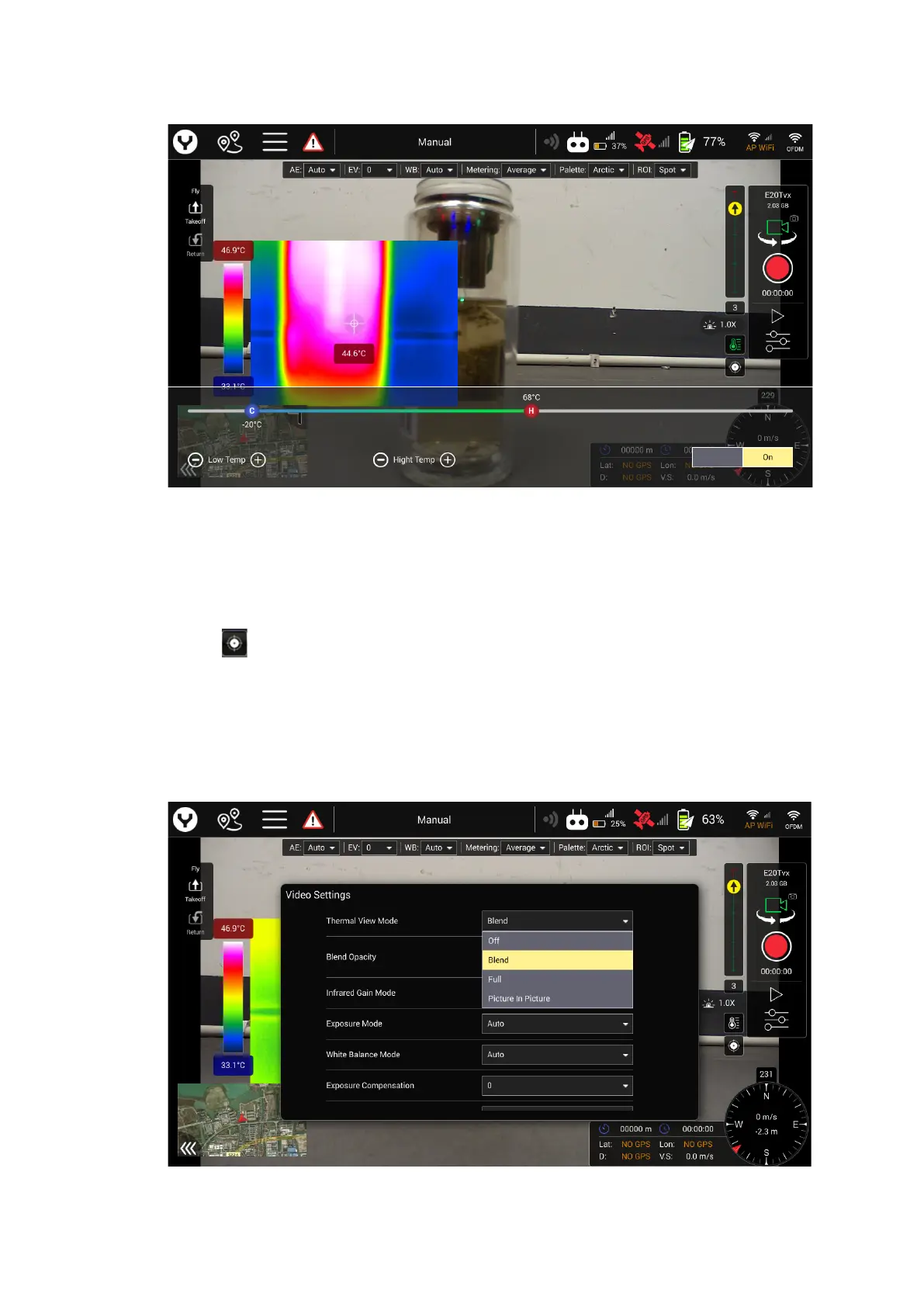
After the setting function was enabled, users can adjust the temperature
measurement range by sliding the C and H icon on the bar or tap the “+” and “-” of
each side for more precise adjustment.
13. FFC( Flat Field Correction) Button
Tap the button to send the FCC command to the E20Tvx for calibrating
manually.
Camera setting menu
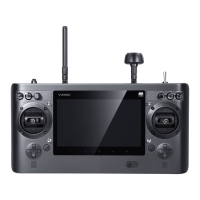
1. Thermal View Mode
There are four different modes can be selected by customer


 To Next Page