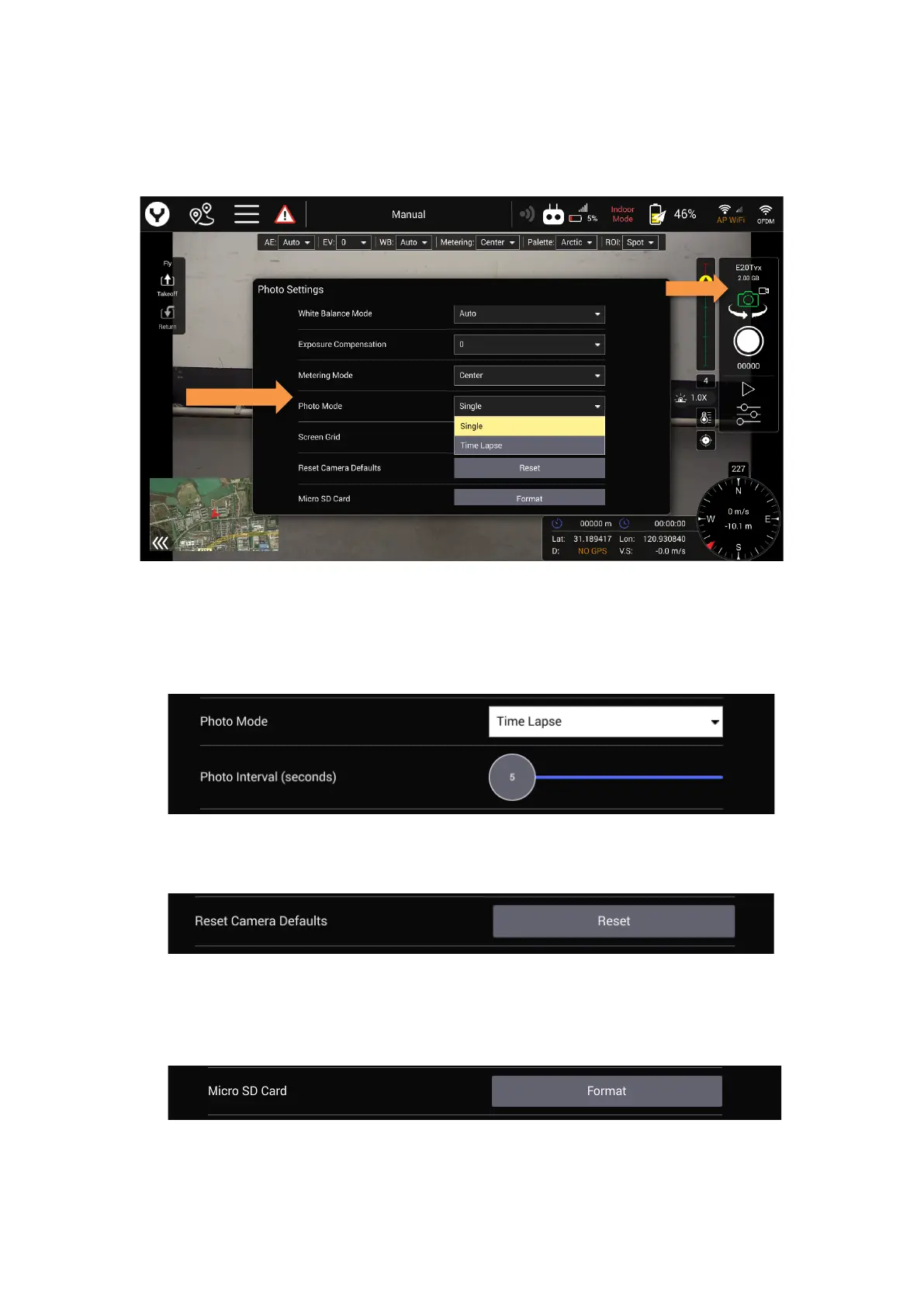
8. Photo mode
This item only appears when the camera is in the photo mode
The users can toggle single mode with time lapse mode
1) Single Mode: The camera only records a photo when the shutter button was
pressed.
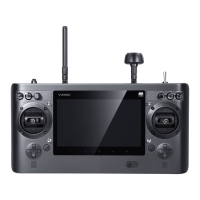
2) Time Lapse: The camera will record a photo automatically according to the time
interval which set by users
Slide the slider to set the time interval.
9. Reset Camera Defaults
Tap the Reset button and tap yes to confirm, the camera will be reset to the factory
default setting.
10. Format Micro SD card
Tap the Format button and tap yes to confirm, the camera will be format the Micro
SD card.


 To Next Page