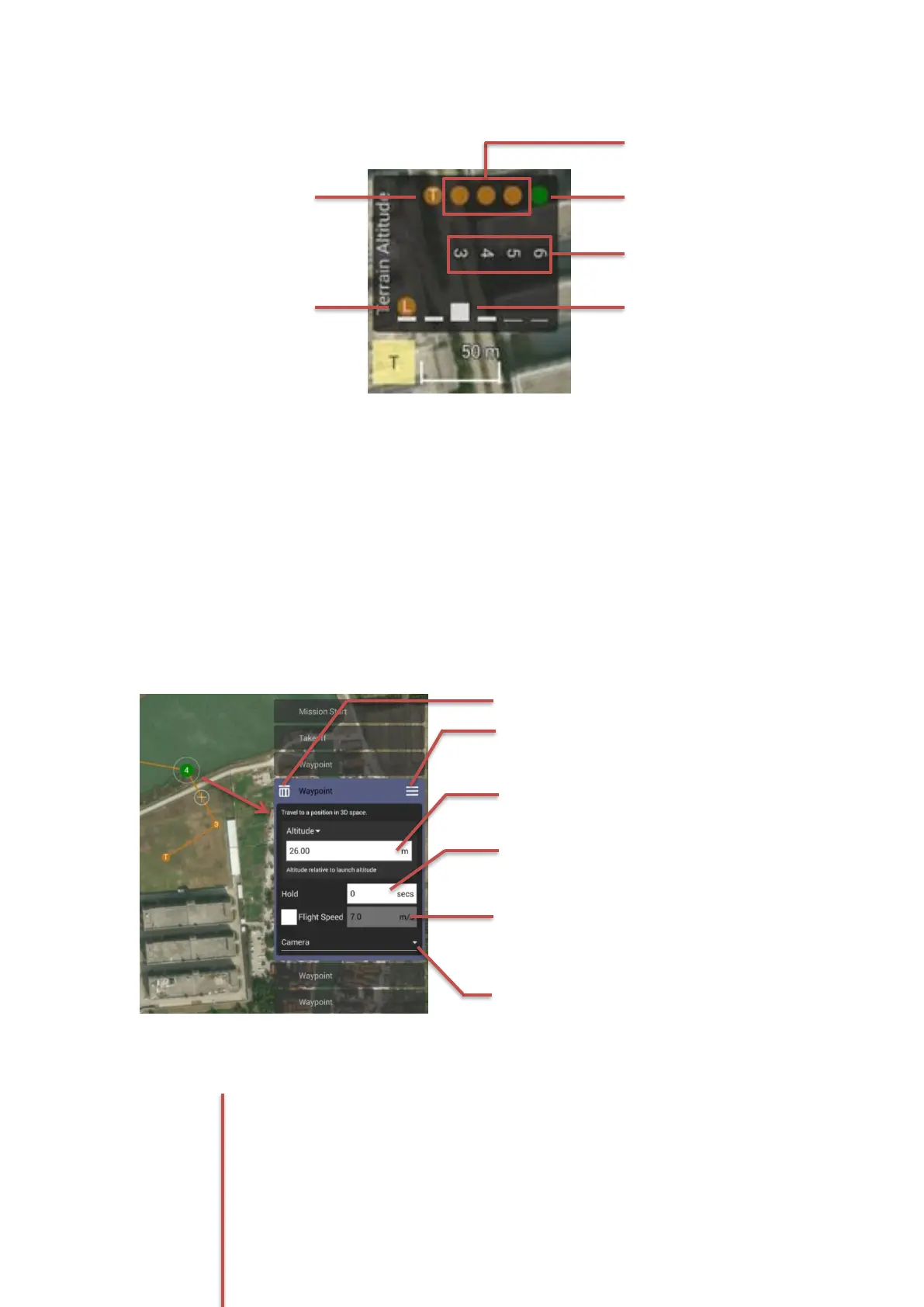
9Waypoint Setting Panel
This panel isthe setting panel for each waypoint to adjust the waypoint parameters in detail.
Adjusting the waypoint parameters
Once a waypoint was set and selected, the screen will pop up the ‘Way point Setting Panel’ on
the right side. In this panel almost every parameter of a waypoint can be set freely, such as
Altitude, Flight speed, Hold Time, etc. Even the direction of the gimbal and the camera behaviors
are included.
After the Camera and gimbal setting menu
was opened
Waypoint Altitude Setting
The operator can type in the number
directly for altitude setting.
Camera and Gimbal Setting menu button
Tap this button to open the Camera and
Gimbal Setting for the selected waypoint.



 To Next Page