Other settings in General Items-We suggest keeping them as the default setting.
2. Offline Maps
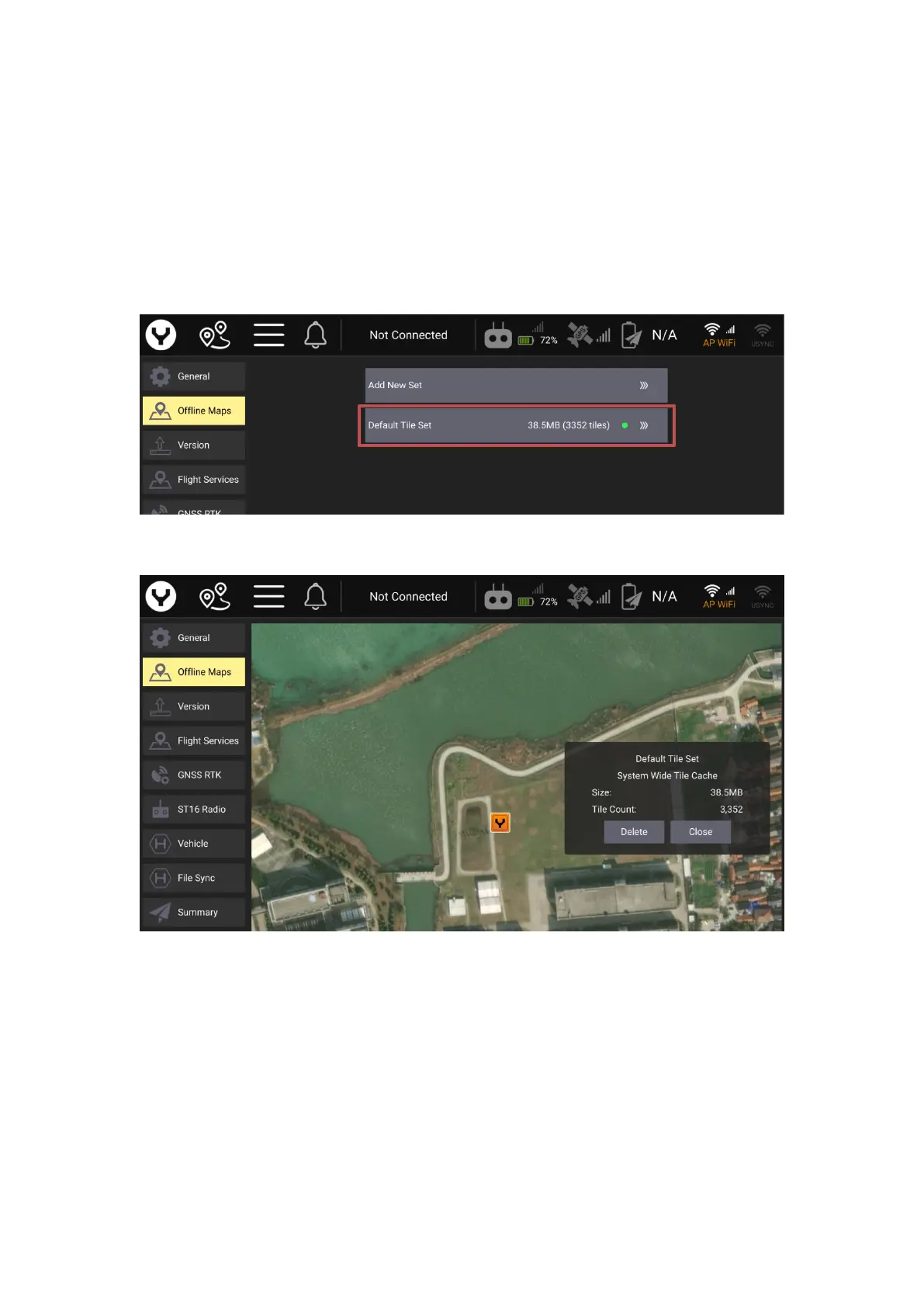
The Offline Maps allows the Datapilot 2.0 App store the map tile in the cache in the transmitter
for working in the field without the internet.
After the transmitter is connected with the internet the map will be downloaded automatically
according to the drone or the transmitter GPS position. The first downloaded map will be set as
the default tile.
The operator can delete the default tile by tap the “Default Tile Set” button and then tap the
“Delete “button.
Tap the “Close” button to return.
The operator can also add a new tile set manually beside the default tile set, tap “Add New Set”
button to edit.



 To Next Page