Charging the Batteries
Charging the Drone Battery
Connect the Charge box to a 100-240V AC outlet. Then press the power button to switch on the
charger.
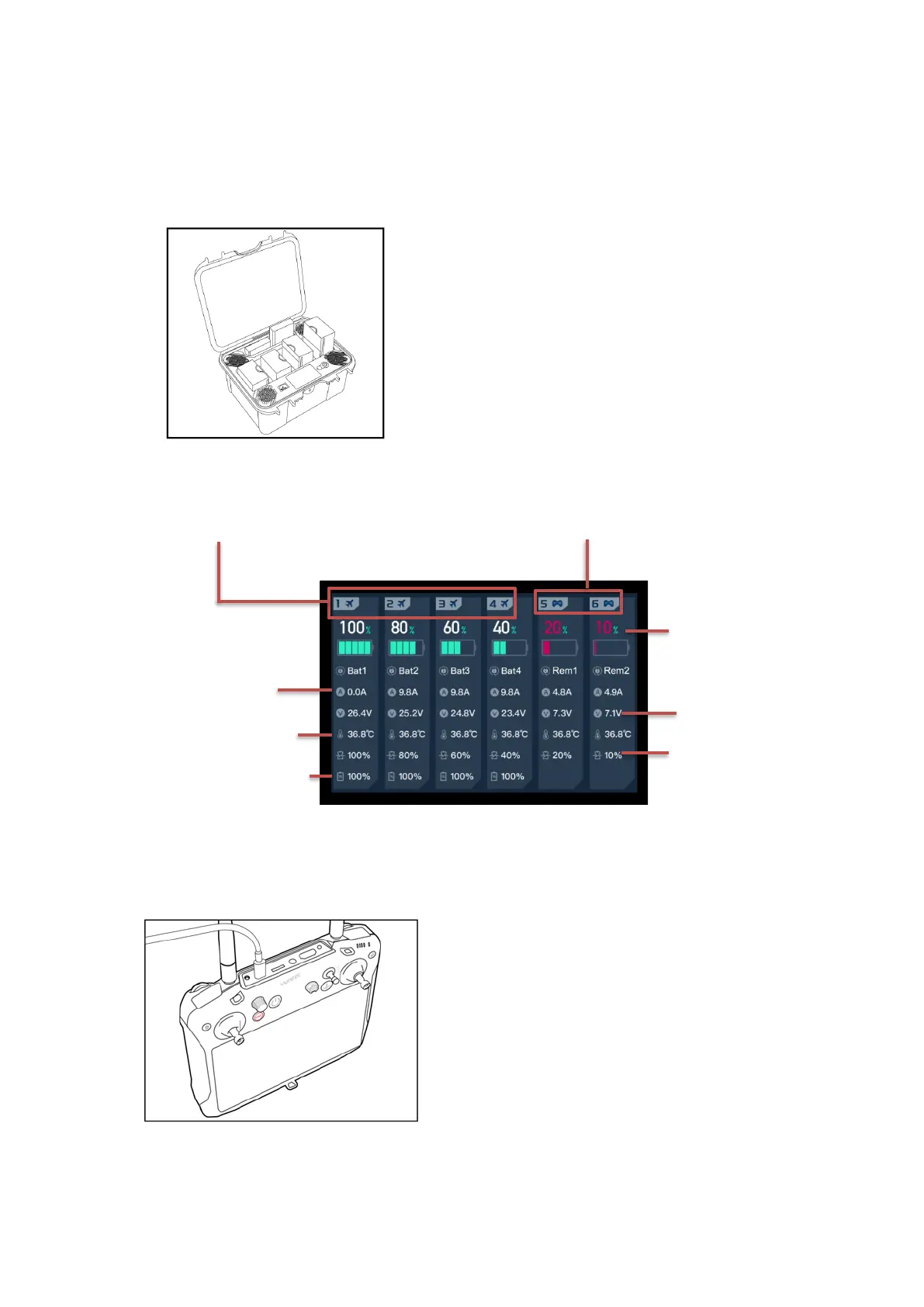
Charge Box Screen Overview
Charging the T1 Battery with via USB
The T1 battery can be charged using the Type C USB cable. Insert the connector into the
Type C USB Charging Port, as shown below.
Notice: The batteries are, combustible materials and must be replaced If they shown any signs of
damage, swelling, or inability to fully charge.
Plug the drone or transmitter battery into
the charger port as illustrated.
The batteries will charge automatically.
Drone battery charge ports
Transmitter battery charge ports
To check the charge status when the
transmitter is shut down, short press the
power button on the T-1 transmitter. The
Battery Icon will be shown on the screen. Or
operator the remaining power can be
roughly estimated by the LED indicator on
the transmitter.



 To Next Page