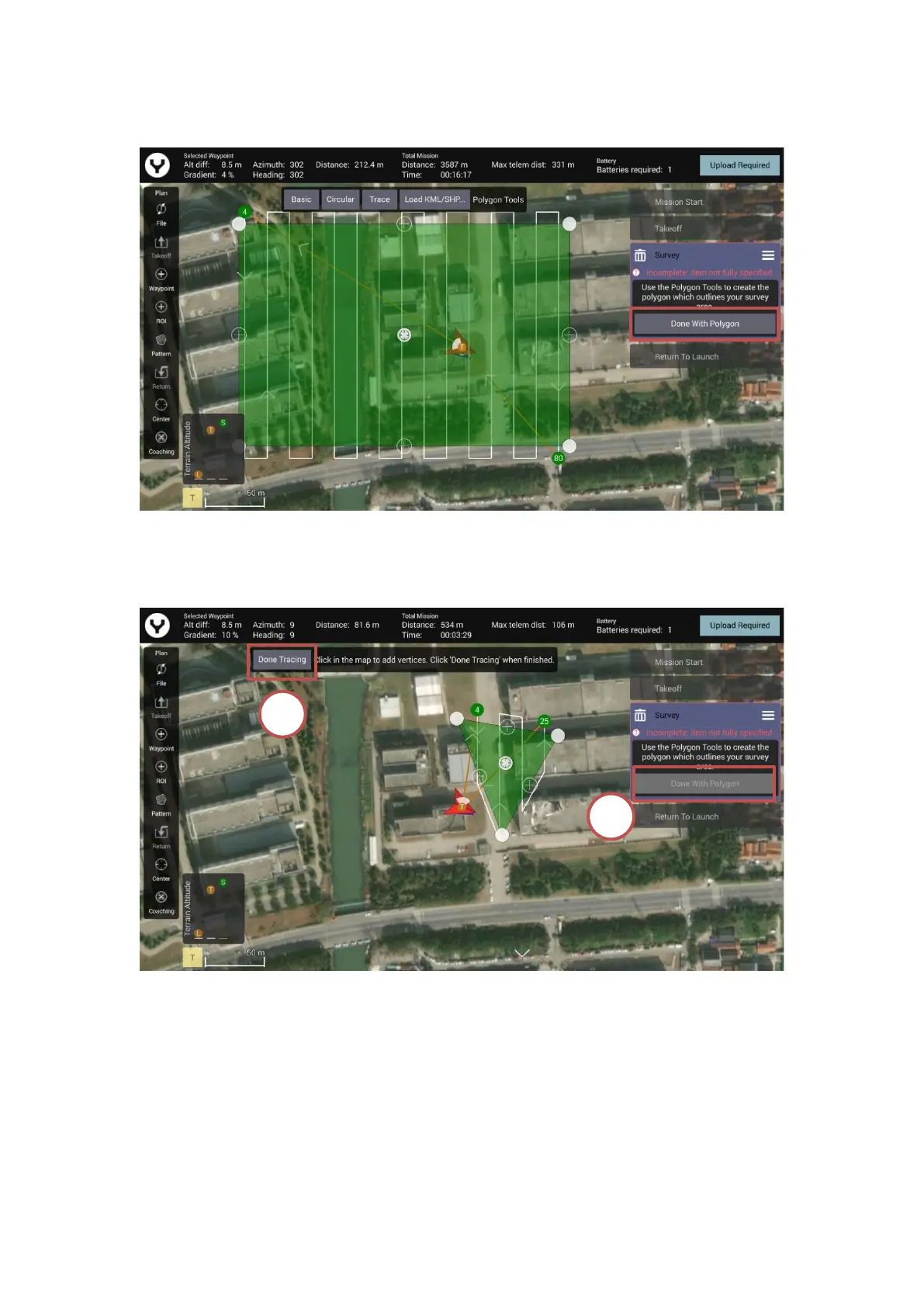
with Polygon” button and then tap the “Done Adjusting” button for the further settings.
Notice: For the Trace template, please tap the “Done Tracing” First, and then tap the “Done with
Polygon” and other buttons.
Adjust the Survey parameters
After the Survey area has been confirmed the operator can adjust the survey parameters. Click
the “Grid” tab under the selected survey mission to adjust the flight route.



 To Next Page