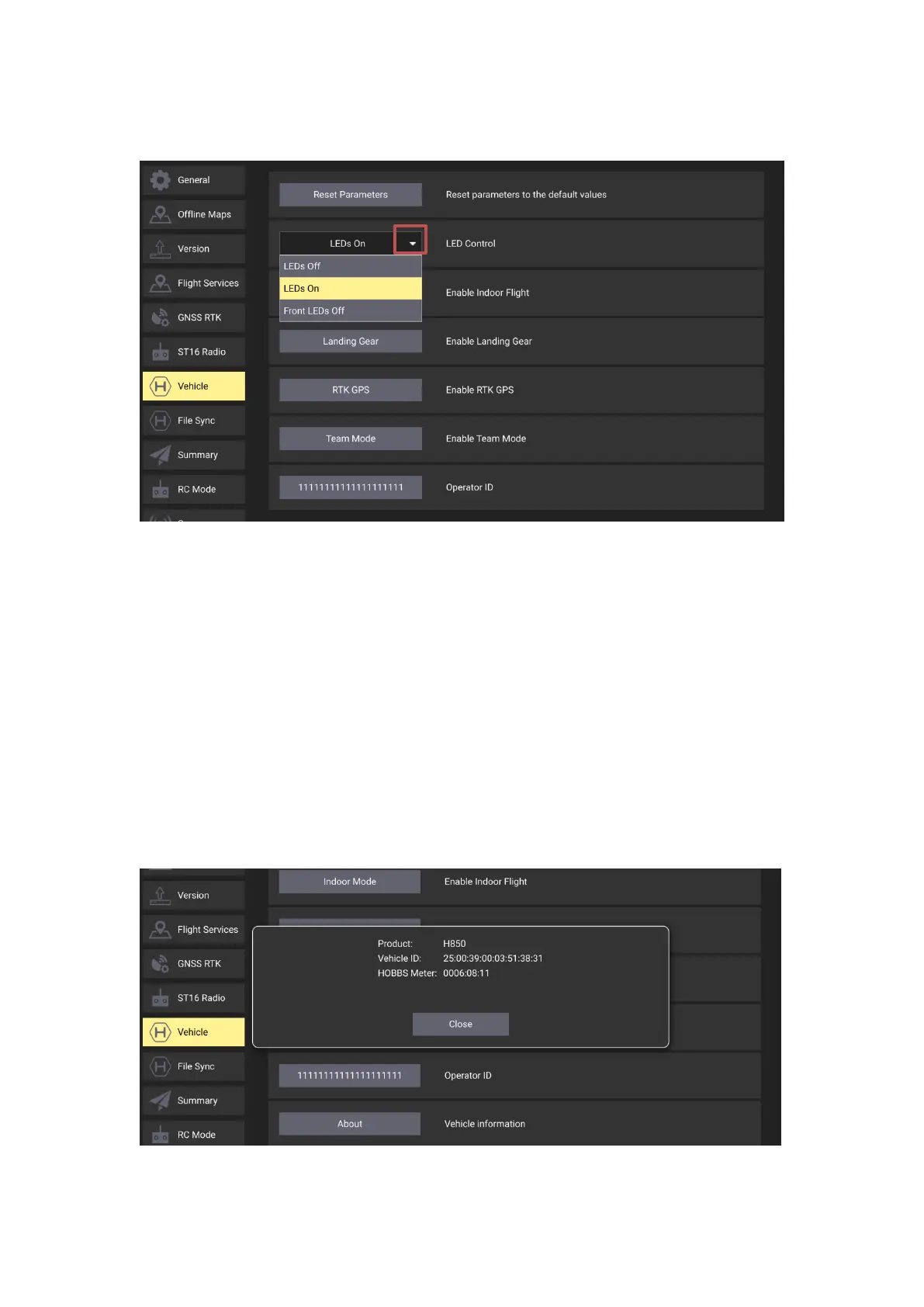
Tap the white arrow to open the drop-down menu then select the needed LED setting, the LEDs
On is the default setting.
LEDs Off - Switch off all the motor LEDs.
LEDs On - Switch on all the motor LEDs.
Front LEDs Off – Only switch off the LEDs on the front motor arms.
Indoor Mode button
To disable the GPS totally for starting the motors without GPS position, please refer to the
corresponding chapter introduced above for more details.
RTK GPS button
Tap this button to enable or disable the High-Precision RTK GPS, please refer to the
corresponding chapter introduced above for more details.
About button
Tap this button to check the Product type, Vehicle ID and HOBBS Meter.



 To Next Page