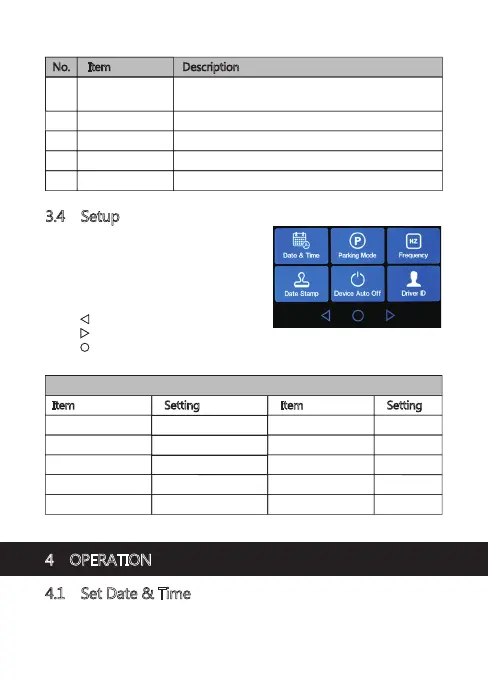
3.4 Setup
From the Main Menu screen, tap on
Settings (K) to go to the full list of
settings that can be customized.
• Tap on a feature to customize it.
• Tap ' ' icon for previous page.
• Tap ' ' icon for next page or screen.
• Tap ' ' icon to exit and return to home screen.
• Please find below the full list of Default Settings for this camcorder:
4 OPERATION
4.1 Set Date & Time
Before using this device, we recommend you set the correct date and time:
Default Settings
Item Setting
Resolution 1920x1080P 30FPS
Audio Recording ON
G-Sensor Normal
Choose language English
LCD Off Off
Item Setting
Loop Recording 3 mins
Date Stamp ON
Key Tone ON
Frequency 60 Hz
No. Item Description
L Playback
J Loop Recording
Switch between 1, 3 or 5-mins recording intervals
(see 4.5 for more details).
K Settings View the full list of settings that can be customized.
Playback 'Normal' and 'Emergency' video recordings.
M Photo Capture
Preview saved photos.
N REC Exit Main Menu to Home Screen (starts recording).
-10-



 To Next Page