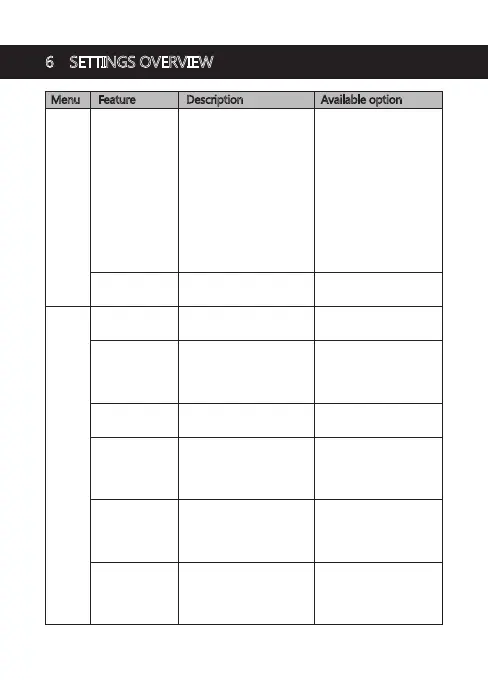
Menu Feature Description Available option
Set the resolution of the
videos to be recorded.
Video
Resolution
Front camera and rear
camera connected:
1920x1080P 30FPS +
1920x1080P 30FPS
Front camera only:
2560x1440P 30FPS
2304x1296P 30FPS
1920x1080P 60FPS
1920x1080P 30FPS
1280x720P 60FPS
1280x720P 30FPS
Main
Menu
Set the duration of each
video file (see 4.5).
Loop Recording 1 min / 3 mins / 5 mins
Settings
Enable/disable a Driver
ID stamp, visible on
saved video recordings
and photos.
Driver ID
Set the display frequency
of the video recording.
Frequency 50Hz / 60Hz
Set the date/time
(see 4.1).
Date/Time
DD / MM / YYYY
HH : MM
Enable/disable to protect
your vehicle from hit-and
-run incidents when the
engine is off (see 4.8).
Parking Mode On / Off
On / Off
On / Off
Add/remove a date and
time stamp, visible on
saved video recordings
and photos.
Select time delay for dash
camera to automatically
turn off after loss of
external power.
Date Stamp
Off / 1 min / 3 mins /
5 mins
Device Auto Off
6 SETTINGS OVERVIEW
-16-



 To Next Page