EasyManua.ls Logo

Z-EDGE T4 - Page 19

Z-EDGE T4
24 pages
Print Icon
To Next Page IconTo Next Page
To Previous Page IconTo Previous Page
Loading...
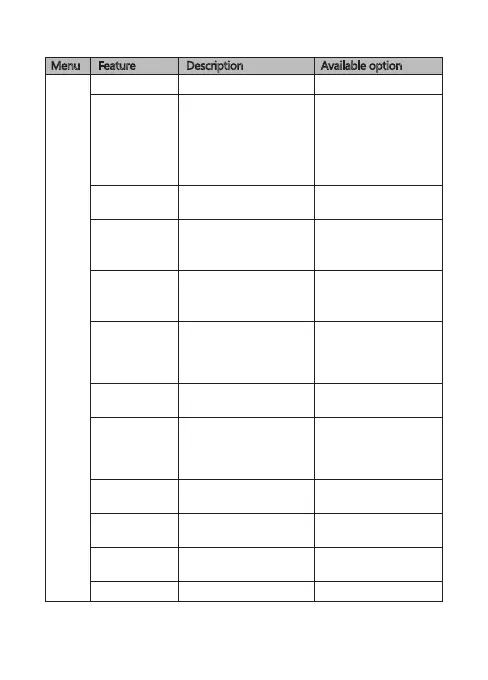
Menu Feature Description Available option
Settings
Adjust the sensitivity of
the G-Sensor (see 4.6).
G-Sensor
Off / High / Normal /
Low
Set the exposure levels.Exposure -2.0 to +2.0
Format the TF/Micro SD
card.
Warning: ALL content on
the TF/Micro SD card will
be deleted and CANNOT
be restored or recovered.
OK / Cancel
Format SD Card
Enable/disable the sound
effect when tapping
screen.
Key Tone On / Off
Preset the language of
the user interface.
Choose
language
English / French /
German / Dutch /
Portugese / Polish
Select time taken for
display screen to
automatically turn off
during operation.
Screen Auto Off
Firmware version.Version
Add/remove logo
watermark, visible on
saved video recordings
and photos.
Logo Stamp On / Off
Enable/disable the power
on/off sound effect.
Startup Chime On / Off
Off / 1 min / 3 mins /
5 mins
On / Off
Enable/disable motion
detection function .
Reset all options to the
factory default settings.
Motion
Detection
OK / Cancel
Default
Select a light or dark
menu color theme.
Light / Dark
Theme
-17-

Related product manuals