17
Find more information at www.zaco.eu
English
How to use
Operation
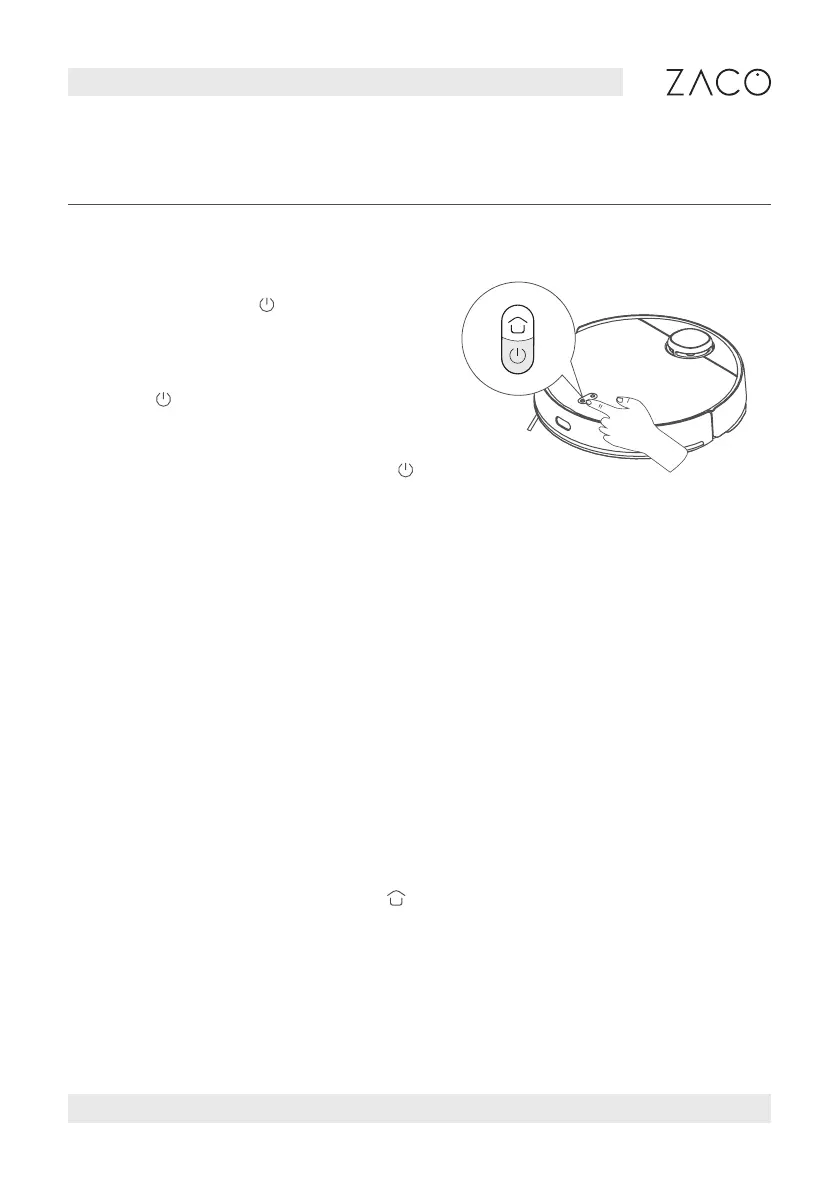
1. Power on/off
Press and hold the until the
robot turns on or off.
2. To start cleaning
Press to start cleaning.
3. Pause
When the robot is running, press the button
to pause cleaning or continue cleaning.
4. Memory map
The robot will save a map to your APP automatically after it has successfully
completed a cleaning run and returned to the base for recharging. With this map
you can create zones, name rooms and much more.
5. Vibrating mop mode
Vibrating mopping mode is activated by default in the APP. This mode will provide
greater cleaning performance.
6. Model / level selection
In the APP, a variety of cleaning modes and power levels can be selected.
7. Robot recharging
After the robot has completed cleaning, it will automatically recharge, and
determine whether to clean the mop according to the cleaning mode. If the robot
is outside of the station, press the button of the robot to start recharging.



 To Next Page