INSERTING/REMOVING YOUR iPad®
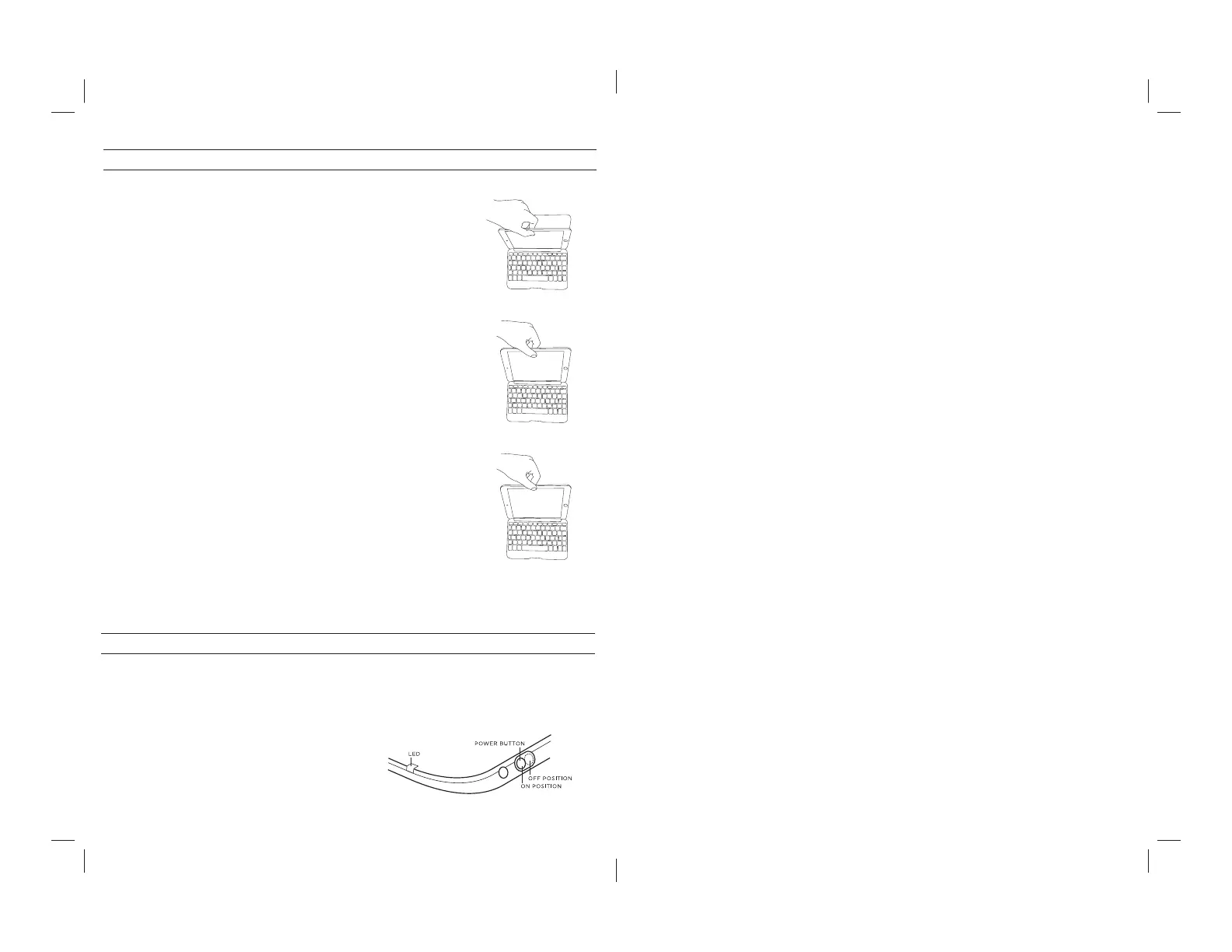
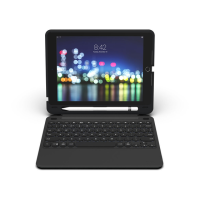
To insert your iPad mini® into the Folio, start with the Folio’s
keyboard facing you. Then, with your iPad in landscape mode
and the volume control buttons facing out (the Home button
is on your right) set the bottom half of your iPad in the Folio,
making sure it is settled (you may need to apply light pressure
to your iPad to ensure it is settled at the bottom).
When your iPad is secure in the Folio, you can close it, and
cleverly placed magnets will activate your iPad’s sleep/wake
feature to help preserve battery life. Simply open your Folio to
wake your iPad.
To easily remove your iPad, grasp the top of the Folio’s cover
in the middle and apply a light pressure to the back of your
iPad. Grasp your iPad’s exposed side and lift/pull away from
the Folio.
1
POWERING ON AND OFF
To turn your Folio on, switch the POWER button to
the ON position. A red LED will illuminate briefl y
while the keyboard powers up. To turn your Folio
o , simply switch the POWER button to the OFF
position.
14
BESOIN D’AIDE SUPPLÉMENTAIRE? VOIR NOTRE SECTION FAQ À L’ADRESSE: www.zagg.com/faq
Pour joindre un représentant au service à la clientèle qualifi é, veuillez utiliser l’une des options suivantes:
ZAGG.com/support/contact.php | questions@zagg.com
1-800-700-ZAGG [9244] | 00-1-801-839-3906 pour les clients internationaux
Pour une protection anti-rayure inégalée pour votre iPad, nous vous recommandons invisibleSHIELD® de
ZAGG.
© 2005 – 2014 ZAGG Inc Tous droits réservés.
EN ATTENTE DE BREVET | NASDAQ: ZAGG | FABRIQUÉ EN CHINE
iPad® et Apple® sont des marques déposées de Apple Inc.
ZAGG®, invisibleSHIELD®, et ZAGG Folio sont des marques ou des marques déposées de ZAGG Inc.
Cet appareil est conforme à la section15 des Règles de la FCC. Son fonctionnement est soumis aux deux
conditions suivantes 1: Cet appareil ne doit pas provoquer d’interférences nuisibles, et 2: Cet appareil doit
accepter toute interférence reçue, y compris les interférences pouvant provoquer un fonctionnement
indésirable.



 To Next Page