Cutter Mode (optional)
NOTE: The cutter is designed to cut through paper labels or the
backing between labels, not the adhesive backing of the label.
Adhesive build-up on the cutter blade may cause the cutter to jam.
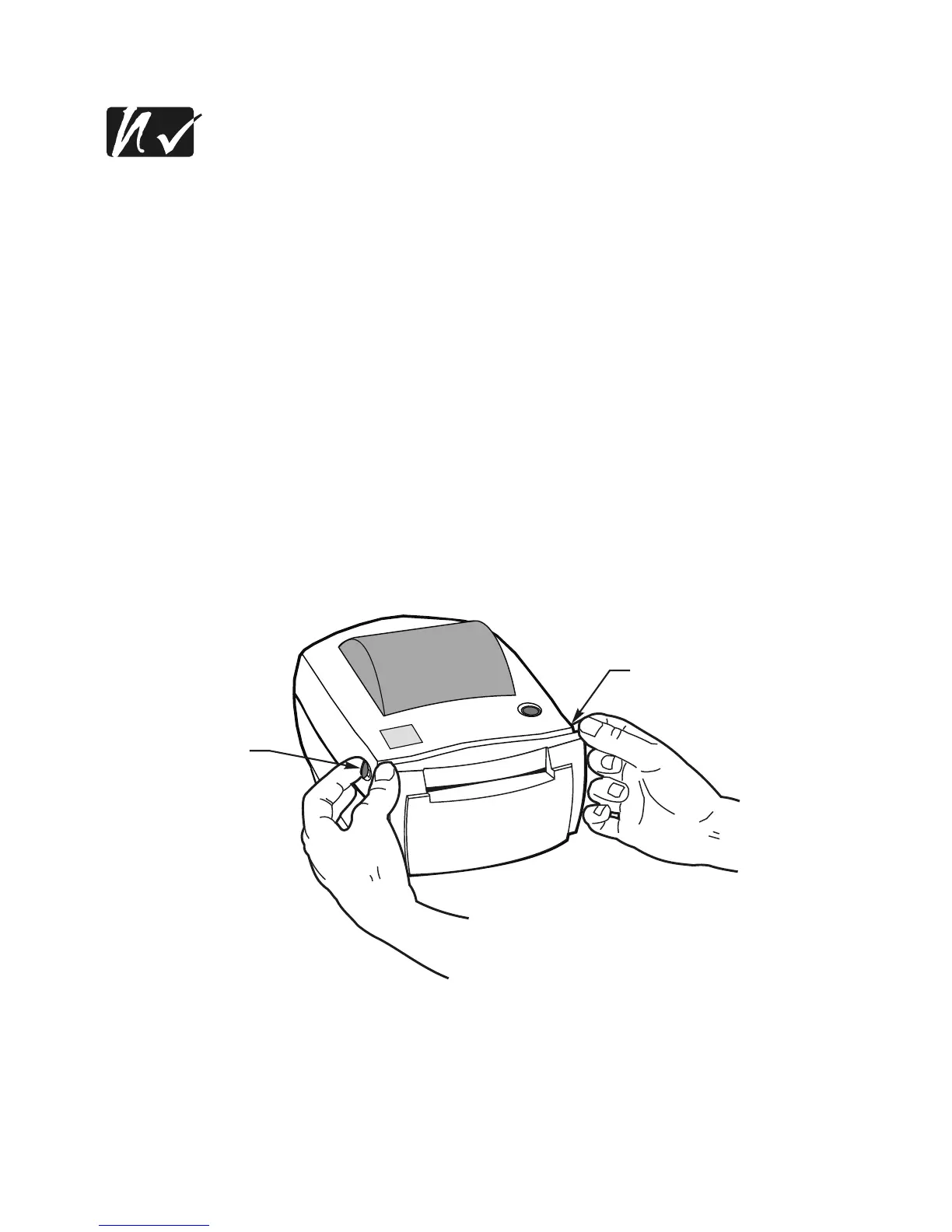
1. Unlatch the top cover by pulling the two green release levers toward
you (refer to Figure 14). Then, lift the top cover to expose the media
compartment.
2. Separate and hold open the media hangers (refer to Figure 15).
3. Place the media roll onto the media hangers, ensuring that it is tightly
wound (refer to Figure 16).
14



 To Next Page