30 Rev.C 31 Rev.C
HDMI
Function Icon Operation
HDMI
Tap to open HDMI source mode
AV/IN
Tap to open the A/V IN source
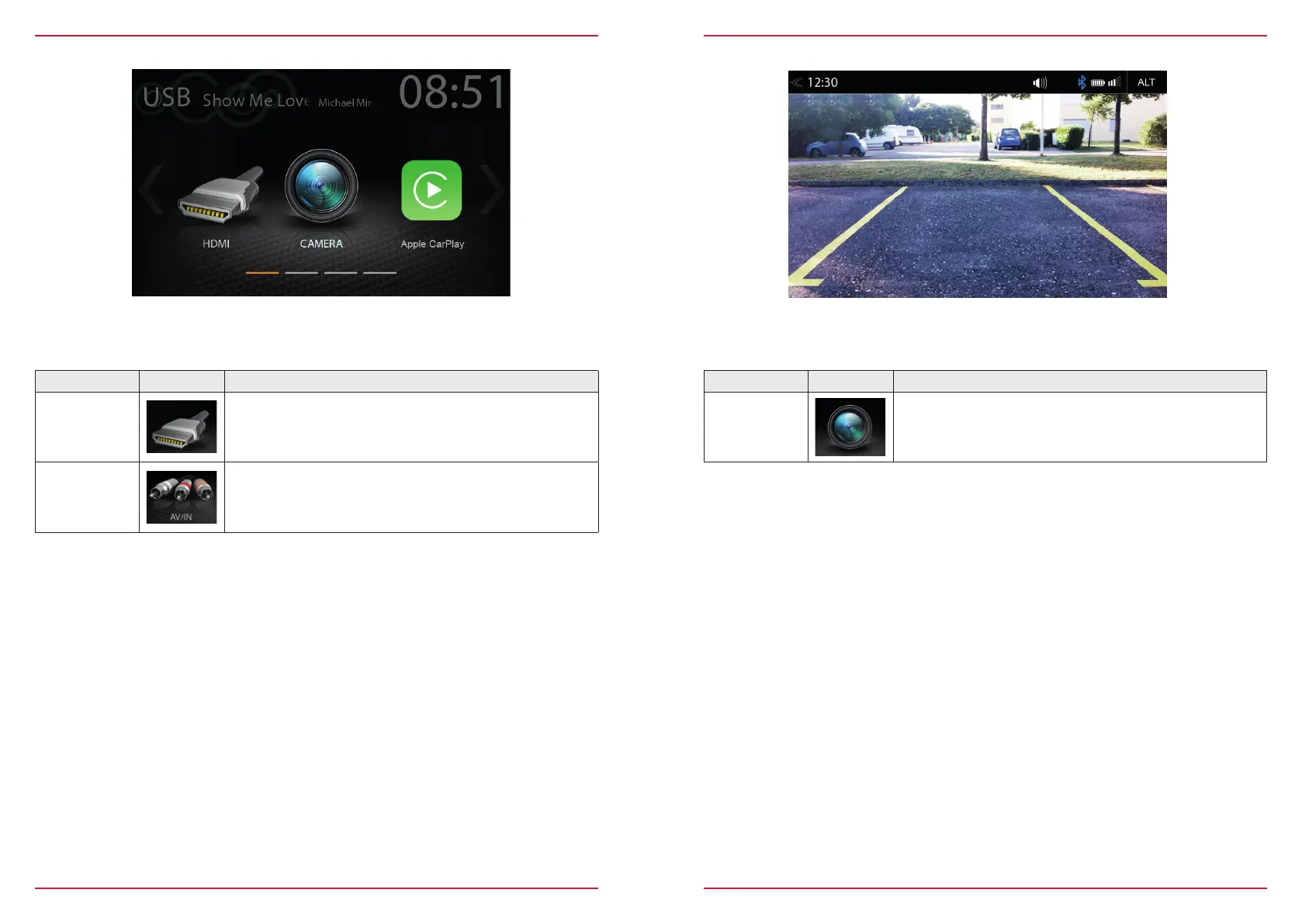
Tap to the HDMI icon starts the A / V source, if a compatible HDMI source connected, for example a
videogame, smartphone, tablet, notebook.
Tapping the camera icon starts the manual camera mode, if a CVBS capable camera is connected
to the camera input of the unit. The original camera system with auto switching function and CAN-
data based dynamic grid lines is supported.
Function Icon Operation
Camera
Tap to open camera source
CAMERA



 To Next Page