46 Rev.C 47 Rev.C
SETUP OPERATIONS
This chapter describes all the parameter and setting functions of the ZENEC system. Please note
that settings or changed parameters can have a direct influence on the everyday use of the ZENEC
system.
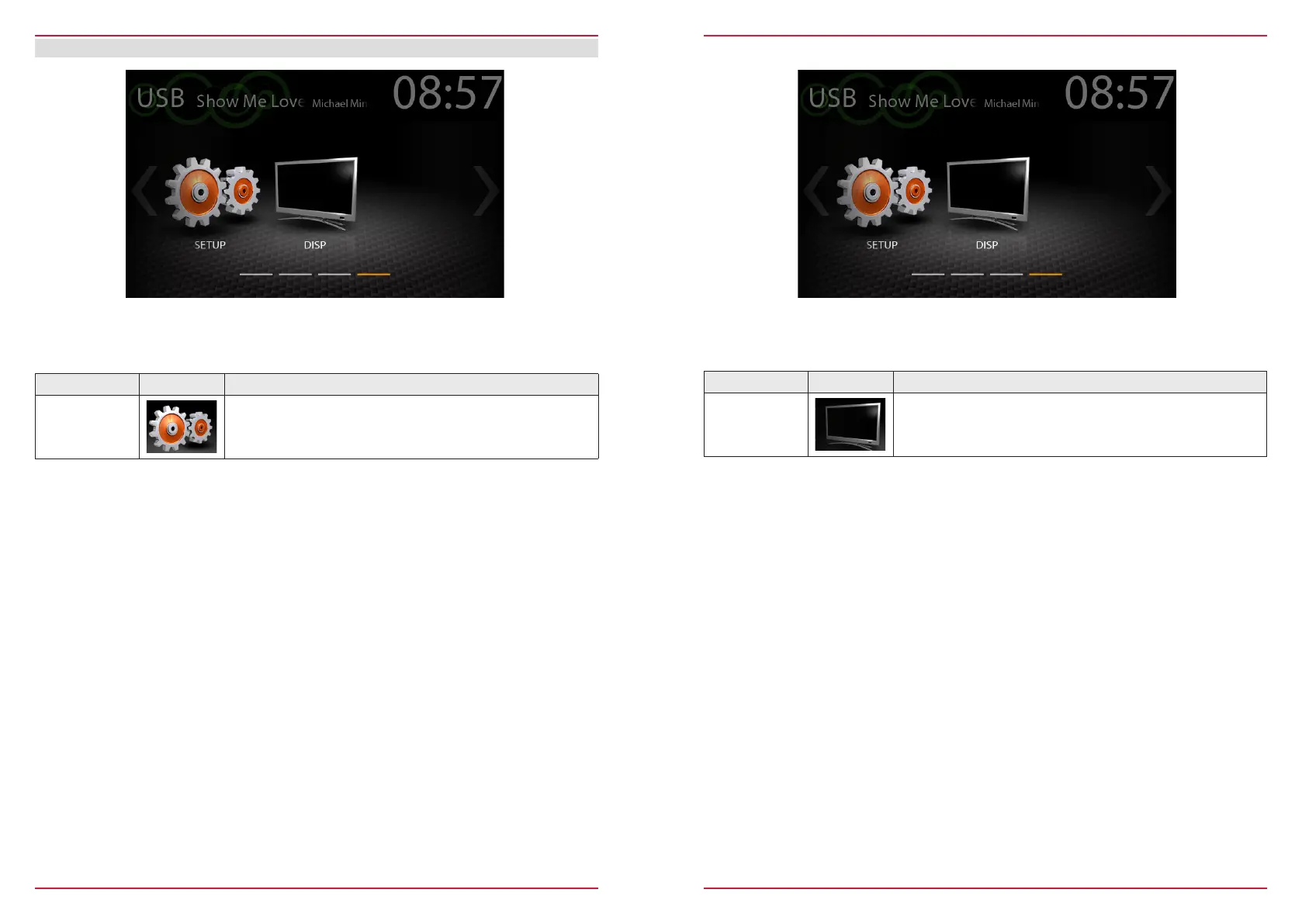
Function Icon Operation
Setup
Tap to access the setup mode
Function Icon Operation
Disp
Tap to dim or brighten up TFT screen ( 100% → 50% → 0%
“standby” )
DISPLAY ICON
With the display icon, the LCD TFT screen picture brightness can be dimmed or switched off (standby)
in two steps. This is done by tapping the icon.



 To Next Page