9
1.2.3 Using the keyboard
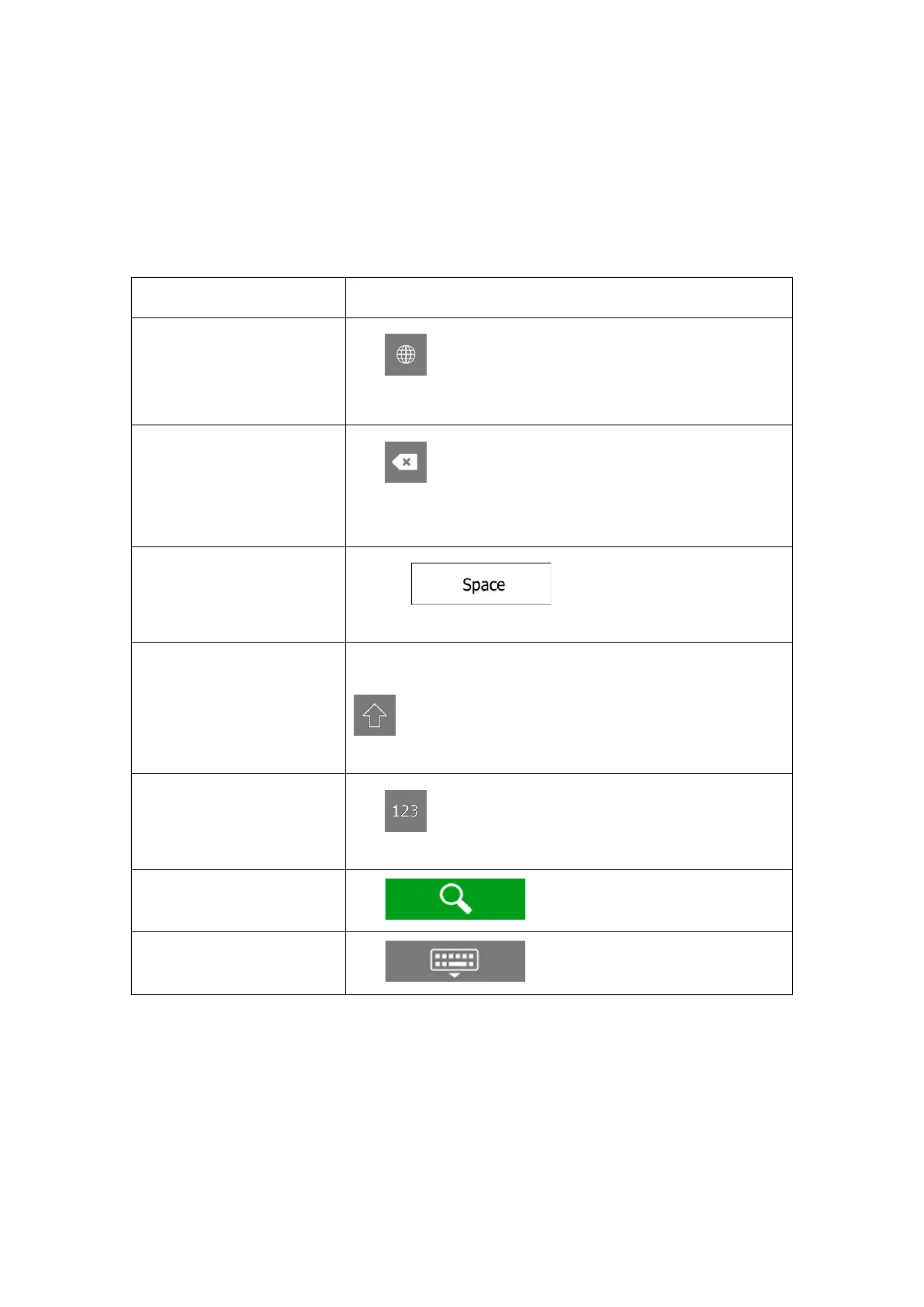
You can type with your fingertips on the screen keyboards and you can switch between
various keyboard layouts, for example English, Greek or numerical. Only those keyboard
buttons are active that can be used to type a name that is available on the map. The other
keys are greyed out.
keyboard layout, for
example from an English
keyboard to a Greek
Tap and select the new keyboard layout from the list.
Correcting your entry on the
keyboard
Tap to remove the unnecessary character(s).
Tap and hold the button to delete several characters or the
entire input string.
example between a first
name and a family name or
in multi-word street names
Tap the button at the bottom centre of the
screen.
case letters
By default, when entering a text, the first character appears in
upper case while the rest of the text is in lower case. Tap
to enter an upper case letter or tap it twice to turn on
Caps Lock. Tap again to use lower case letters.
symbols
Tap to switch to a keyboard offering numbers and
symbols.
keyboard entry



 To Next Page