EasyManua.ls Logo

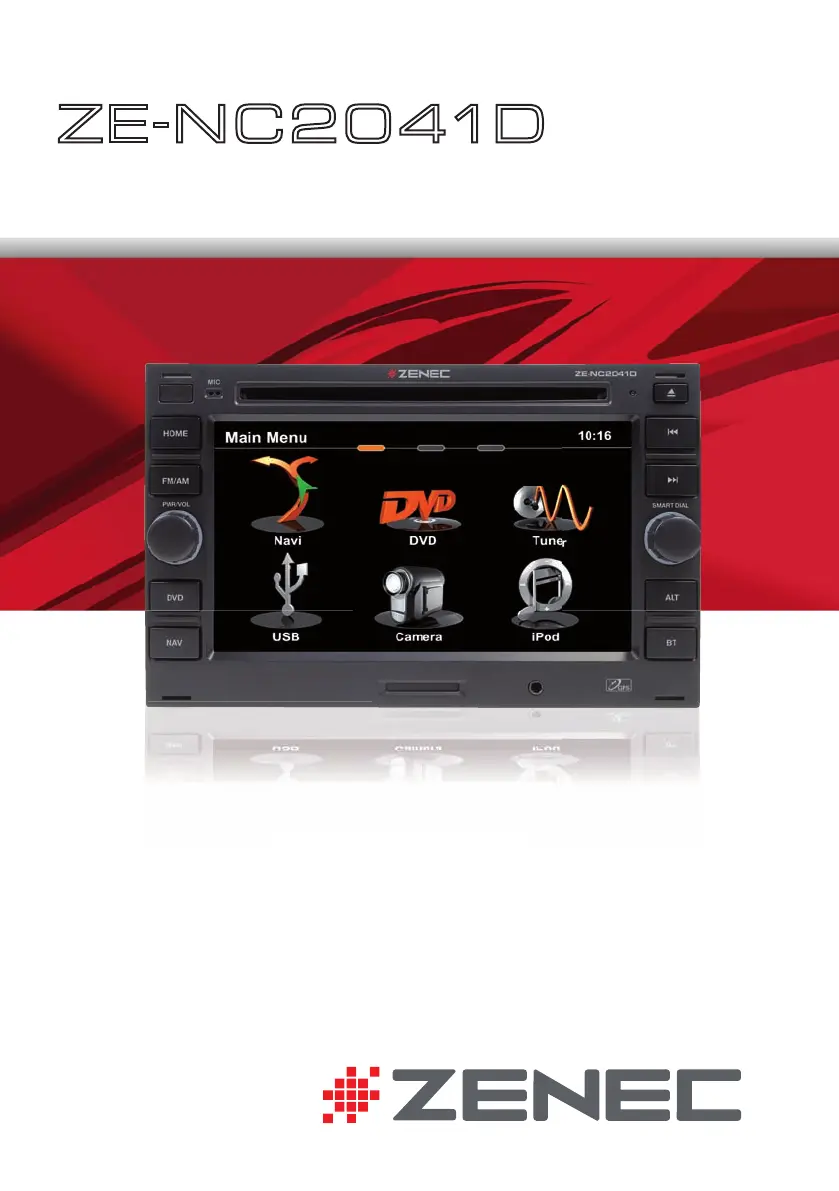
ZENEC ZE-NC2041D - User Manual

ZENEC ZE-NC2041D
100 pages
Print Icon
To Next Page IconTo Next Page
Loading...
USER MANUAL
ENGLISH/ GERMAN
USER MANUAL
BEDIENUNGSANLEITUNG
ZE
-
N C 2 0 41D
CAR SPECIFIC NAVICEIVER FOR
VW VEHICLES
USER MANUAL

Other manuals for ZENEC ZE-NC2041D

Questions and Answers

  • C
    Cheryl AllenAug 13, 2025
    What to do if my ZENEC Car Receiver will not power on?
    • J
      Joseph ObrienAug 13, 2025
      If your ZENEC Car Receiver doesn't power on, it might be due to a blown radio fuse. In this case, install a new fuse with the correct rating. Alternatively, the car battery fuse could be blown, so replace it with a new fuse that has the correct rating. Another reason may be illegal operation, so try pressing the RESET button.
  • P
    paul55Aug 16, 2025
    Why is there no audio coming from my ZENEC Car Receiver?
    • M
      Melissa HughesAug 16, 2025
      If you're experiencing no or low audio output from your ZENEC Car Receiver, there are several potential causes. First, check the wiring and correct any improper audio output connections. Second, ensure that the volume isn't set too low by increasing the volume level. It is also possible that the speakers are damaged, so consider replacing them. Also, verify the balance and fader adjustments to ensure that only one channel is not playing. Check if the speaker wiring is in contact with a metal part of car and insulate all speaker wiring connections or replace the speaker cable. Finally, make sure that the Mute function is turned off.
  • D
    Daniel GuzmanAug 20, 2025
    How to fix poor sound quality on ZENEC Car Receiver?
    • K
      Kyle RussellAug 20, 2025
      Poor sound quality or distortion in your ZENEC Car Receiver could stem from a few reasons. You might be using an unauthorized disc, so try using an original disc. Another possibility is that the speaker power rating isn't compatible with the unit, so connect proper speakers. Finally, a speaker might be shorted, so check the speaker connections.
  • V
    Victor WhiteAug 25, 2025
    Why is the station searching weak on my ZENEC ZE-NC2041D Car Receiver?
    • J
      Jennifer GallegosAug 25, 2025
      If your ZENEC Car Receiver is showing weak station searching, the auto antenna may not be properly connected; ensure you connect the auto antenna cable properly. Also, the REG function might be activated, so turn it off. Another possible cause is that the AF function is not activated, so activate it.
  • B
    bartonjeremyAug 27, 2025
    What to do if my ZENEC ZE-NC2041D disc does not play back?
    • C
      Carolyn JonesAug 28, 2025
      If your ZENEC Car Receiver disc does not play back, the disc may be warped or scratched, so use disc in good condition. Another possible cause is that the disc is dirty or wet, so clean disc with soft cloth. It is also possible that an incompatible disc is used, so use compatible disc. The disc rating may exceed parental lock rating limit, so change parental lock settings to lower restriction. The disc region code may not be compatible with unit, so use disc with proper region code. Finally, the disc may be inserted upside down, so insert disc with label side up.
  • S
    Sandra MaddenAug 31, 2025
    Why is there no image on my ZENEC Car Receiver screen?
    • M
      Mary GarciaSep 1, 2025
      If there is no image on your ZENEC Car Receiver, make sure the parking brake is engaged. Stop vehicle in a safe place and apply parking brake. Also, check if the "Monitor off"-function is activated. Touch the monitor to activate the display.
  • S
    Sarah StewartSep 4, 2025
    How to fix incorrect ID3 tags on ZENEC ZE-NC2041D?
    • P
      pjohnsonSep 5, 2025
      If the ID3 tags are shown incorrectly on your ZENEC Car Receiver, the message may be longer than the LCD can display, or the ID3 tag may not be compatible. Use proper ID3 tag information.
  • M
    Margaret BuckSep 8, 2025
    Why can't I insert a disc into my ZENEC ZE-NC2041D?
    • M
      Margaret NorrisSep 8, 2025
      If you cannot insert a disc into your ZENEC Car Receiver, it may be because there is already a disc inside the unit. Eject the current disc and then insert the new one.

ZENEC ZE-NC2041D Specifications

General IconGeneral
Resolution800 x 480 pixels
BluetoothYes
Audio Formats SupportedMP3, WMA, AAC
Rear Camera InputYes
SD Card ReaderYes
DVD PlayerYes
AUX InputYes
TouchscreenYes
Steering Wheel ControlYes
Display TypeTFT LCD
Video Formats SupportedAVI, MPEG4, WMV
NavigationYes
Compatible Car ModelsAudi, Skoda, Seat, VW
RadioFM/AM with RDS
Display Size6.2 inch

Related product manuals