EasyManua.ls Logo

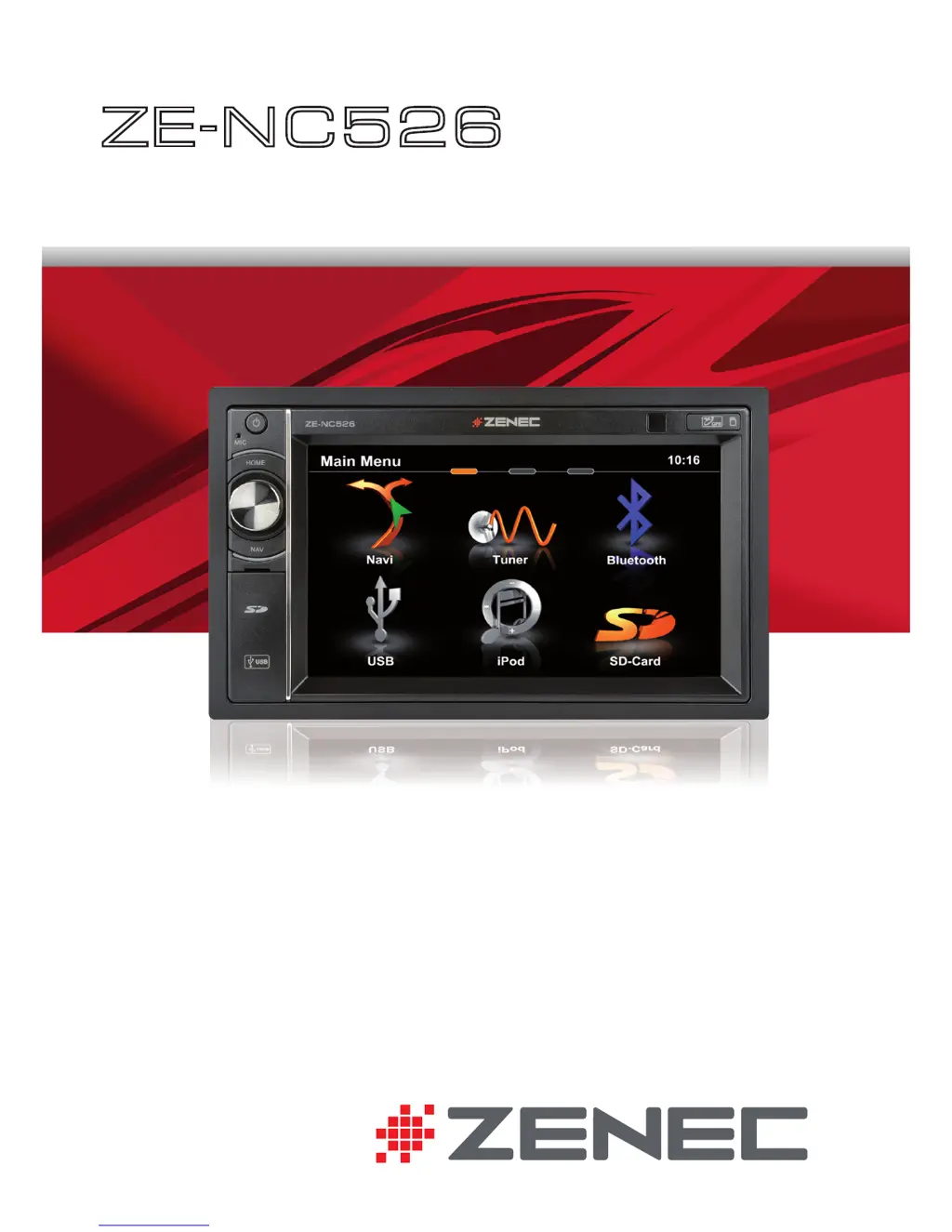
ZENEC ZE-NC526 - User Manual

ZENEC ZE-NC526
92 pages
Print Icon
To Next Page IconTo Next Page
Loading...
USER MANUAL
BEDIENUNGSANLEITUNG
ZE
-
NC526
2-DIN NAVICEIVER

Questions and Answers

  • J
    Jason GoldenAug 10, 2025
    What to do if ZENEC Car Receiver has no audio output?
    • C
      Christopher CooperAug 10, 2025
      If your ZENEC Car Receiver has no or low audio output, there are several things to check: * Ensure the audio output connection is properly wired. * Increase the volume level. * Verify the speakers are not damaged and replace if necessary. * Check the balance and fader adjustments to ensure audio is not directed to only one channel. * Insulate any speaker wiring in contact with metal parts of the car or replace the speaker cable. * Deactivate the Mute function, if active. * Connect speakers with the impedance rating that is compatible with the unit. * Check speaker connections to ensure that the speaker is not shorted.
  • J
    Jose HuffAug 16, 2025
    Why won't my ZENEC Car Receiver power on?
    • B
      bergerashleyAug 16, 2025
      If your ZENEC Car Receiver won't power on, the radio fuse or car battery fuse might be blown. Install a new fuse with the correct rating. If the issue persists, it could be due to an illegal operation, in which case you should press the RESET button.
  • K
    Kathleen OwensAug 21, 2025
    What to do if my ZENEC Car Receiver has a weak station searching?
    • J
      justin83Aug 21, 2025
      If your ZENEC Car Receiver is showing weak station searching, check the auto antenna connection and connect the auto antenna cable properly. Also, turn the REG function off and connect the antenna power supply adapter properly. If the issue persists, activate the AF function.
  • J
    Jennifer JohnsonAug 28, 2025
    What to do if my ZENEC Car Receiver has no image?
    • S
      sortegaAug 28, 2025
      If your ZENEC Car Receiver is displaying no image, make sure the parking brake is engaged by stopping the vehicle in a safe place and applying the parking brake. Also, ensure the parking wire is correctly connected. Finally, check if the "Monitor off"-function is activated and touch the monitor to activate the display.
  • B
    Becky HansenSep 3, 2025
    Why does my ZENEC Car Receiver show prolonged image or improper height/width ratio?
    • T
      Taylor GreenSep 3, 2025
      If your ZENEC Car Receiver shows a prolonged image or an improper height/width ratio, it is likely due to an improper aspect ratio setup. Use the correct aspect ratio setting to resolve this issue.

Summary

Safety Instructions

Safety Guidelines

Contains important safety warnings and instructions for operating the unit.

Radio Mode

Radio Display and Control Elements

Explains the visual indicators and interactive controls for radio operation.

Advanced Radio Options

Explains advanced radio functions like AF, TA, SCAN, REG, and LOC/DX.

Playback iPod;USB;SD

Media Playback Interface

Displays the interface for playing music and video files from external media.

Playback Controls and Elements

Details controls and visual components for media playback.

Media Search Functionality

Explains how to search for specific tracks or files within media sources.

Video and Picture Playback

Describes elements and controls for playing video and picture files.

Bluetooth Mode

Bluetooth Menu and Call Handling

Introduces the Bluetooth menu and how to manage phone calls.

Mobile Phone Pairing Process

Step-by-step guide for pairing a mobile phone with the device.

Navigation Mode

Setting Destinations and Route Guidance

Step-by-step instructions for setting a destination and initiating navigation.

Setup

Remote Control

Remote Control Button Layout

Provides a visual overview of all buttons on the remote control.

External Playback & Sources

Troubleshooting

General Unit Issues

Solutions for unit power, audio output, and general operational problems.

TFT Monitor Display Problems

Solutions for cases where the TFT monitor displays no image or has aspect ratio issues.

Tuner and MP3 Troubleshooting

Solutions for weak radio reception and incorrect ID3 tag display for MP3 files.

Specifications ZE-NC526

ZENEC ZE-NC526 Specifications

General IconGeneral
BrandZENEC
ModelZE-NC526
CategoryCar Receiver
LanguageEnglish

Related product manuals