EasyManua.ls Logo

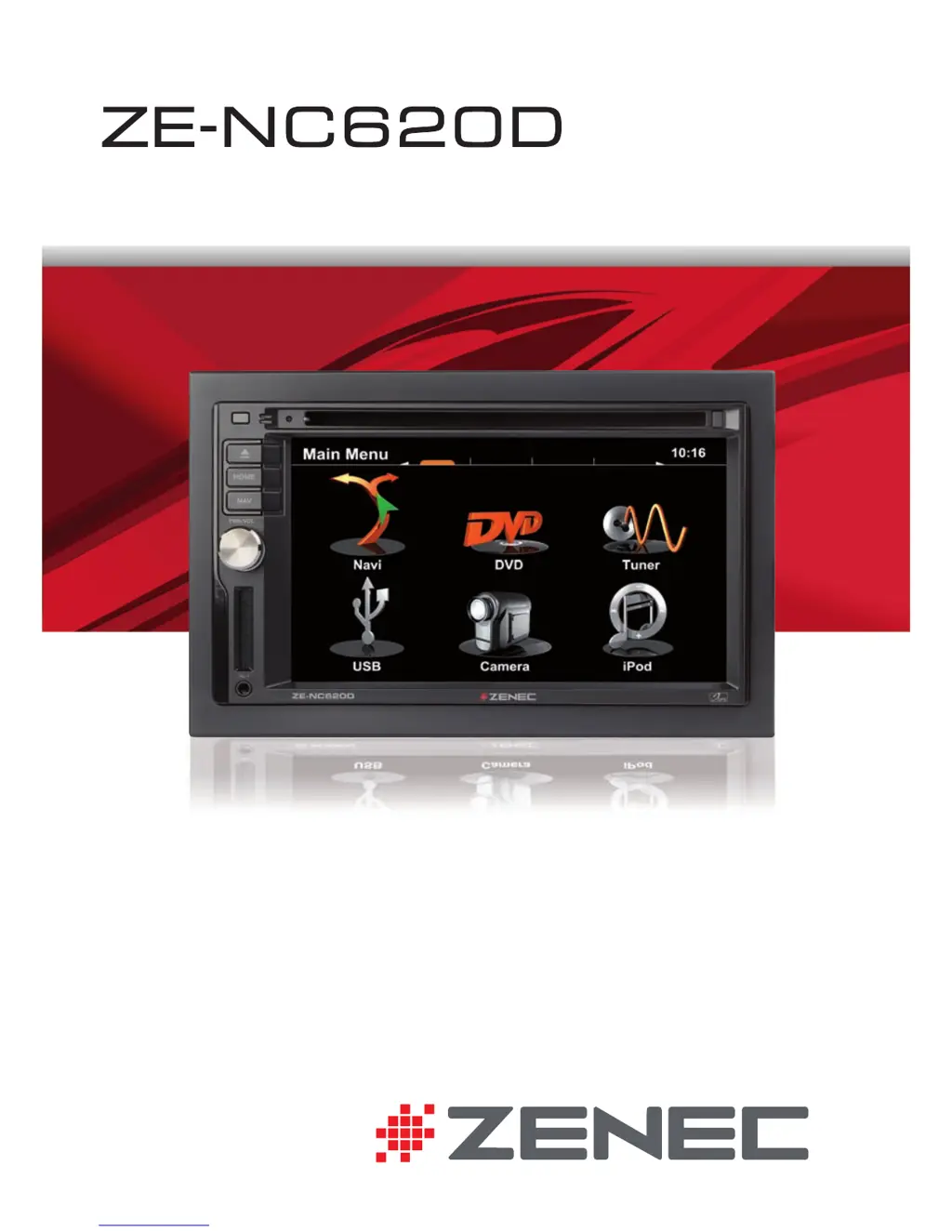
ZENEC ZE-NC620D - User Manual

ZENEC ZE-NC620D
100 pages
Print Icon
To Next Page IconTo Next Page
Loading...
2-DIN NAVICEIVER
USER MANUAL
ENGLISH/ GERMAN
USER MANUAL
BEDIENUNGSANLEITUNG

Questions and Answers

Summary

Safety Instructions

Front Panel Buttons

Front Panel Overview

Diagram and numbering of the device's front panel buttons.

Front Panel Button Functions

Detailed explanation of each front panel button's function.

Basic Operation

Power and Source Selection

How to turn the device on/off and select media sources.

Menu Navigation

Methods for navigating through the device's main menu pages.

Display Elements and Infobars

Explanation of on-screen display elements and infobar styles.

Radio Mode

Radio Display Elements

Identifies and explains indicators on the radio display.

Radio Control Elements

Describes buttons and touch controls for radio operation.

Radio Features and Settings

Details RDS text, presets, bands, and advanced tuner options.

Playback

iPod Playback

Controls and interface for iPod music and playlist management.

USB, SD, and Disc Playback

Guide to navigating and searching media files from USB, SD, or discs.

Video File Playback

Controls for playing video files, including display and playback elements.

Media Playback Notes

Important requirements and notes for USB, SD, Disc, and iPod playback.

Bluetooth Mode

Bluetooth Menu and Functions

Overview of Bluetooth main menu, A2DP, and call management.

Pairing a Mobile Phone

Step-by-step guide for pairing mobile phones via Bluetooth.

Phonebook and Contacts Management

Managing phonebook entries, synchronization, and call history.

Bluetooth Settings and Favorites

Configuring Bluetooth settings, managing favorites, and compatibility notes.

Navigation Mode

Destination Input and Route Guidance

How to input destinations and start navigation route guidance.

Navigation Notes

Important operational notes for navigation features and audio handling.

System Setup

Initial Setup Procedures

First-time setup for language, reverse camera, and illumination.

Settings Management via USB

Exporting and importing system settings using a USB drive.

Video Setup

Adjusting video display settings like TV shape and brightness.

Audio Setup

Configuring audio mixer, EQ, speaker, and sound system parameters.

General Setup

System settings for time, driver assist, language, and button illumination.

Miscellaneous Setup

Settings for calibration, software info, security, and updates.

Remote Control Main

Main Remote Button Layout

Diagram identifying buttons on the main remote control.

Main Remote Button Functions

Explanation of each button's functionality on the main remote.

Remote Control M-Zone

M-Zone Remote Button Layout

Diagram identifying buttons on the M-Zone remote control.

M-Zone Remote Button Functions

Explanation of each button's functionality on the M-Zone remote.

External Playback and Sources

M-Zone Operation

Guide for using the M-Zone feature for rear seat entertainment.

DVB-T Connectivity

Instructions for connecting and operating external DVB-T receivers.

Glossary

Troubleshooting

General Issues

Solutions for common power, audio, and sound quality problems.

Monitor Issues

Troubleshooting the TFT display, including image and aspect ratio problems.

Tuner and Media Issues

Solutions for radio reception, MP3 tag, and DVD playback errors.

Specifications ZE-NC620 D

Summary

Safety Instructions

Front Panel Buttons

Front Panel Overview

Diagram and numbering of the device's front panel buttons.

Front Panel Button Functions

Detailed explanation of each front panel button's function.

Basic Operation

Power and Source Selection

How to turn the device on/off and select media sources.

Menu Navigation

Methods for navigating through the device's main menu pages.

Display Elements and Infobars

Explanation of on-screen display elements and infobar styles.

Radio Mode

Radio Display Elements

Identifies and explains indicators on the radio display.

Radio Control Elements

Describes buttons and touch controls for radio operation.

Radio Features and Settings

Details RDS text, presets, bands, and advanced tuner options.

Playback

iPod Playback

Controls and interface for iPod music and playlist management.

USB, SD, and Disc Playback

Guide to navigating and searching media files from USB, SD, or discs.

Video File Playback

Controls for playing video files, including display and playback elements.

Media Playback Notes

Important requirements and notes for USB, SD, Disc, and iPod playback.

Bluetooth Mode

Bluetooth Menu and Functions

Overview of Bluetooth main menu, A2DP, and call management.

Pairing a Mobile Phone

Step-by-step guide for pairing mobile phones via Bluetooth.

Phonebook and Contacts Management

Managing phonebook entries, synchronization, and call history.

Bluetooth Settings and Favorites

Configuring Bluetooth settings, managing favorites, and compatibility notes.

Navigation Mode

Destination Input and Route Guidance

How to input destinations and start navigation route guidance.

Navigation Notes

Important operational notes for navigation features and audio handling.

System Setup

Initial Setup Procedures

First-time setup for language, reverse camera, and illumination.

Settings Management via USB

Exporting and importing system settings using a USB drive.

Video Setup

Adjusting video display settings like TV shape and brightness.

Audio Setup

Configuring audio mixer, EQ, speaker, and sound system parameters.

General Setup

System settings for time, driver assist, language, and button illumination.

Miscellaneous Setup

Settings for calibration, software info, security, and updates.

Remote Control Main

Main Remote Button Layout

Diagram identifying buttons on the main remote control.

Main Remote Button Functions

Explanation of each button's functionality on the main remote.

Remote Control M-Zone

M-Zone Remote Button Layout

Diagram identifying buttons on the M-Zone remote control.

M-Zone Remote Button Functions

Explanation of each button's functionality on the M-Zone remote.

External Playback and Sources

M-Zone Operation

Guide for using the M-Zone feature for rear seat entertainment.

DVB-T Connectivity

Instructions for connecting and operating external DVB-T receivers.

Glossary

Troubleshooting

General Issues

Solutions for common power, audio, and sound quality problems.

Monitor Issues

Troubleshooting the TFT display, including image and aspect ratio problems.

Tuner and Media Issues

Solutions for radio reception, MP3 tag, and DVD playback errors.

Specifications ZE-NC620 D

ZENEC ZE-NC620D Specifications

General IconGeneral
AutoYes
Marine (chartplotters, sounders)No
Live service-
Languages supportMulti
Map coverageWestern Europe
Number of countries covered43
Display diagonal6.2 \
Display resolution800 x 480 pixels
Storage media typeFlash
Compatible memory cardsSD, SDHC
Internal storage capacity8 GB
Audio formats supportedMP3, WMA
Video formats supportedAVI, H.264, XVID
Form factorHandheld/Fixed
Product colorBlack
USB 2.0 ports quantity1
Power source typeDC
Weight and Dimensions IconWeight and Dimensions
Weight- g

Related product manuals