EasyManua.ls Logo

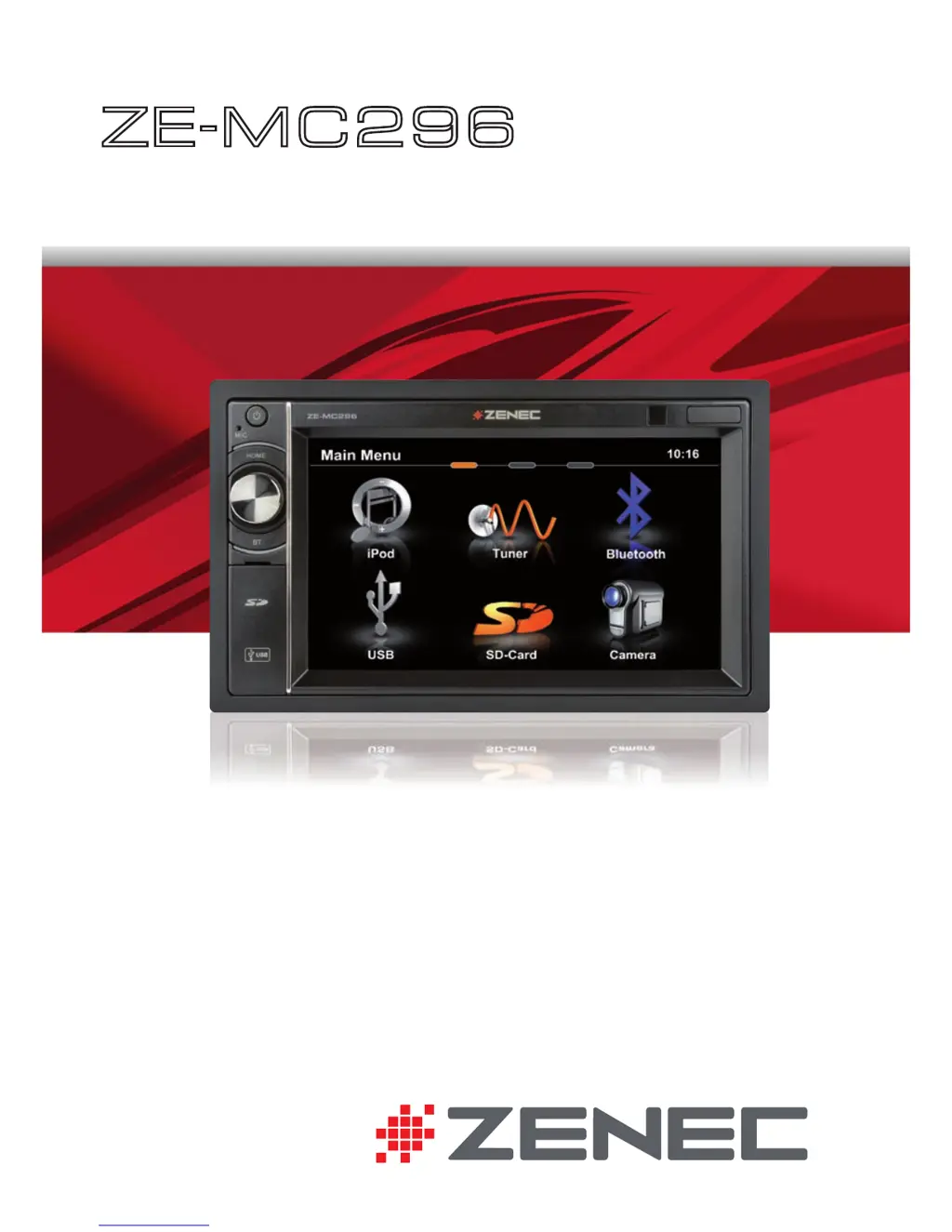
ZENEC ZE-MC296 - User Manual

ZENEC ZE-MC296
88 pages
Print Icon
To Next Page IconTo Next Page
Loading...
USER MANUAL
BEDIENUNGSANLEITUNG
ZE
-
MC296
2-DIN MONICEIVER

Questions and Answers

  • M
    moranwilliamAug 10, 2025
    Why is there no audio output from my ZENEC ZE-MC296?
    • K
      Kenneth HayesAug 10, 2025
      If you experience no or low audio output from your ZENEC Car Receiver, there might be several reasons: * The audio output connection may be improperly connected: check the wiring and correct it. * The volume may be set too low: increase the volume level. * The speakers may be damaged: replace the speakers. * Only one channel may be playing: check the balance and fader adjustments. * The speaker wiring may be in contact with a metal part of the car: insulate all speaker wiring connections or replace the speaker cable. * Mute may be activated: turn off the Mute function. * The speaker impedance rating may not be compatible with the unit: connect proper speakers. * The speaker may be shorted: check speaker connections.
  • O
    ortizrobertAug 15, 2025
    What to do if my ZENEC Car Receiver won't power on?
    • L
      Laura JohnsonAug 15, 2025
      If your ZENEC Car Receiver will not power on, check the following: * The radio fuse may be blown: install a new fuse with the correct rating. * The car battery fuse may be blown: install a new fuse with the correct rating. * The unit may be in illegal operation mode: press the RESET button.
  • C
    Christina GreenAug 20, 2025
    Why is my ZENEC ZE-MC296 showing no image?
    • C
      carneysarahAug 20, 2025
      If your ZENEC Car Receiver is showing no image, it could be due to the following reasons: * The parking brake is not engaged: stop the vehicle in a safe place and apply the parking brake. * The parking wire was wrongly or not connected: connect the parking wire correctly. * The 'Monitor off'-function is activated: touch the monitor to activate the display.
  • C
    christopherbaldwinAug 25, 2025
    Why is my ZENEC ZE-MC296 Car Receiver having weak station searching?
    • J
      Juan JonesAug 26, 2025
      If your ZENEC Car Receiver is experiencing weak station searching, consider the following potential causes: * The auto antenna is not properly connected: connect the auto antenna cable properly. * The REG function is activated: turn the REG function off. * The adapter with antenna power supply is not connected: connect the antenna power supply adapter properly. * The AF function is not activated: activate the AF function.
  • J
    Jerry JonesAug 29, 2025
    What causes prolonged image or improper height/width ratio on ZENEC ZE-MC296?
    • D
      Deborah JimenezAug 30, 2025
      A prolonged image or an improper height/width ratio on your ZENEC Car Receiver is caused by an improper aspect ratio setup. To resolve this, use the correct aspect ratio setting.
  • C
    Corey GilmoreSep 4, 2025
    How to fix incorrect ID3 tags on my ZENEC Car Receiver?
    • L
      Laura MillerSep 5, 2025
      To fix incorrect ID3 tags on your ZENEC Car Receiver, ensure that you use proper ID3 tag information. This issue arises when the message is longer than the LCD can display or the ID3 tag is not compatible.

ZENEC ZE-MC296 Specifications

General IconGeneral
BrandZENEC
ModelZE-MC296
CategoryCar Receiver
LanguageEnglish

Related product manuals