26
SETUP: MAIN / FIRST SETTINGS
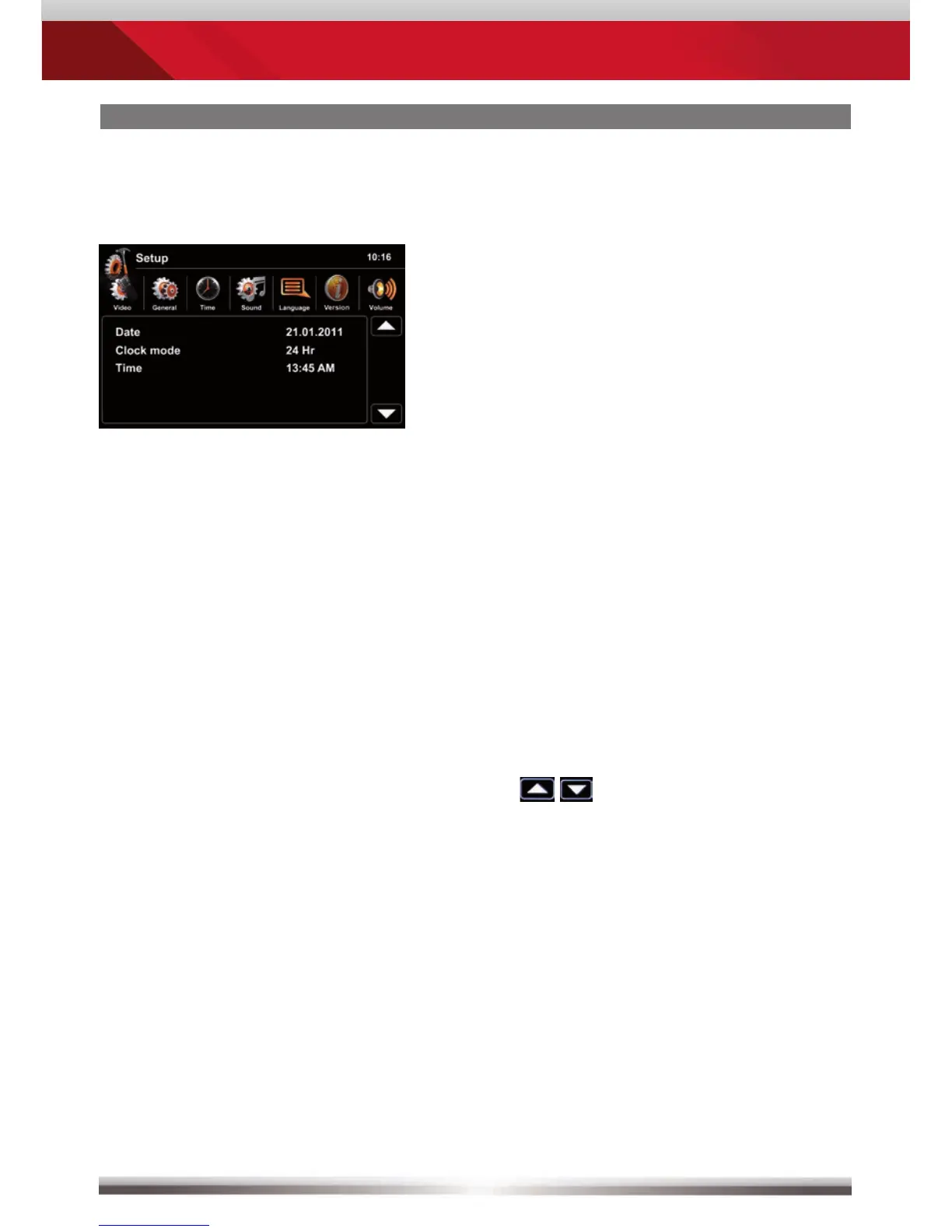
Main setup screen:
Choose submenu:
Select and tap one of the icons in the
upper row.
Set OSD language: Go to Setup>Language
to choose the desired OSD
language.
Set button background illumination: Go to Setup>General>Illumination
and select the desired color.
Set date and time:
Go to Setup>Time.
Tap
to adjust date and time.
Settings to be made directly after mounting and initial startup:



 To Next Page